Référence produit: ADA-12
Catégorie: Audio , Cartes son USB-A , Tous les produits
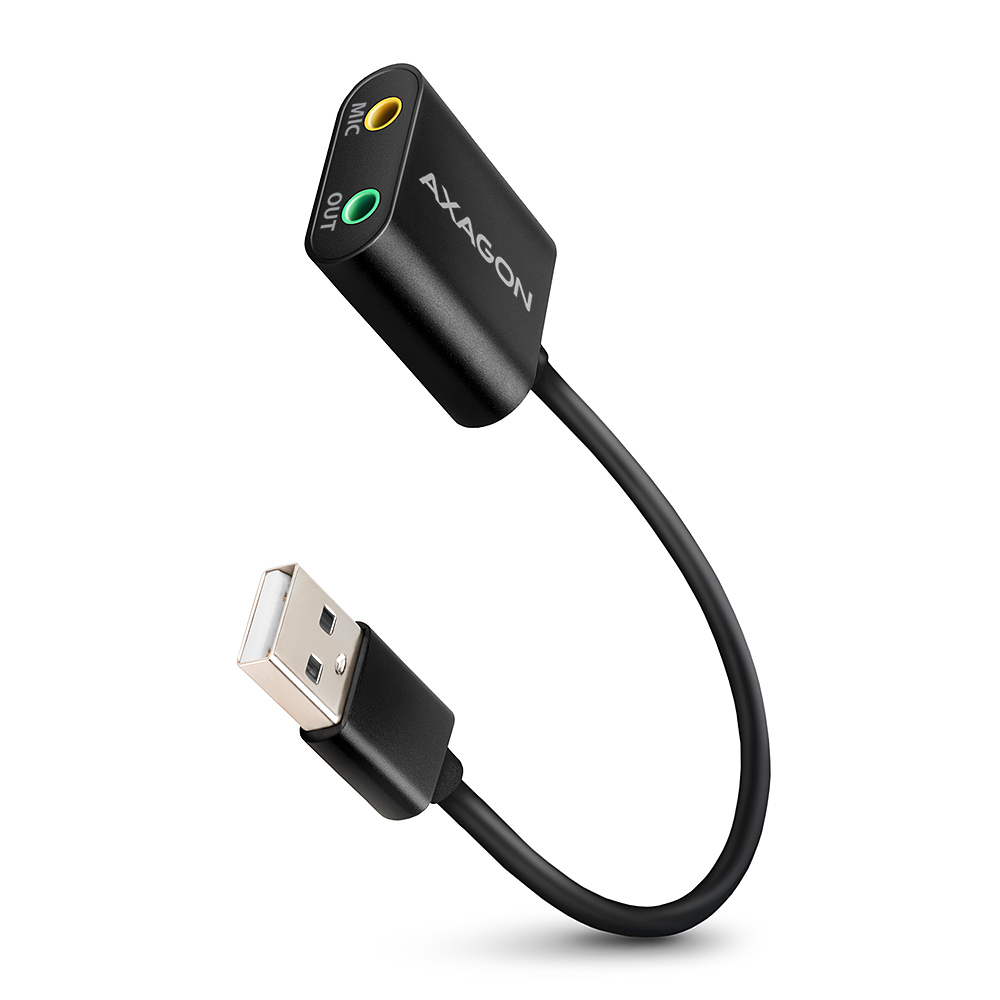
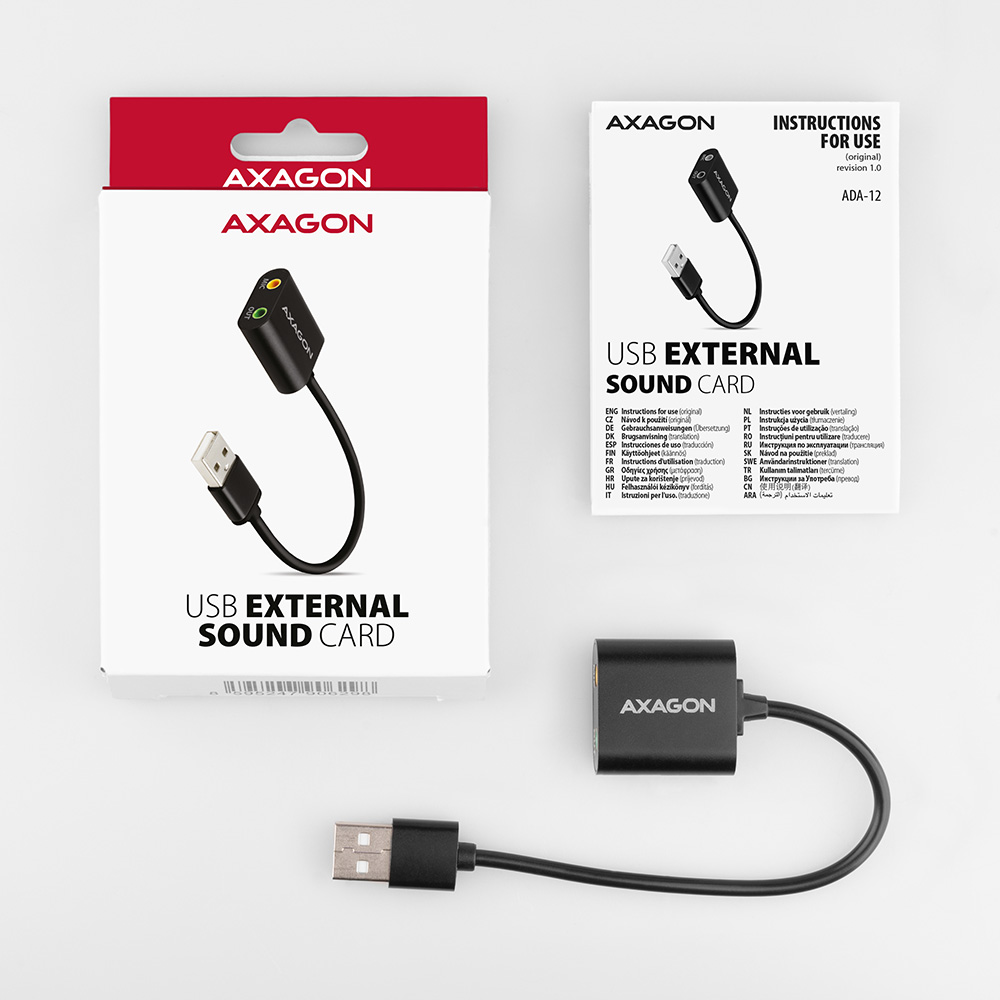
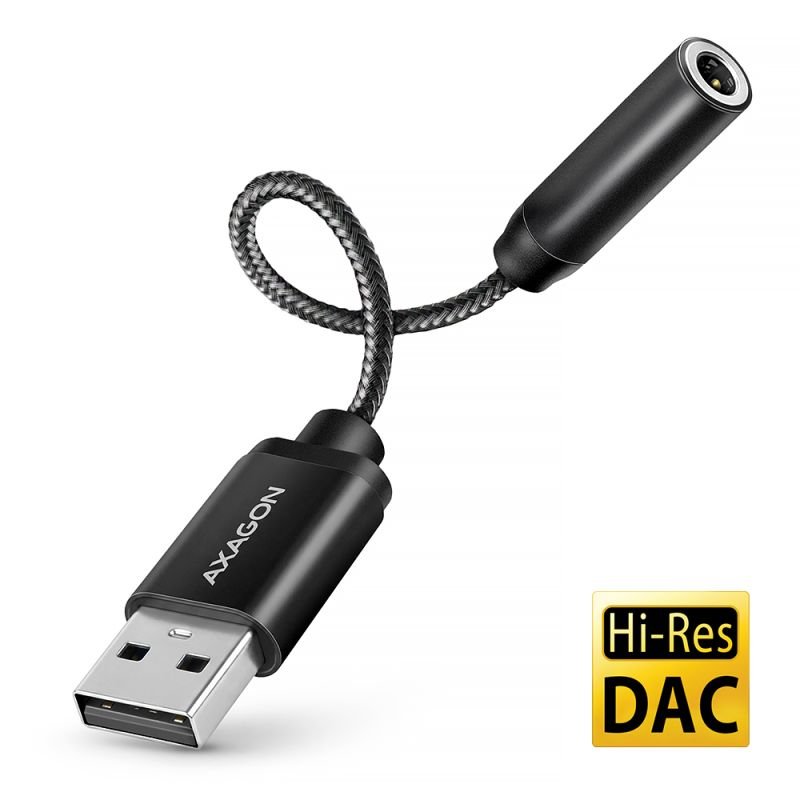
AXAGON ADA-12 Carte son USB externe complète et rapide pour ordinateur, ajoutant facilement une sortie casque manquante ou une entrée microphone. Elle sert également de remplacement efficace pour une carte son intégrée d’origine défectueuse dans un ordinateur portable.
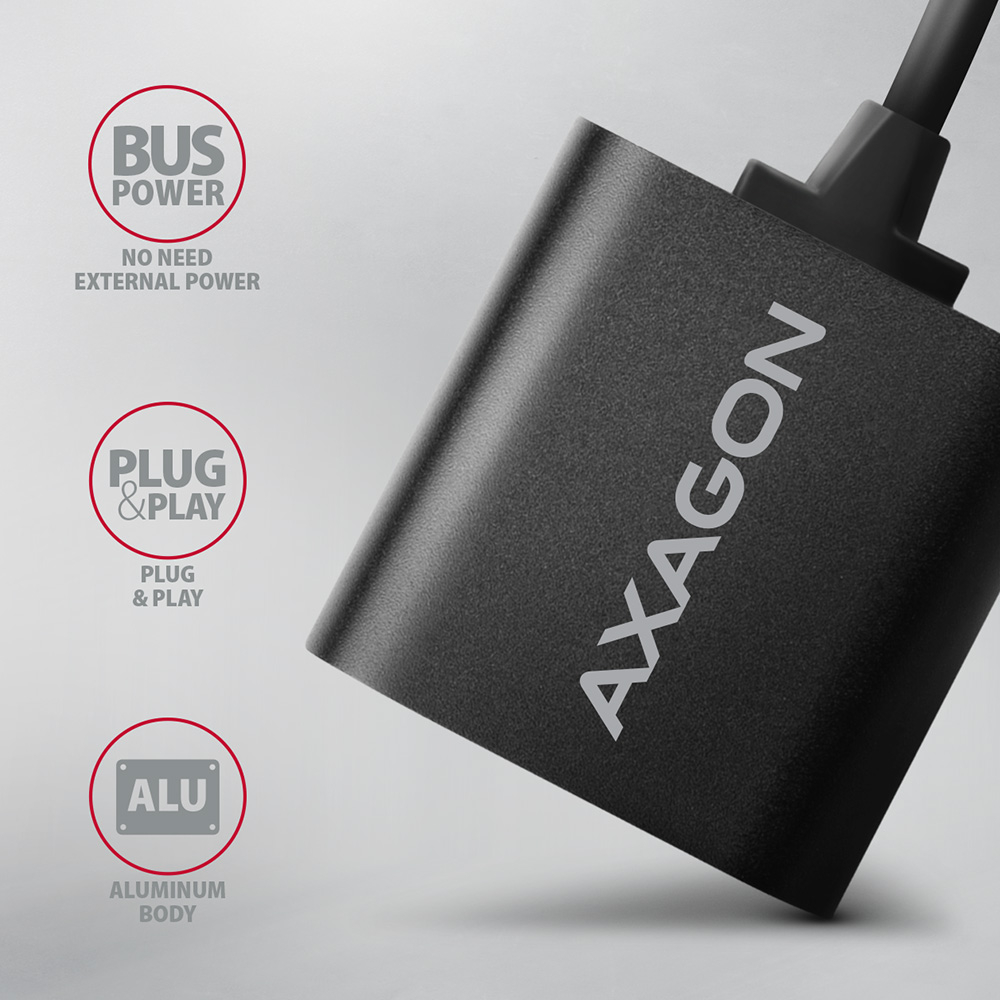
La carte son convient aussi bien aux ordinateurs de bureau qu’aux ordinateurs portables et permet de connecter un casque ou des haut-parleurs actifs ainsi qu’un microphone. Le boîtier métallique de l’adaptateur est en aluminium, offrant une protection mécanique optimale. Le câble fixé garantit une flexibilité suffisante.
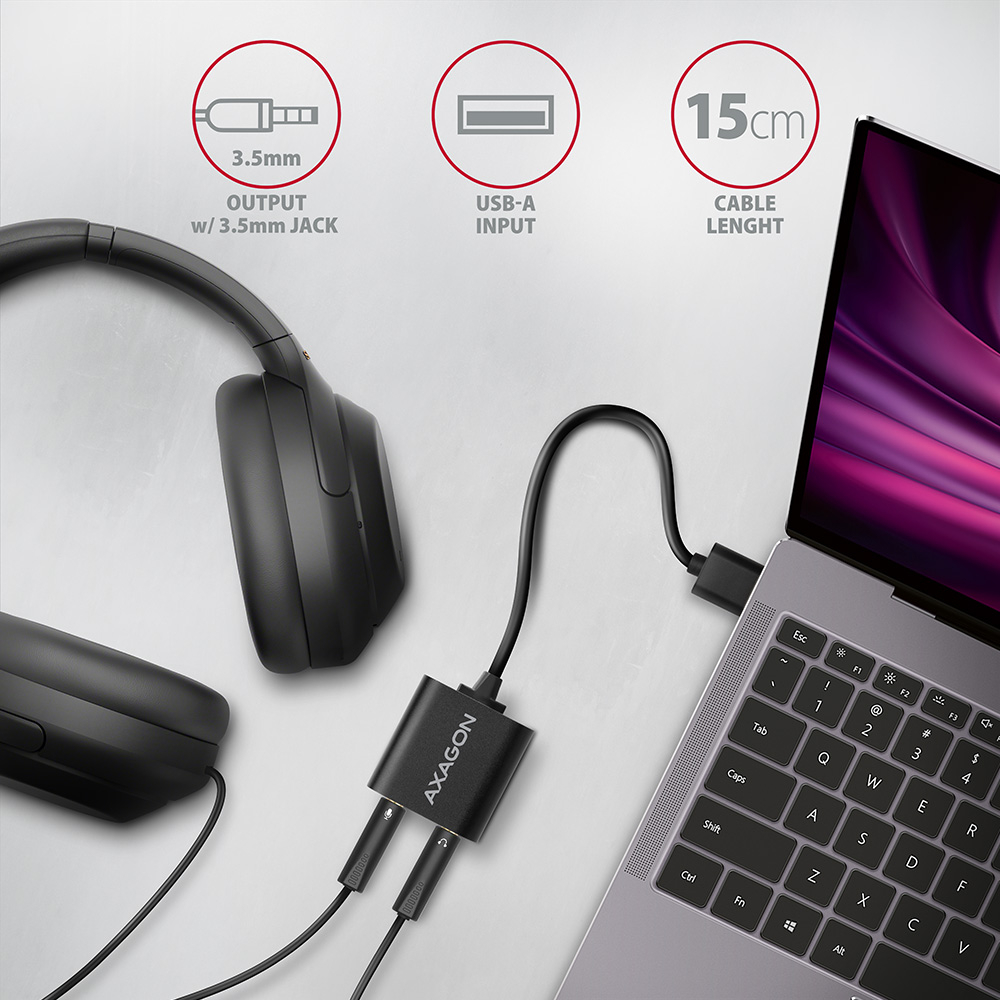
La carte son combinée avec un casque forme un accessoire idéal pour les programmes de communication en ligne tels que Skype, Zoom, MS Teams et similaires. L’installation de la carte est facile, il suffit de la brancher dans un port USB de l’ordinateur, le reste se fait automatiquement.
Entrée :
• 1x port USB 2.0 Full Speed compatible USB 1.1.
• Connecteur USB type A mâle fixé sur un câble de 15 cm.
Sortie audio :
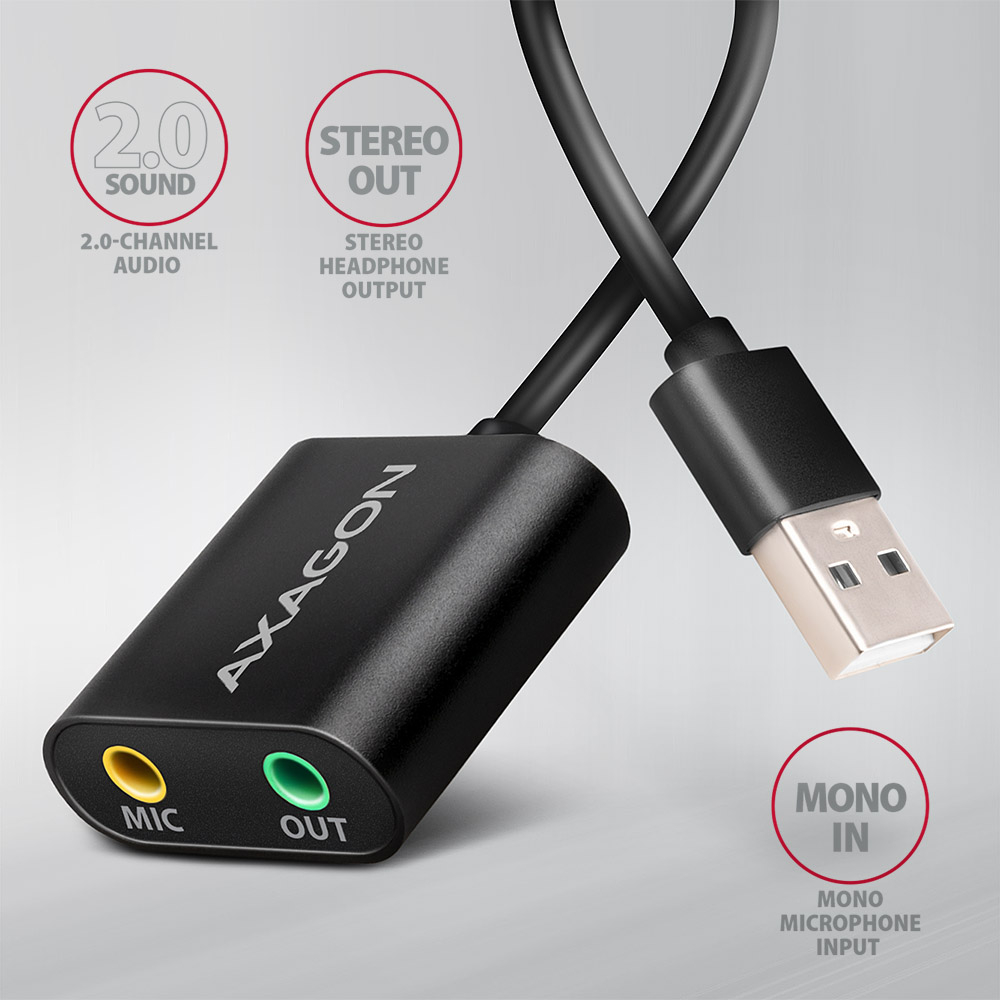
• Sortie analogique stéréo 16 bits 2 canaux (jack stéréo 3,5 mm) :
• sortie stéréo pour casque ou haut-parleurs actifs.
Entrée audio :
• Entrée analogique mono 16 bits (jack stéréo 3,5 mm) :
• entrée microphone mono.
Fréquence d’échantillonnage, résolution et bruit du convertisseur de sortie (DAC) :
• analogique - 44,1 / 48 kHz @ 16 bits pour lecture,
• rapport signal/bruit de sortie (Output SNR) ≥ 93 dB,
• distorsion harmonique (Output THD+N) ≤ -70 dB.
Fréquence d’échantillonnage, résolution et bruit du convertisseur d’entrée (ADC) :
• analogique - 44,1 / 48 kHz @ 16 bits pour enregistrement,
• rapport signal/bruit d’entrée (Input SNR) ≥ 83 dB,
• distorsion harmonique (Input THD+N) ≤ -76 dB.
Autres caractéristiques :
• Installation simple grâce à la prise en charge complète du Plug and Play.
• Possibilité de connexion à chaud grâce à la prise en charge du Hot Plug.
• Conforme à la spécification USB Audio Device Class v1.0.
• Alimentation de l’adaptateur par le bus USB (bus power) - aucune alimentation supplémentaire nécessaire.
• Dimensions compactes 29 x 29 x 12 mm, longueur de câble 15 cm.
• Poids 16 g.
Les réglages de la carte son sous Windows permettent :
• réglage du volume et de l’équilibre des haut-parleurs,
• propriétés avancées des haut-parleurs : renforcement des basses, son surround virtuel, correction selon la pièce, égalisation du volume,
• réglage de la fréquence d’échantillonnage et de la profondeur de bits pour lecture et enregistrement,
• réglage automatique du gain pour microphone (Automatic Gain Control),
• réglage manuel du gain pour microphone.
Systèmes d’exploitation pris en charge :
• MS Windows 7 / 8 / 8.1 / 10 / 11 et versions ultérieures, Windows Server 2008 / 2012 / 2016 / 2019 et ultérieurs (toutes versions 32 et 64 bits de Windows OS prises en charge), Mac OS X 10.4.x et ultérieur, Linux noyau 2.6.x et ultérieur.
• Remarque : Les pilotes sont intégrés aux systèmes d’exploitation pris en charge et s’installent automatiquement. Aucun autre pilote n’est nécessaire ni disponible.
• Compatible avec tous les programmes de téléphonie Internet utilisant la carte son.
Le paquet contient :
• adaptateur audio,
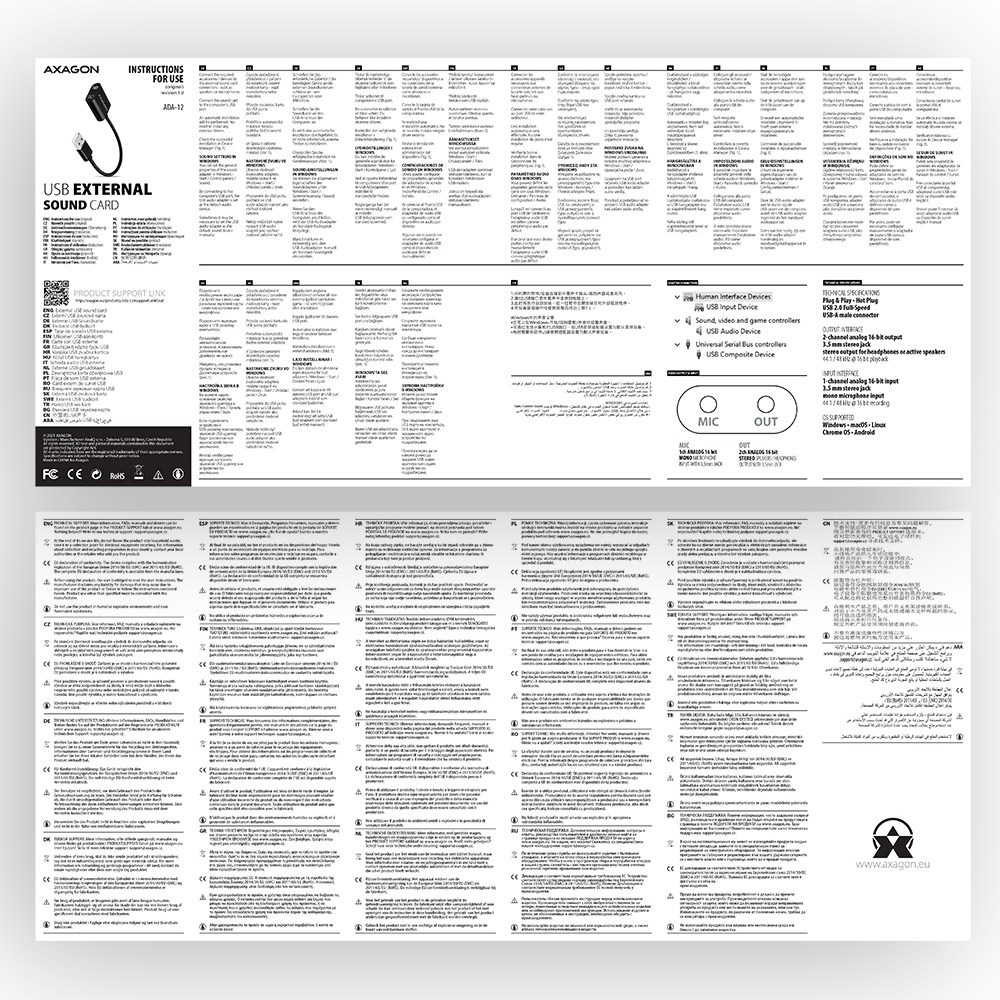
• manuel multilingue imprimé CZ / DE / DK / ENG / ESP / FIN / FR / GR / HR / HU / IT / NL / PL / PT / RO / RU / SK / SWE / BG / CN / TR / ARA,
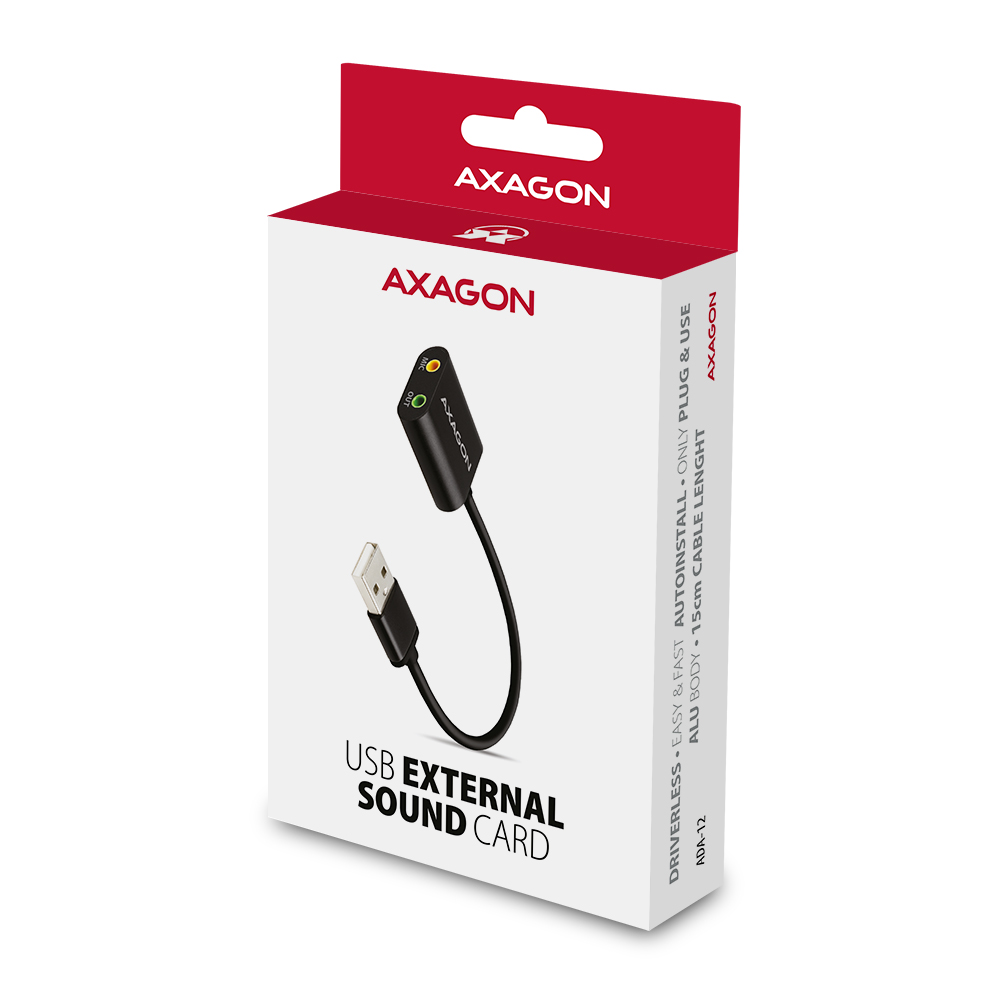
• emballé dans une boîte en carton avec trou pour suspendre.

- adaptateur audio USB
- manuel d'installation
- manuel imprimé multilingue CZ / DE / DK / ENG / ESP / FIN / FR / GR / HR / HU / IT / NL / PL / PT / RO / RU / SK / SWE / TR / BG / CN / ARA
- boîte en carton avec possibilité de suspension sur un présentoir
- dimensions de l’emballage 12.7 x 7.8 x 2.2 cm
- poids d'un emballage 40 g
- EAN 8595247906298
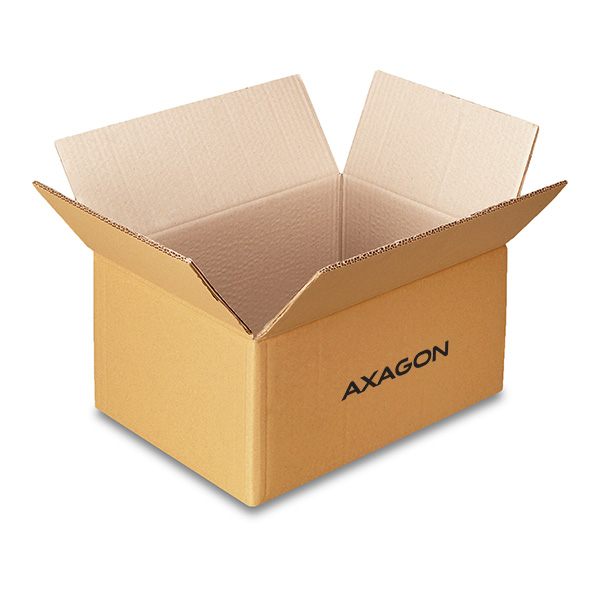
- nombre d’unités par carton : 150
- poids total du carton : 5.9 kg G.W.
- dimensions du carton : 24 x 36 x 45 cm
ADA-12 - manuel pour installation - CZ / DE / DK / ENG / ESP / FIN / FR / GR / HR / HU / IT / NL / PL / PT / RO / RU / SK / SWE / TR / BG / CN / ARA
A): The basic drivers are already part of the operating system.
B): When you connect the USB sound card to your computer, the necessary drivers are automatically detected and installed.
A): If the USB sound card is not displayed in "Device Manager", there may be a USB port malfunction.
B): Try plugging the sound card into another USB port. The sound card should be detected and the drivers loaded automatically. If the problem persists, plug the sound card into the USB port of another computer to verify its functionality.
A): The USB sound card cannot be used without a computer, e.g. by plugging into a TV.
B): The USB sound card uses the computer, its operating system and drivers for its operation. So it cannot operate without a PC.
A): The sound interference is probably caused by the wireless mouse transmitter.
B): We recommend placing the mouse transmitter as far away from the sound card as possible (preferably on the opposite side of the computer – connect the transmitter to a USB port on the front panel of the PC and the sound card to a USB port on the back panel – use a USB extension cable if necessary). In the case of a laptop, place one device on each side.
A): The problem could be a lack of resources, check (when a problem occurs) the processor load and operating memory filling in "Task Manager".
B): If the CPU usage is 100% or memory is full, you need to find out what causes this situation. Another option is to connect a sound card to another computer to verify that the sound card is not damaged.
A): For most Axagon USB sound cards, the line-in input is combined with the microphone input.
B): The sound card can detect whether a microphone or a stronger “line” signal is connected. Therefore, for example, when recording from the headphone output of a mobile phone, you should reduce the phone’s volume to about 80–90%, or reduce the input signal level in the recording software to avoid signal overload. In the recording software (e.g., Audacity), you should then select Microphone – USB as the input source.
A): The USB sound cards generally have a higher latency (delay).
B): The solution is to use the ASIO4ALL drivers (http://www.asio4all.com/). ASIO are special sound drivers designed to achieve the smallest latency.
A): Yes, for example, the ADA-17 sound card can be used for Raspberry Pi.
B): The installation can be handled even by a layman, only plug the sound card into the USB port of the computer and the rest is done automatically.
A): You probably have allowed to listen to the microphone in Microphone Properties.
B): To disable this feature, follow these steps: Start -> Control Panels -> Hardware and Sound -> Sound -> Recording -> Microphone (USB Sound Device) -> Properties -> Listen -> Listen to this device - uncheck this box and confirm with "Apply".
A): Yes, it is possible to play two different tracks simultaneously on one computer.
B): This is primarily a software matter, requiring a player that supports redirecting sound to a different audio output than the one set as the “default” in the operating system. Such functionality is supported, for example, by VLC media player.