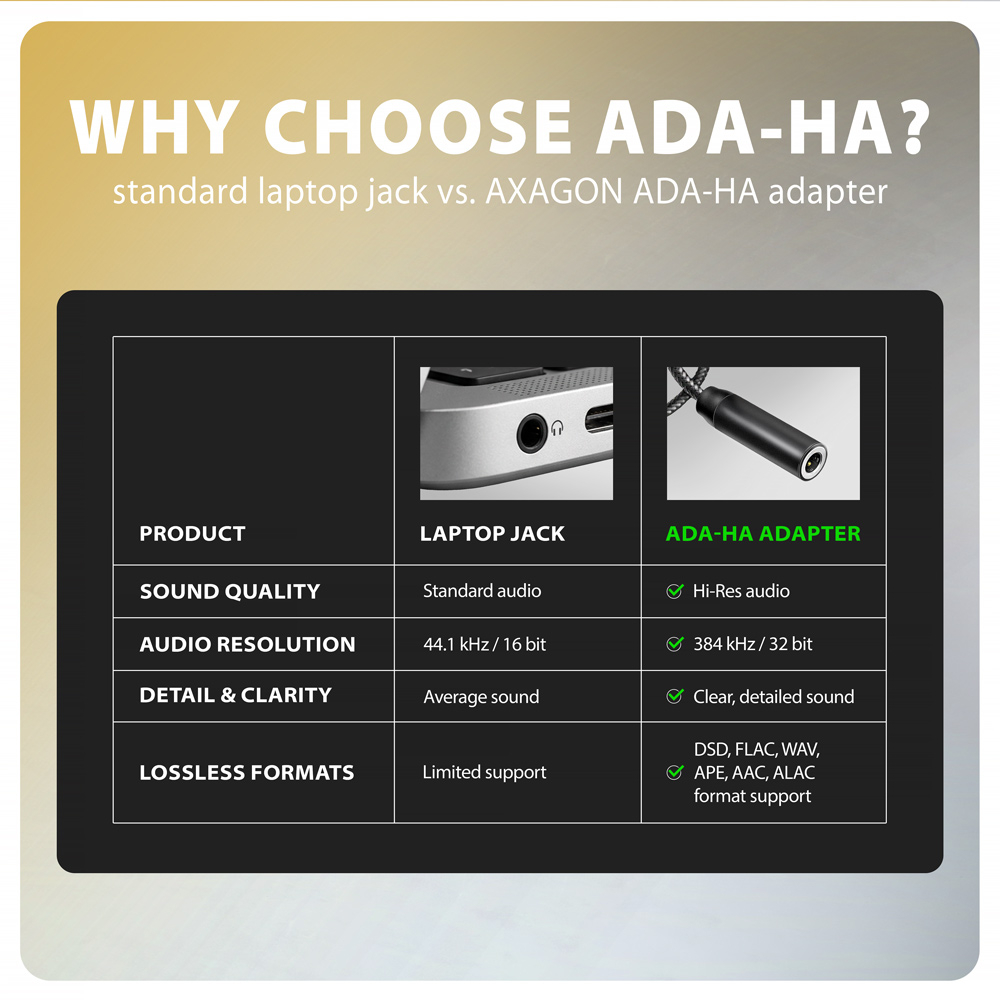
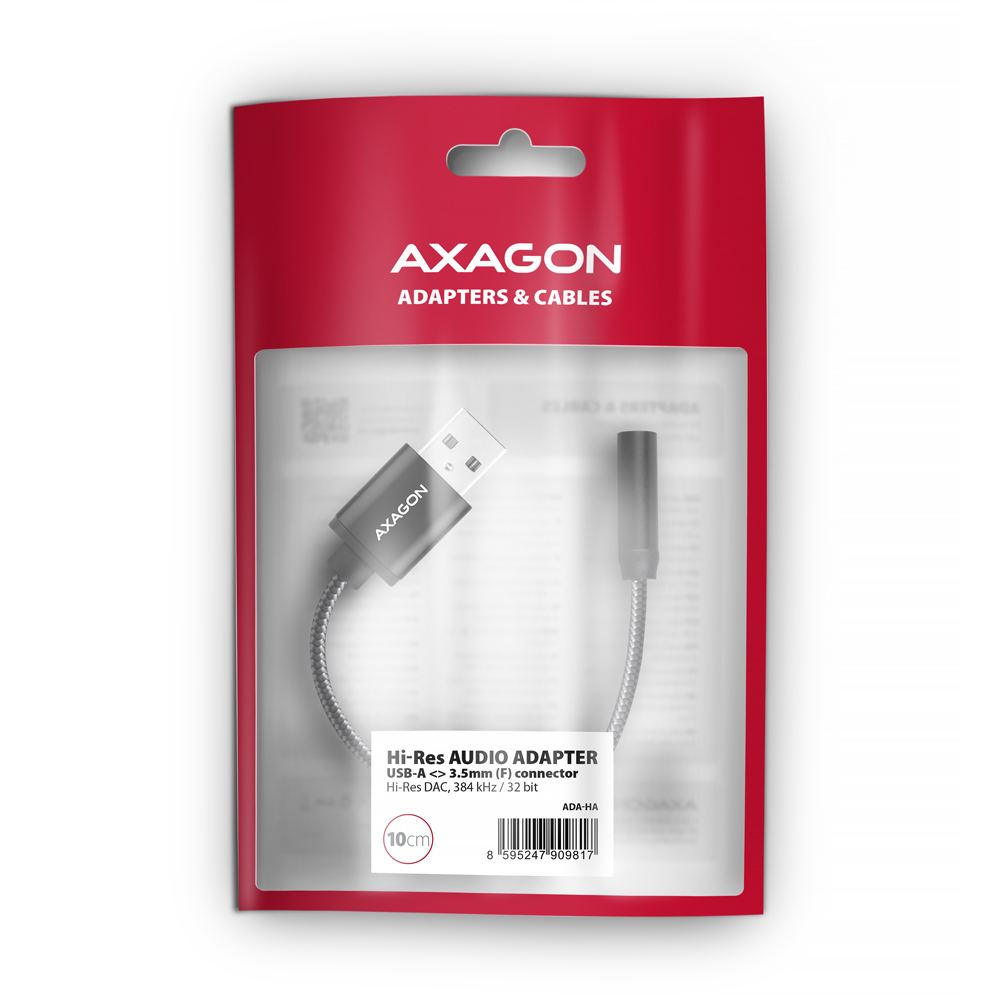
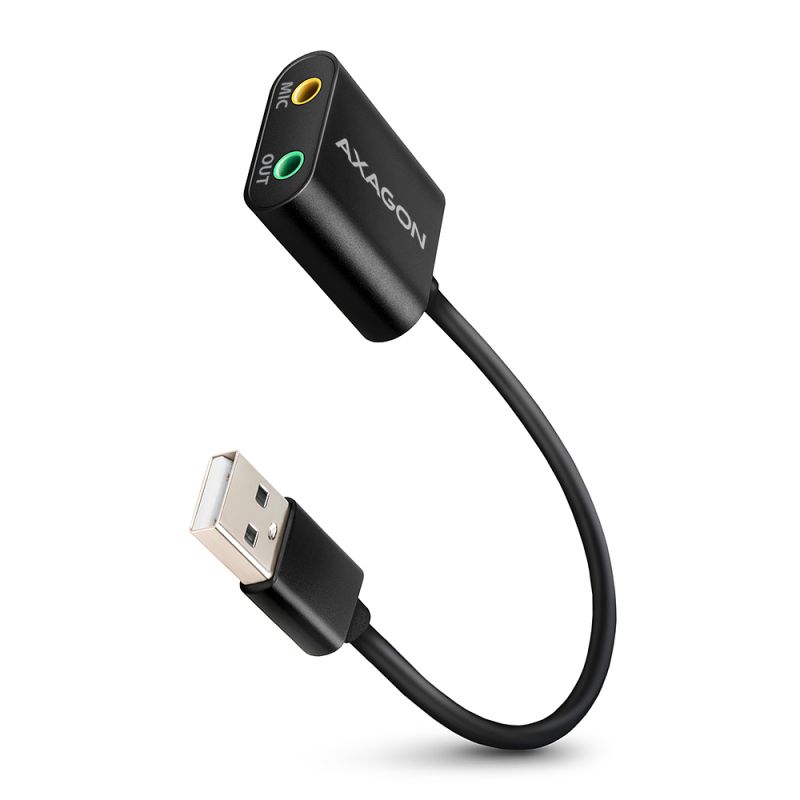
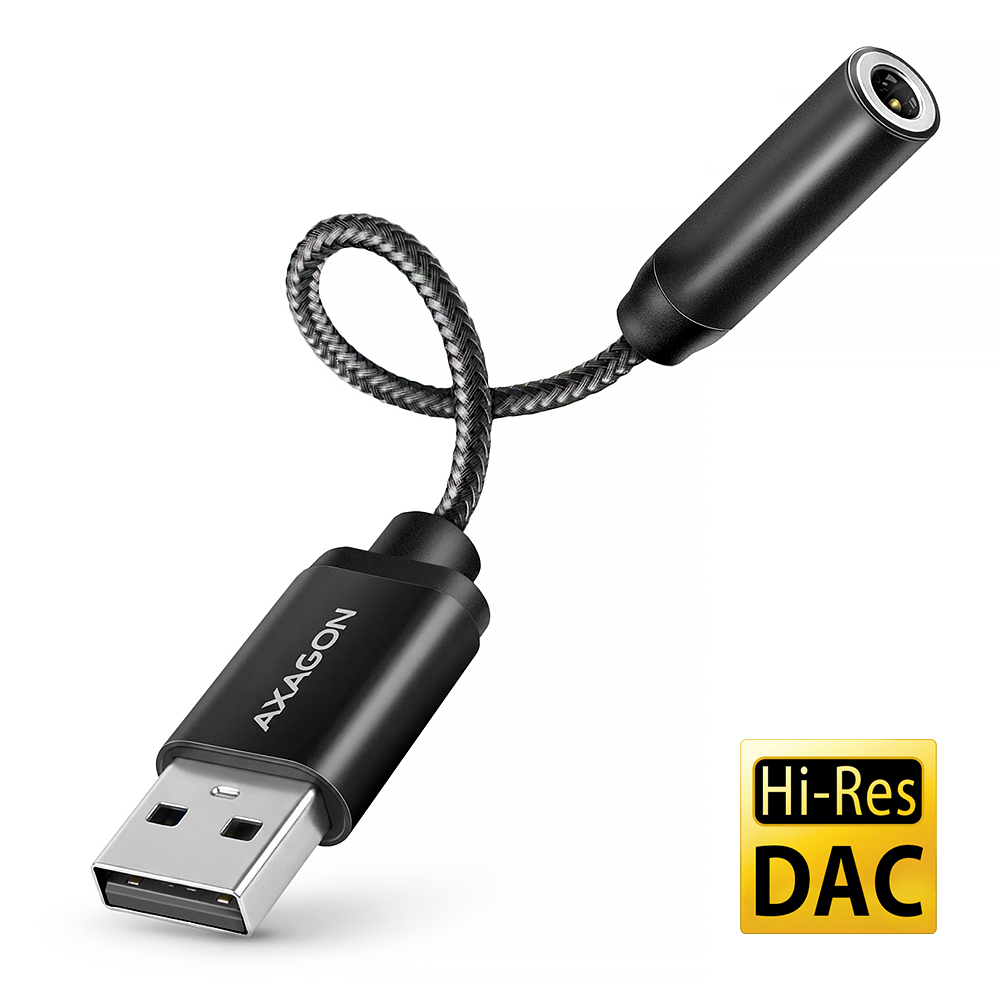
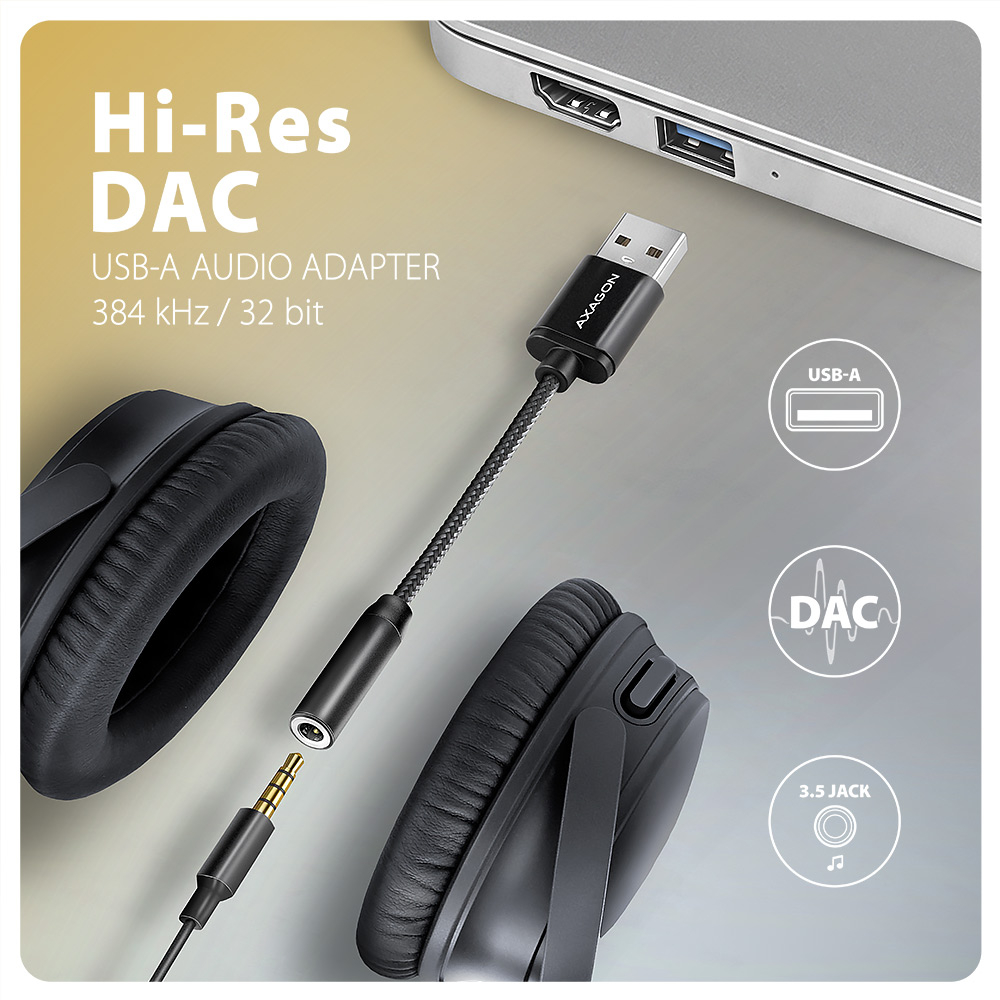
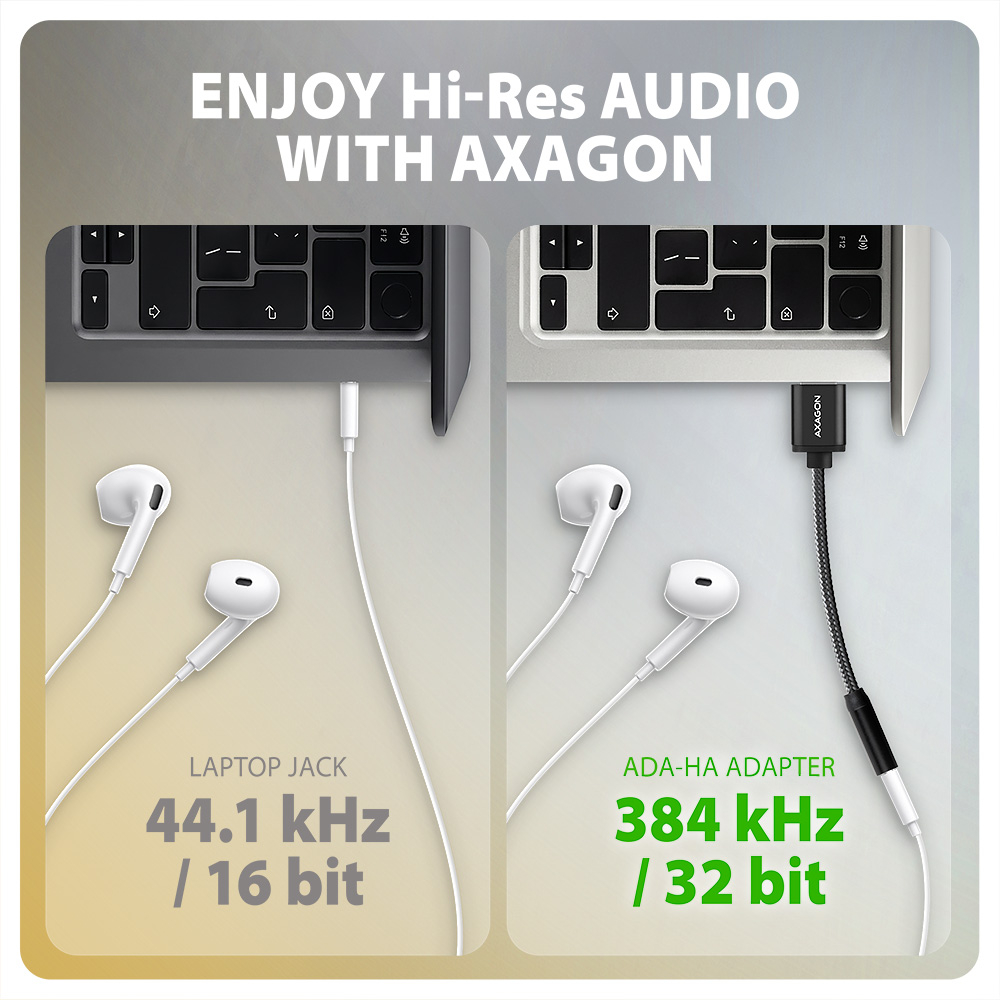
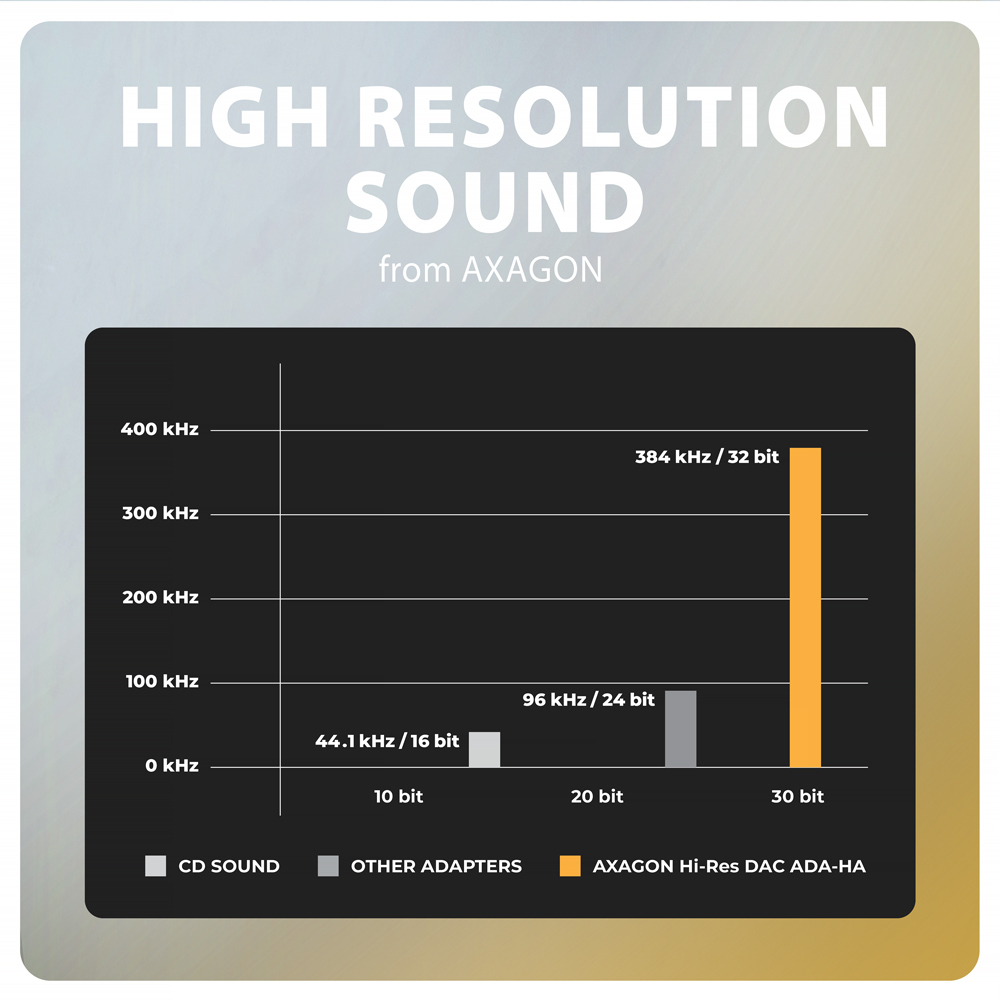
AXAGON ADA-HA Hi-Res DAC AUDIO ADAPTER est un accessoire pratique pour un ordinateur portable ou de bureau équipé d'un connecteur USB-A, qui offre un son de meilleure qualité que le connecteur audio intégré. L'adaptateur fonctionne comme une carte son USB externe avec un convertisseur DAC prenant en charge le Hi-Res Audio jusqu'à 384 kHz / 32 bits, garantissant un son clair et détaillé.
Cet adaptateur est la solution idéale pour les ordinateurs portables équipés d'une prise casque avec une qualité sonore moyenne ou pour les appareils où la carte son est absente ou ne fonctionne pas. Le convertisseur USB DAC intégré améliore la qualité sonore lors de l'écoute de musique, du visionnage de films et des appels en ligne.
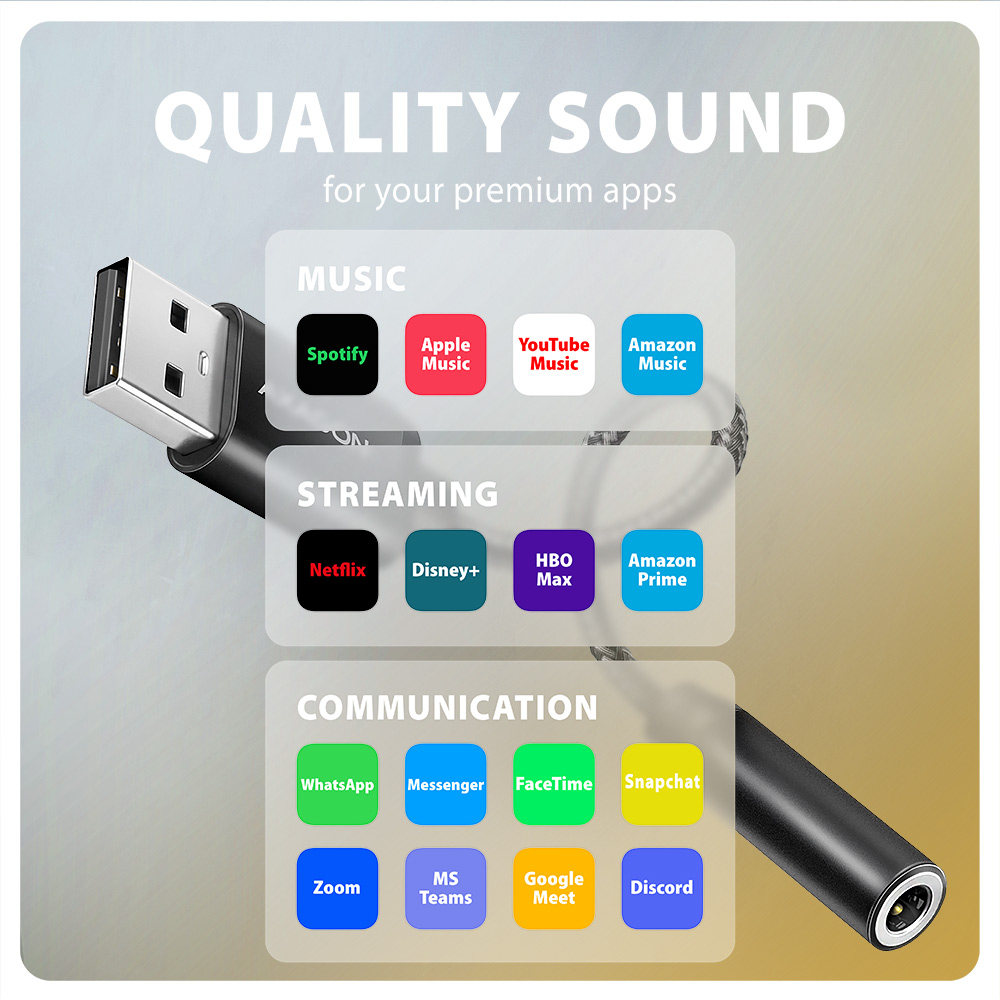
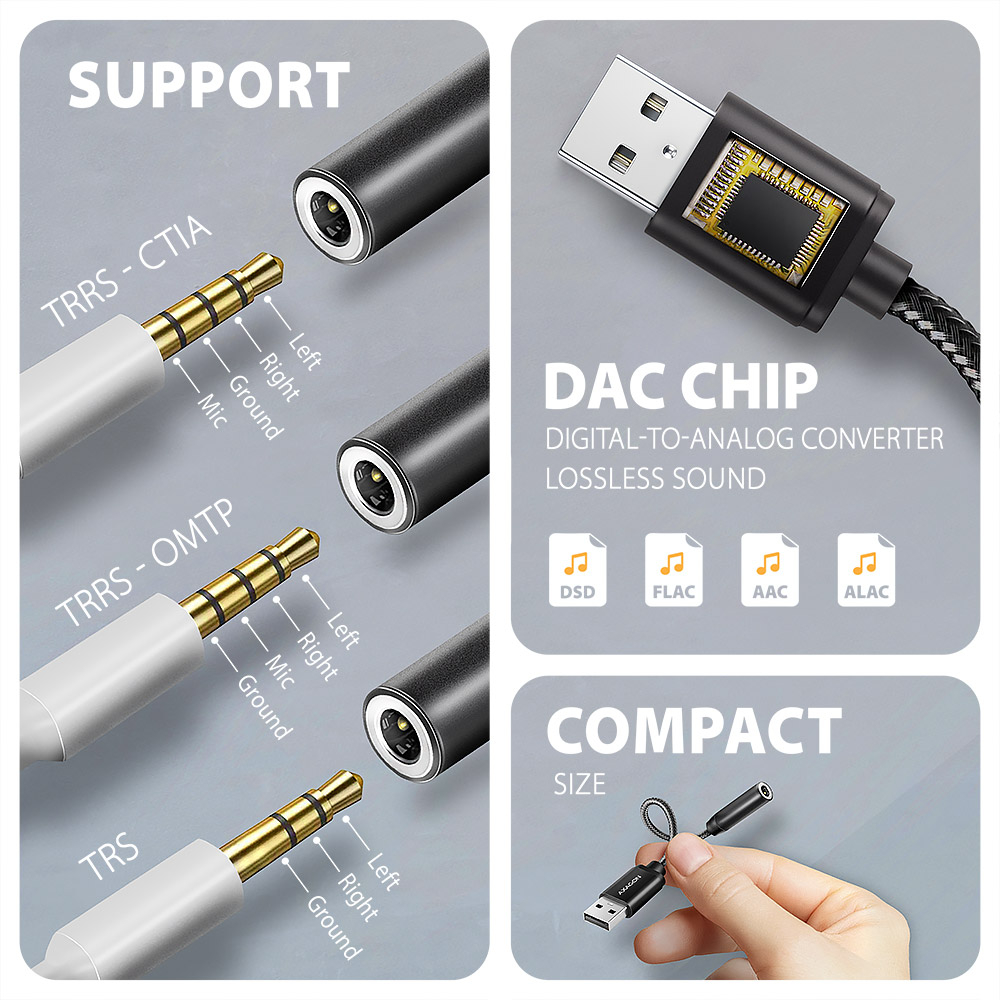
Cette carte son externe est adaptée à la lecture de formats audio sans perte tels que DSD, FLAC, WMA, WAV, APE, AAC ou ALAC. Vous profiterez également d'une qualité sonore maximale lors de l'écoute de musique sur des plateformes de streaming comme Spotify, Apple Music, YouTube Music ou Amazon Music Unlimited. L'adaptateur peut aussi être utilisé pour regarder des services de streaming comme Netflix, Disney+, HBO Max, Amazon Prime ou Apple TV+.
Il sert également de remplacement à une carte son d'origine défectueuse sur un ordinateur portable et ajoute une sortie casque et une entrée microphone à l'ordinateur. Vous pouvez facilement connecter des casques, des casques-micro ou des haut-parleurs actifs et l'utiliser pour des services de communication tels que WhatsApp, Messenger, FaceTime, Zoom, MS Teams, Google Meet ou Discord.
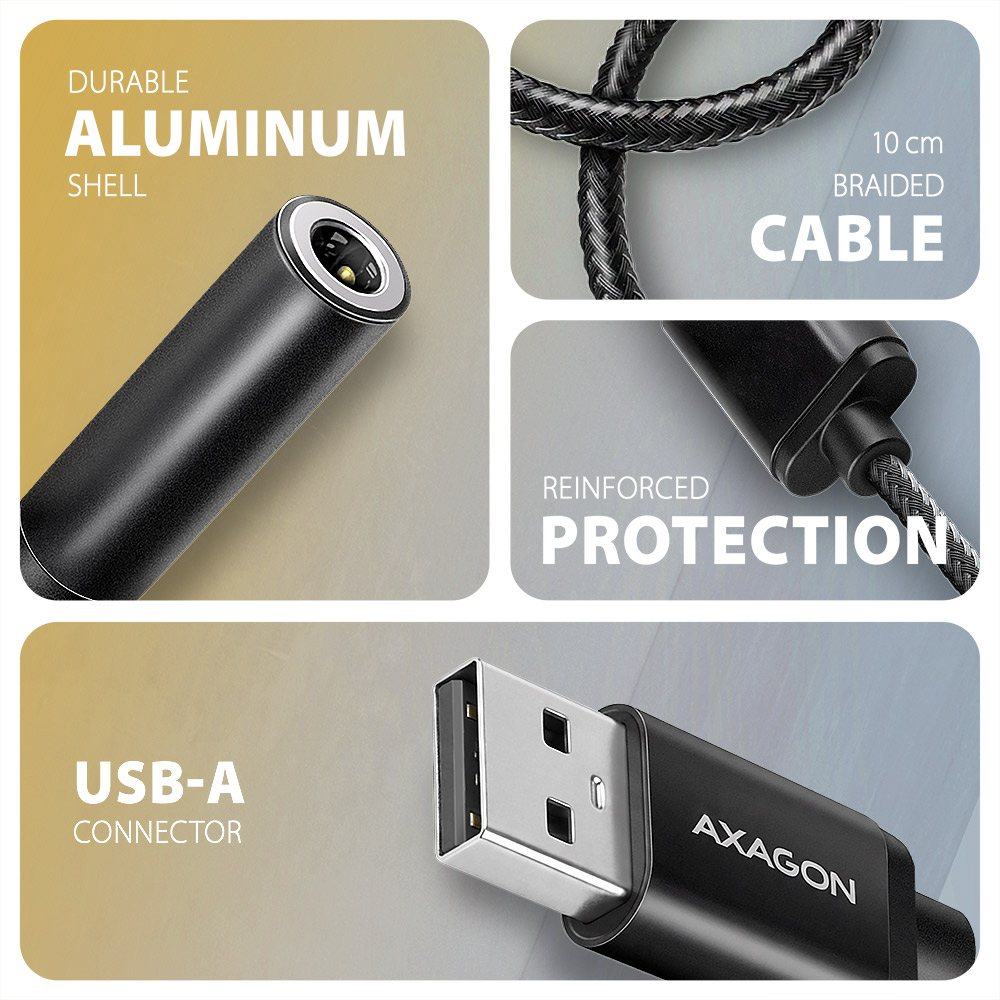
Pour connecter des écouteurs, il utilise une prise stéréo TRRS 3,5 mm à 4 broches avec détection automatique des standards CTIA ou OMTP. La solidité du câble de 10 cm est assurée par un gaine en nylon résistante.
L'installation est très simple grâce à la fonction Plug and Play, il n'est donc pas nécessaire d'installer des pilotes. L'adaptateur prend également en charge le Hot Plug, permettant de le connecter à chaud.
Entrée :
• Connecteur USB mâle 480 Mbit/s (USB 2.0) x1
• Connecteur USB type A mâle
Sortie audio :
• sortie analogique stéréo 2 canaux 32 bits (jack stéréo 3,5 mm TRRS)
• sortie stéréo pour casque ou haut-parleurs actifs
Entrée audio :
• entrée analogique 16 bits (jack 3,5 mm)
• entrée microphone et enregistrement de signal analogique
Fréquence d'échantillonnage, résolution et bruit du convertisseur de sortie (DAC) :
• analogique - 44.1 - 384 kHz @ 16 / 24 / 32 bits (PCM) pour la lecture
• rapport signal/bruit (Output SNR) ≥ 101 dB (0 dBFs, 1 kHz, pondération A)
• distorsion harmonique totale (Output THD+N) ≤ -85 dB (0 dBFs, 1 kHz)
Fréquence d'échantillonnage, résolution et bruit du convertisseur d'entrée (ADC) :
• analogique - 48 kHz @ 16 bits (PCM) pour enregistrement
• rapport signal/bruit (Input SNR) ≥ 90 dB (100 mVrms, 1 kHz, pondération A)
• distorsion harmonique totale (Input THD+N) ≤ -85 dB (80 mVrms, 1 kHz)
Autres caractéristiques :
• Amplificateur casque intégré 27,5 mW @ 32 ohms.
• Plage d'impédance des casques connectés 16 - 300 ohms.
• Plage de fréquence 20 Hz - 20 kHz.
• Prise en charge des formats sans perte : DSD64, DSD128, FLAC, WMA, WAV, APE, AAC, ALAC
• Installation facile grâce à la prise en charge complète du Plug and Play.
• Possibilité de connecter des appareils à chaud grâce à la prise en charge du Hot Plug.
• Prises jack 3,5 mm TRS, TRRS (détection automatique CTIA et OMTP) compatibles.
• Conforme à la spécification USB Audio Device Class v1.0 / 2.0.
• Alimentation de l'adaptateur via le bus USB (bus power) – aucune alimentation supplémentaire requise.
• Taille miniature 25 x 7 mm, longueur du câble 10 cm.
• Poids seulement 8 g.
Les réglages de la carte son sous Windows permettent :
• réglage du volume et de l'équilibre des haut-parleurs
• réglage pour la surveillance du microphone
• propriétés avancées des haut-parleurs : son spatial virtuel
• réglage de la fréquence d'échantillonnage et de la profondeur de bits pour la lecture
Systèmes d'exploitation pris en charge :
• Windows 10 / 11 et versions ultérieures, macOS, Linux.
Le colis contient :
• adaptateur audio USB-A
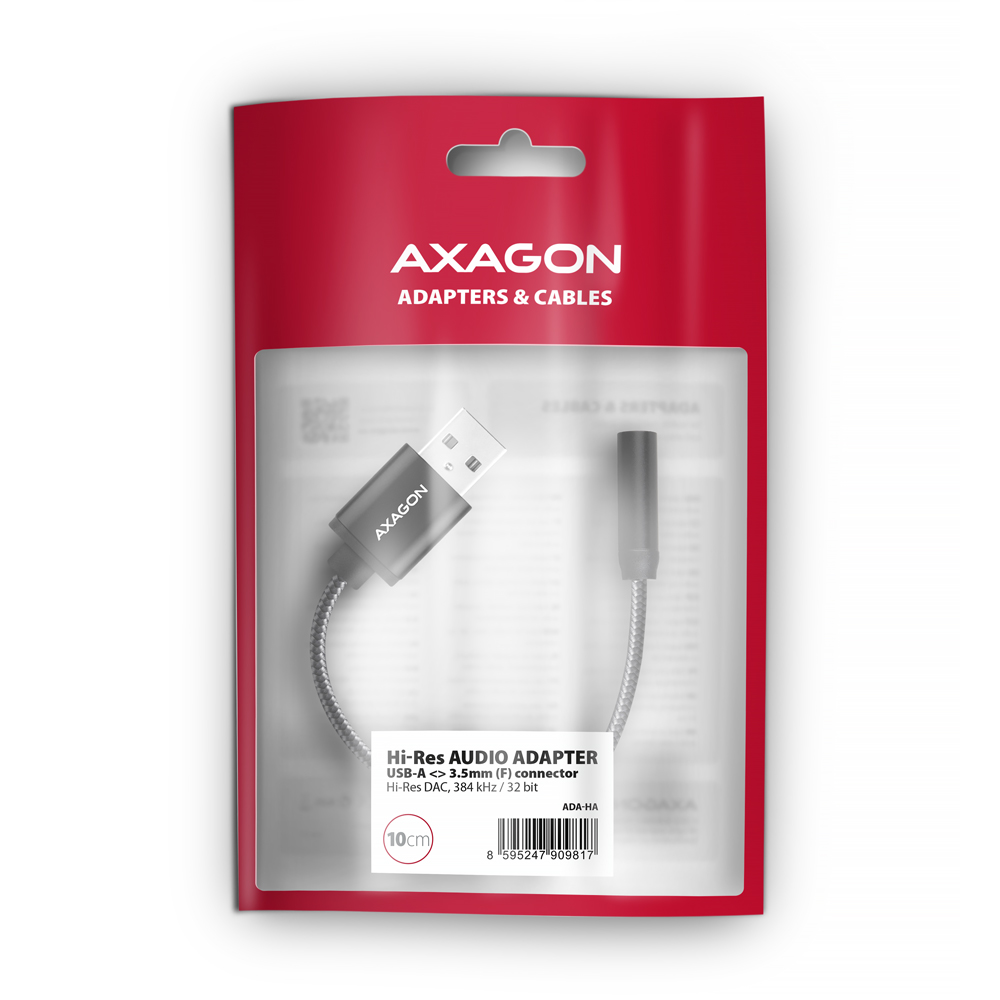
• emballé dans un sachet plastique avec trou pour suspension



 français
 tchèque
 slovaque
 anglais
 allemand
 hongrois
 polonais

 + 3 autres photos