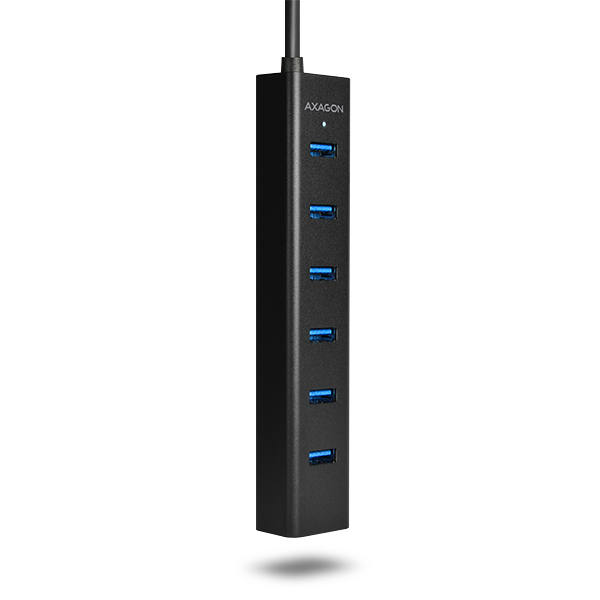
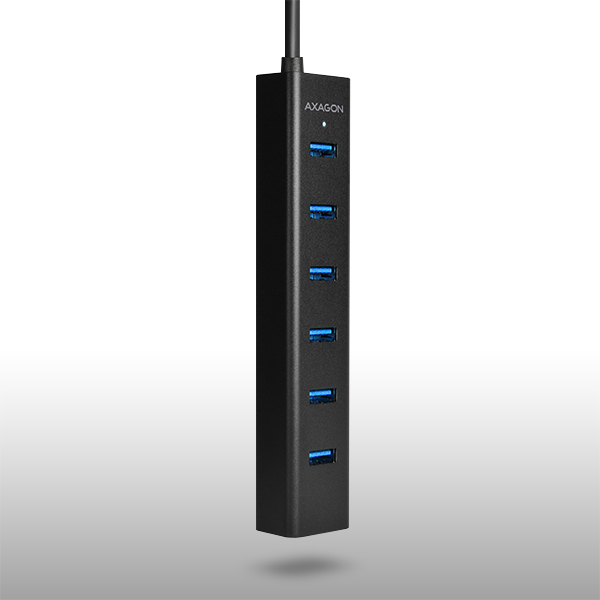
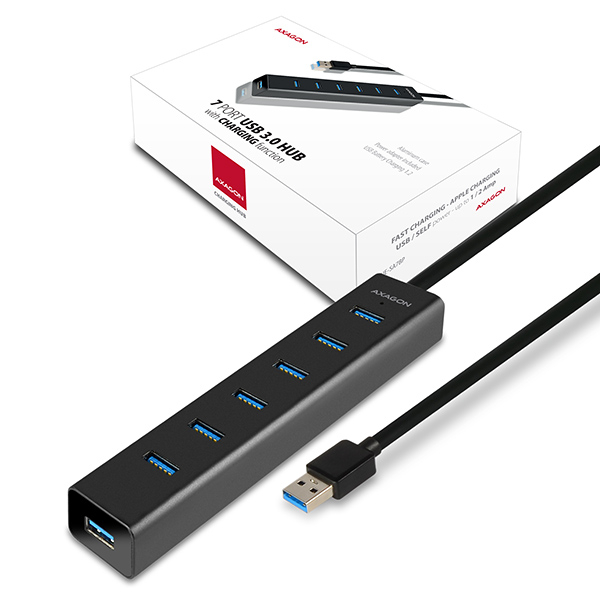
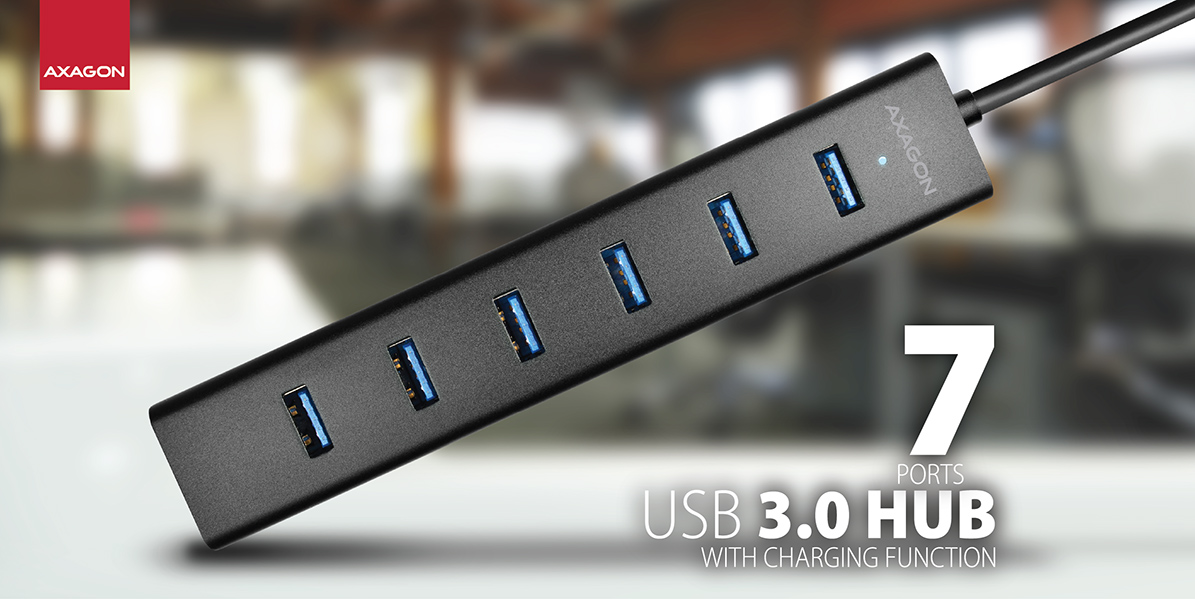
 Le hub USB 3.0 7 ports connecte facilement et rapidement jusqu'à sept appareils USB simultanément à l’ordinateur.
Il peut ainsi servir d'alternative simple à une station d'accueil USB pour ordinateur portable.
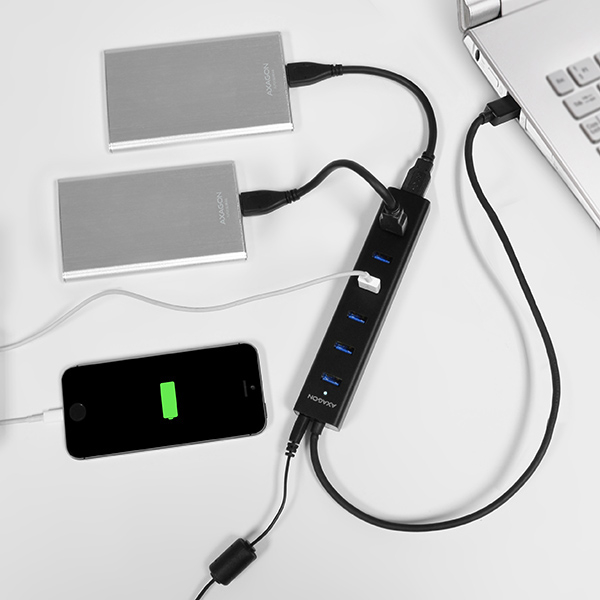
L'utilisation universelle de ce hub USB prend en charge la fonction de charge rapide des appareils mobiles.
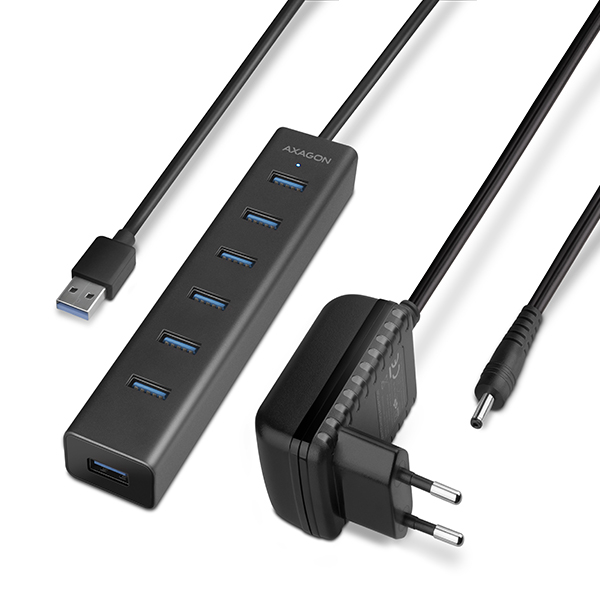
L’adaptateur d'alimentation compact est inclus dans le paquet.
7 PORTS • USB 3.0 • INCLUDING POWER ADAPTER
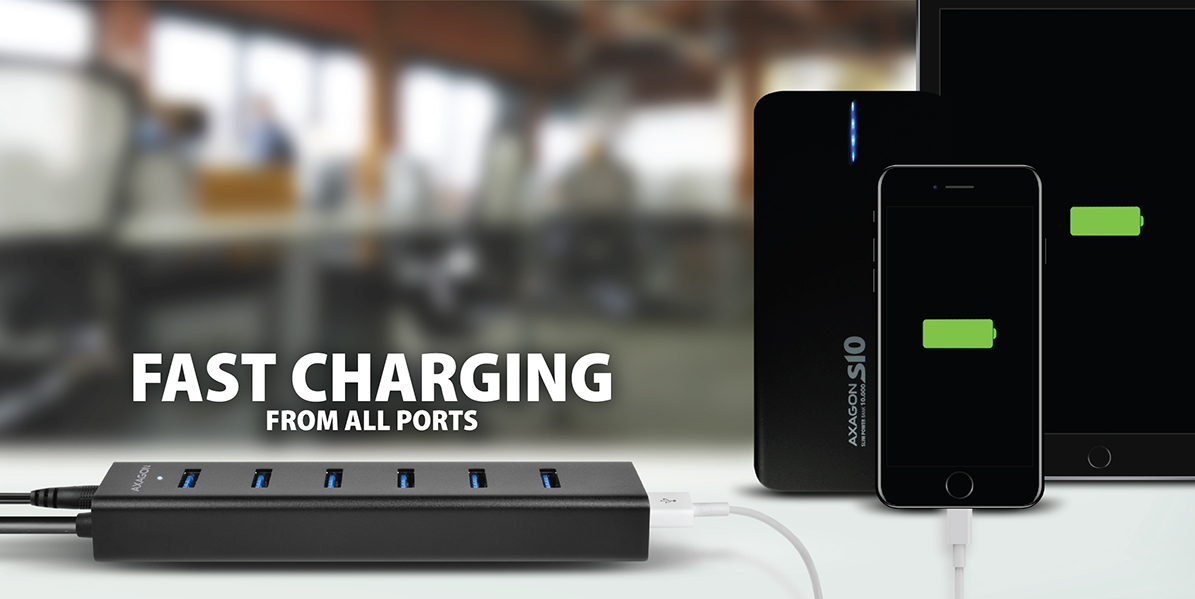 Les téléphones mobiles, tablettes (y compris iPad), powerbanks et autres appareils peuvent être chargés avec un courant allant jusqu’à 2 A sur n'importe quel port du hub grâce à la prise en charge de la spécification USB Battery Charging 1.2.
Lorsque l’ordinateur connecté est éteint ou sans connexion à l'ordinateur, le hub fonctionne avec l’alimentation de l’adaptateur AC/DC fourni comme un hub USB de charge autonome.
USB BATTERY CHARGING 1.2 • FAST CHARGING UP TO 2 A
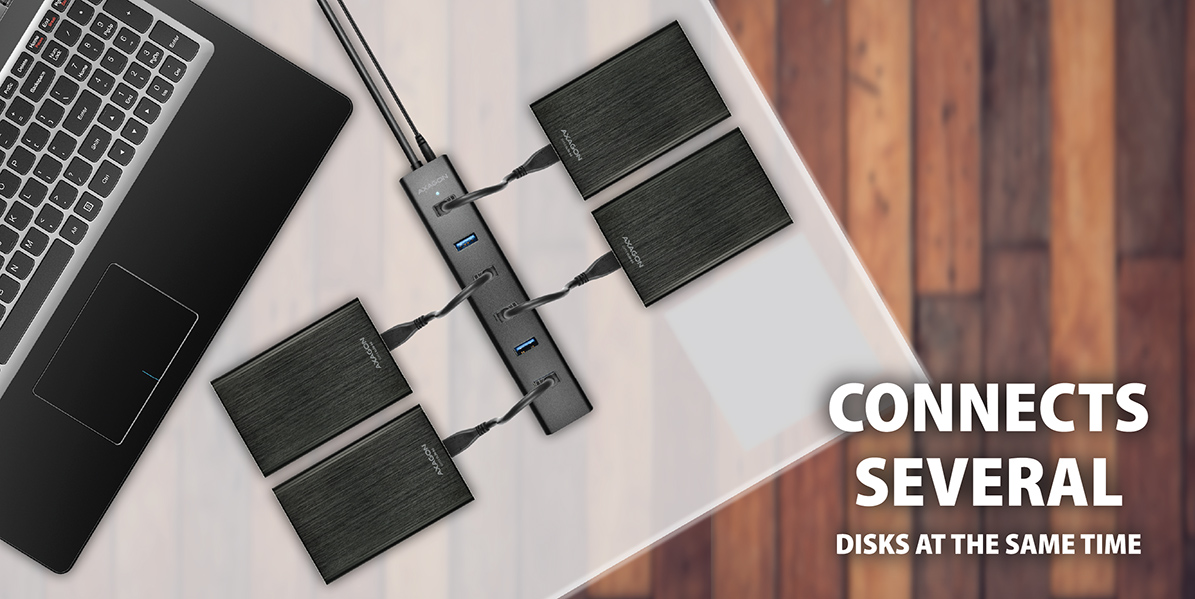 Il peut gérer la connexion permanente de plusieurs disques durs externes 2,5" même sans l'alimentation propre du hub.
Il connecte aussi quatre disques durs externes magnétiques 2,5", l'alimentation du hub à partir de l’adaptateur d'alimentation fourni étant bien sûr nécessaire.
Pour une utilisation fiable à long terme du hub, nous recommandons toutefois de connecter au maximum 3 disques durs externes 2,5" simultanément.
2-3 HDDs & USB POWER • UP TO 4 HDDs & SELF POWER
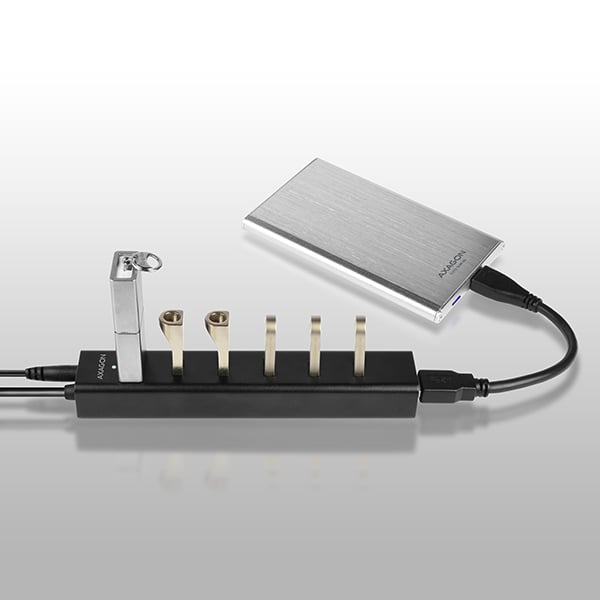
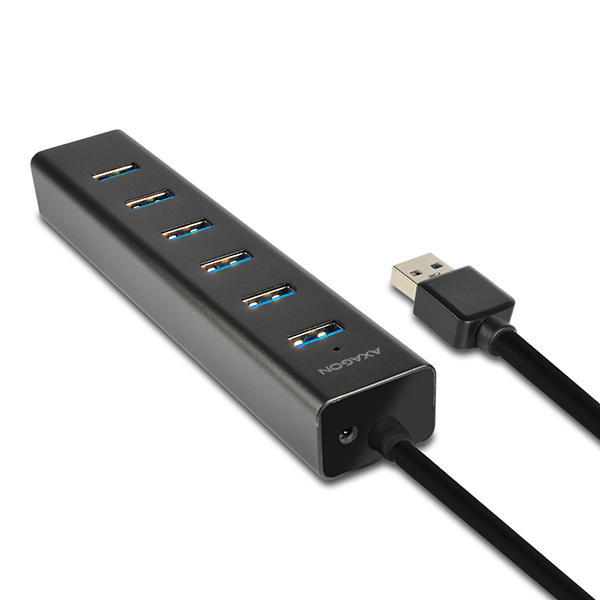
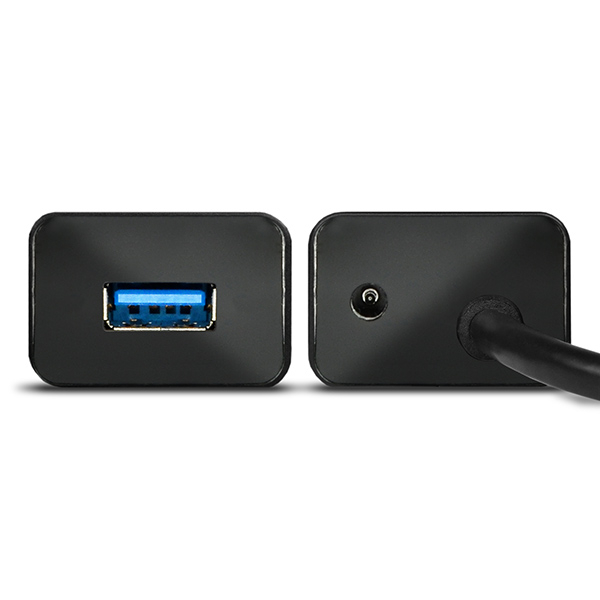
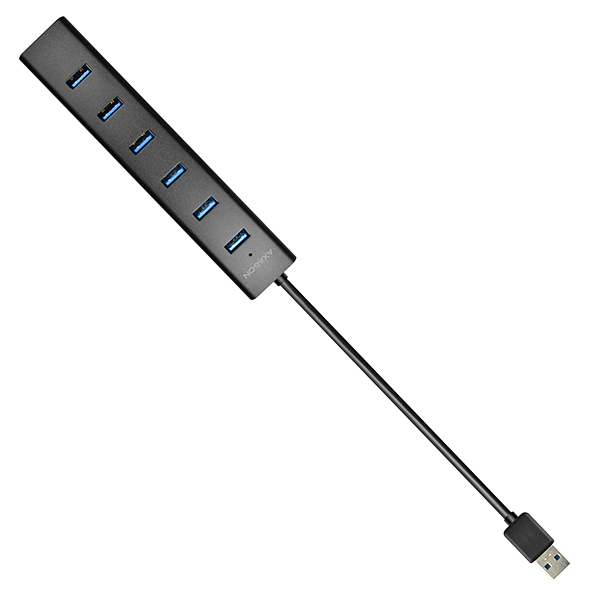
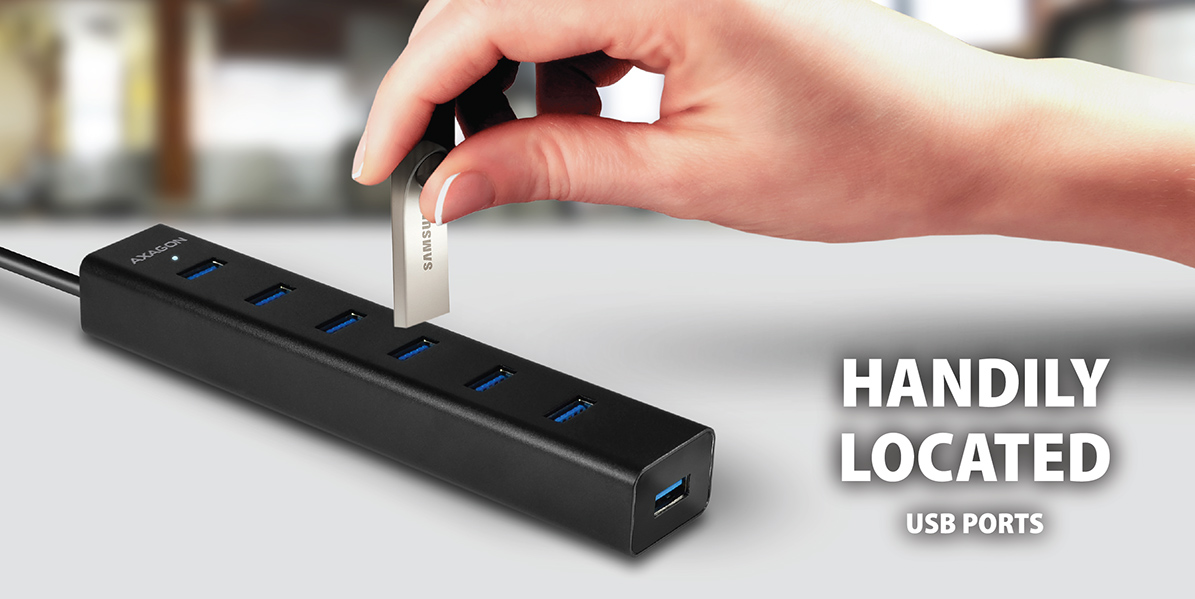 Les ports USB situés transversalement sur le corps du hub, espacés de manière suffisante, garantissent une connexion directe sans problème même des appareils USB de grande taille.
Les ports USB situés sur le dessus du hub permettent d’insérer facilement des clés USB, par exemple, d’une seule main.
Le port supérieur convient également pour connecter un adaptateur sans fil pour une meilleure réception du signal.
USB PORTS ON TOP • SMART PLACING
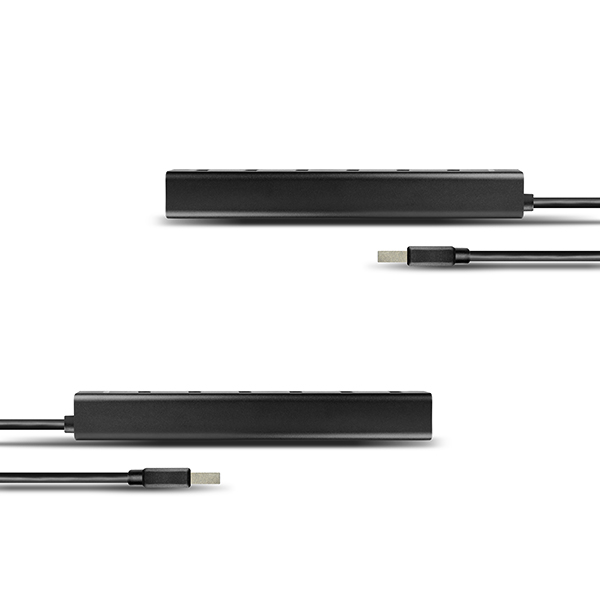
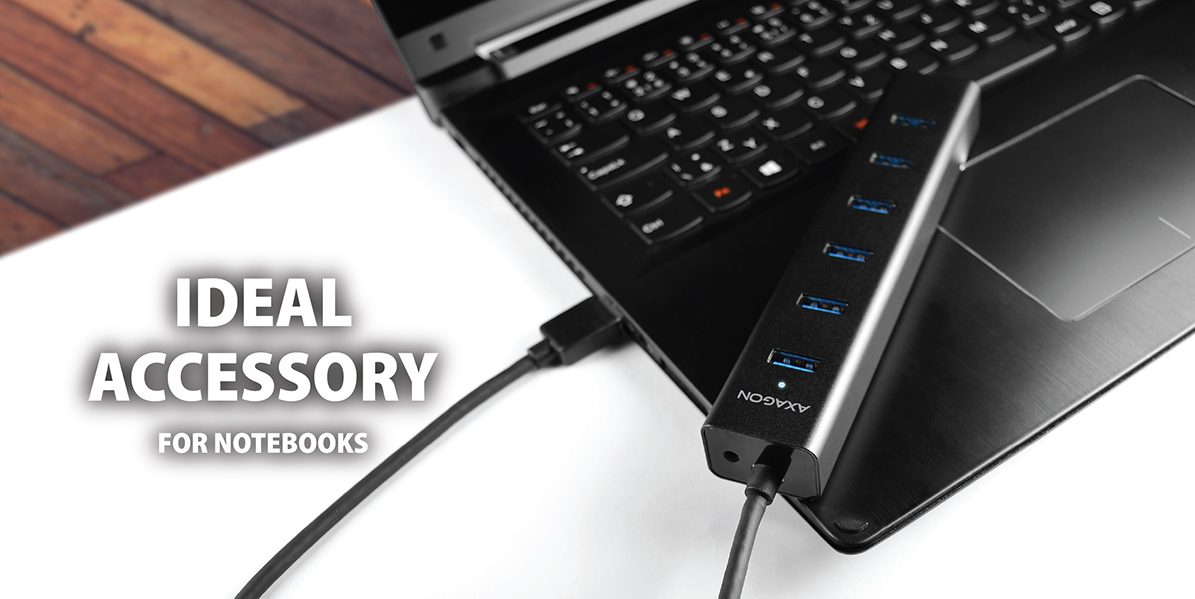 Le hub compact USB à 7 ports avec un boîtier en aluminium très résistant est un véritable universel.
Il trouve cependant une utilisation idéale comme accessoire pratique et élégant pour ordinateurs portables et surtout ultrabooks.
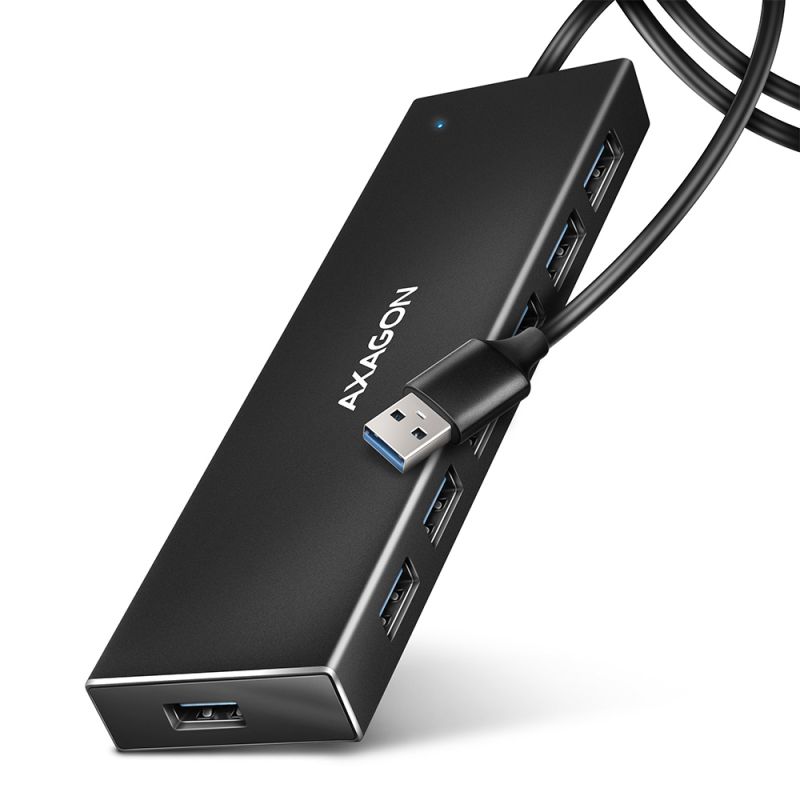
Le câble USB fixé de manière permanente, d’une longueur de 40 cm, est également conçu principalement pour une connexion à un ordinateur portable.
COMPACT • ALUMINUM CASE • FIXED USB CABLE
AXAGON HUE-SA7BP 7-port USB 3.0 hub ALU CHARGING avec alimentation propre et prise en charge de la charge rapide sur tous les ports USB.
Le hub compact avec boîtier en aluminium résistant connecte jusqu'à sept appareils USB simultanément à l’ordinateur.
Il permet également de charger les téléphones mobiles/tablettes/powerbanks et autres appareils avec un courant jusqu'à 2 A sur n’importe quel port du hub grâce à la prise en charge de l'USB Battery Charging 1.2.
Il peut gérer la connexion permanente de plusieurs disques durs externes même sans l'alimentation propre du hub. Avec alimentation propre, il connecte jusqu'à quatre disques durs magnétiques externes 2,5".
Les ports USB disposés transversalement, avec un espacement suffisant, permettent la connexion directe sans problème des appareils USB volumineux.
Le câble USB fixé de manière permanente, d'une longueur suffisante de 40 cm, idéal pour une utilisation avec des ordinateurs portables.
Il fonctionne également comme un hub de charge autonome et charge les appareils USB via l’adaptateur d’alimentation même après l’arrêt ou la déconnexion de l’ordinateur.
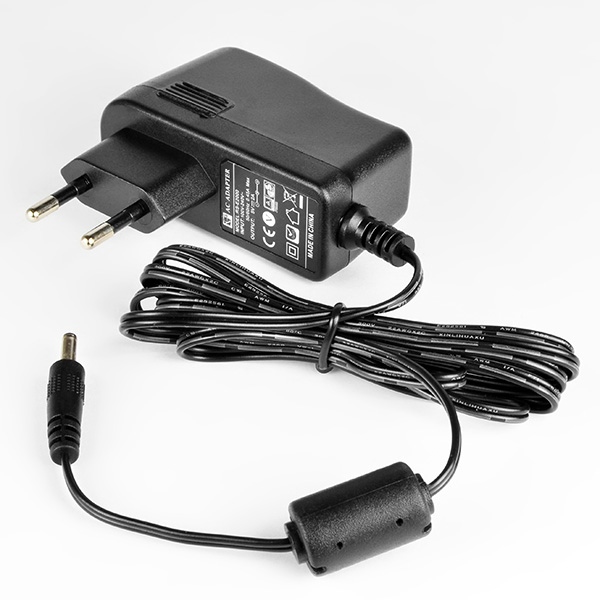
Adaptateur d’alimentation compact 5V/2A inclus dans le paquet.
Caractéristiques :
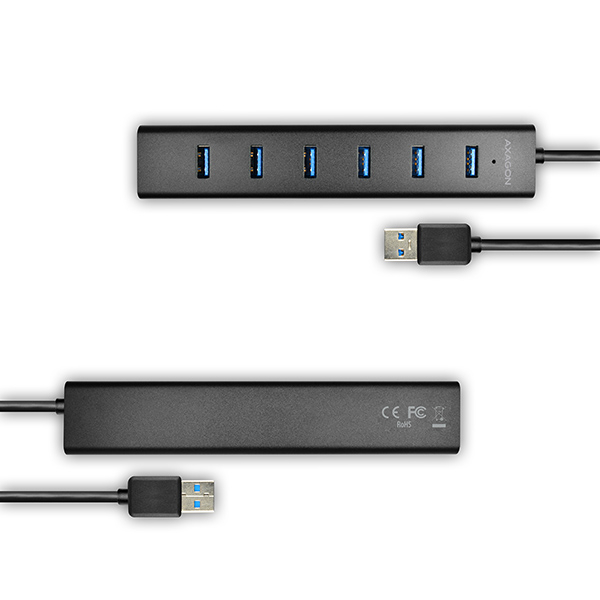
• 7 ports USB 3.0 downstream avec espace suffisant autour des connecteurs.
• Port USB 3.0 upstream avec connecteur USB 3.0 type-A male sur câble fixé de 40 cm.
• Compatible USB 3.0, rétrocompatible USB 2.0 et USB 1.1.
• Prise en charge des débits 1.5 / 12 / 480 / 5000 Mbit/s (low / full / high / super speed).
• Prise en charge de USB Battery Charging version 1.2.
• Chaque port du hub peut charger avec un courant jusqu'à 2 A.
• Possibilité de connexion d'appareils à chaud grâce à la prise en charge du Hot Plug.
• Prise en charge totale Plug and Play.
• Indication LED de la connexion du hub à l’alimentation.
• Détection et protection contre surcharge de courant.
• Dimensions du hub 156 × 30 × 21 mm, dimensions de l’adaptateur AC 29 × 75 × 80 mm avec fiche.
• Poids du hub 88 g (avec câble), poids de l’adaptateur AC 100 g (avec câble).
Mode d'alimentation du hub via câble USB (bus power) :
• L’alimentation via le bus USB suffit pour connecter des périphériques USB à faible consommation (souris, clavier, lecteur de cartes, clé USB, etc.) ou alimentés eux-mêmes (imprimante, scanner, disque dur externe 3,5") sur les sept ports.
• Le hub USB dans ce mode d’alimentation peut également gérer deux disques durs magnétiques externes 2,5", et jusqu’à trois disques lors d’une connexion progressive.
• La charge des appareils mobiles (sauf iPad) est possible aussi dans ce mode, mais le courant de charge ne dépasse pas 0,9 A.
Mode d'alimentation propre du hub via l’adaptateur fourni (self power) :
• Alimentation propre via l’adaptateur AC/DC fourni (entrée : 100-240 V~, 50/60Hz, 0,45 A, sortie : 5 V - 2 A / 10 W, fiche euro deux broches, connecteur coaxial de sortie de diamètre 3,5/1,3 mm, câble de 150 cm).
• Le hub USB en ce mode alimente jusqu’à 4 disques durs magnétiques externes 2,5". Pour un fonctionnement fiable à long terme, il est toutefois recommandé de ne connecter que 3 disques externes 2,5" magnétiques simultanément.
• Charge rapide des appareils mobiles (y compris iPad) avec un courant jusqu'à 2 A sur chaque port. Le courant total fourni par le hub lors de la charge est limité au courant de sortie maximal de l’adaptateur à 2 A.
Mode hub de charge autonome sans connexion à l’ordinateur (charging hub) :
• Lorsque l’ordinateur connecté est éteint ou en l’absence de connexion à l’ordinateur, le hub fonctionne avec l’alimentation via l’adaptateur AC/DC fourni comme un hub de charge USB autonome.
• Charge rapide des appareils mobiles (y compris iPad) avec un courant jusqu'à 2 A sur chaque port. Le courant total fourni par le hub lors de la charge est limité au courant de sortie maximal de l’adaptateur à 2 A.
Prise en charge des OS :
• MS Windows XP / Vista / 7 / 8 / 8.1 / 10 et versions ultérieures, Windows Server 2003 / 2008 / 2012 et ultérieures (toutes versions 32 et 64 bits du système Windows prises en charge), Mac OS X 10.4.x et supérieur, Linux avec noyau 2.6.x ou supérieur.
• Note : Les pilotes sont inclus dans les systèmes d'exploitation pris en charge et s’installent automatiquement. Aucun autre pilote n’est nécessaire ni disponible.
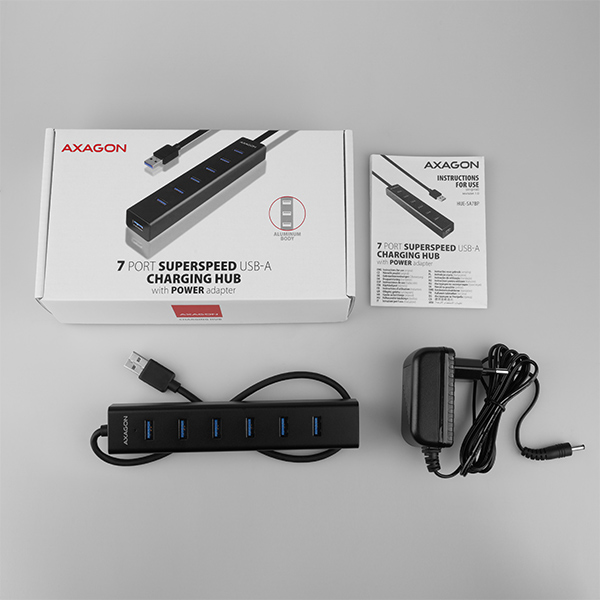
Contenu du colis :
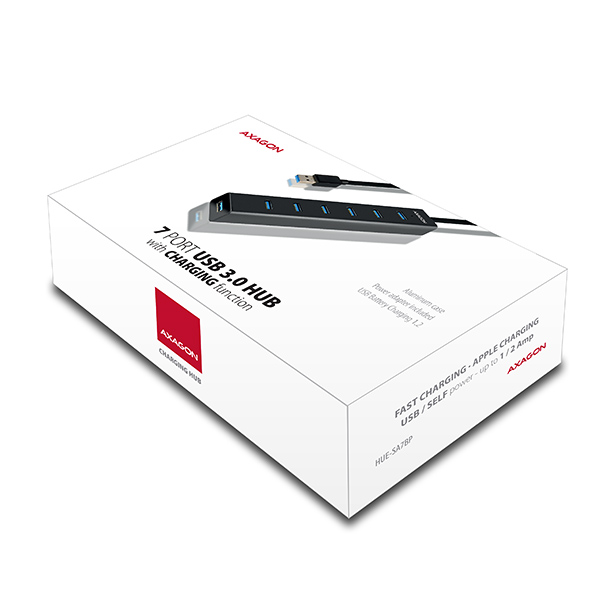
• Hub USB 3.0 avec câble fixé de 40 cm,
• adaptateur d’alimentation,
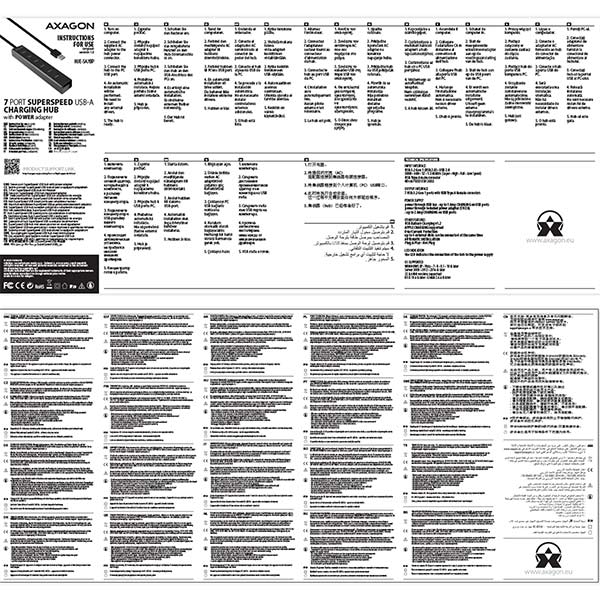
• manuel imprimé multilingue CZ / DE / DK / ENG / ESP / FIN / FR / GR / HR / HU / IT / NL / PL / PT / RO / RU / SK / SWE / TR / BG / CN / ARA,
• emballé dans une boîte en carton.



 Français
 Čeština
 Slovenčina
 English
 Deutsch
 Magyar
 Polski

 + 6 autres photos