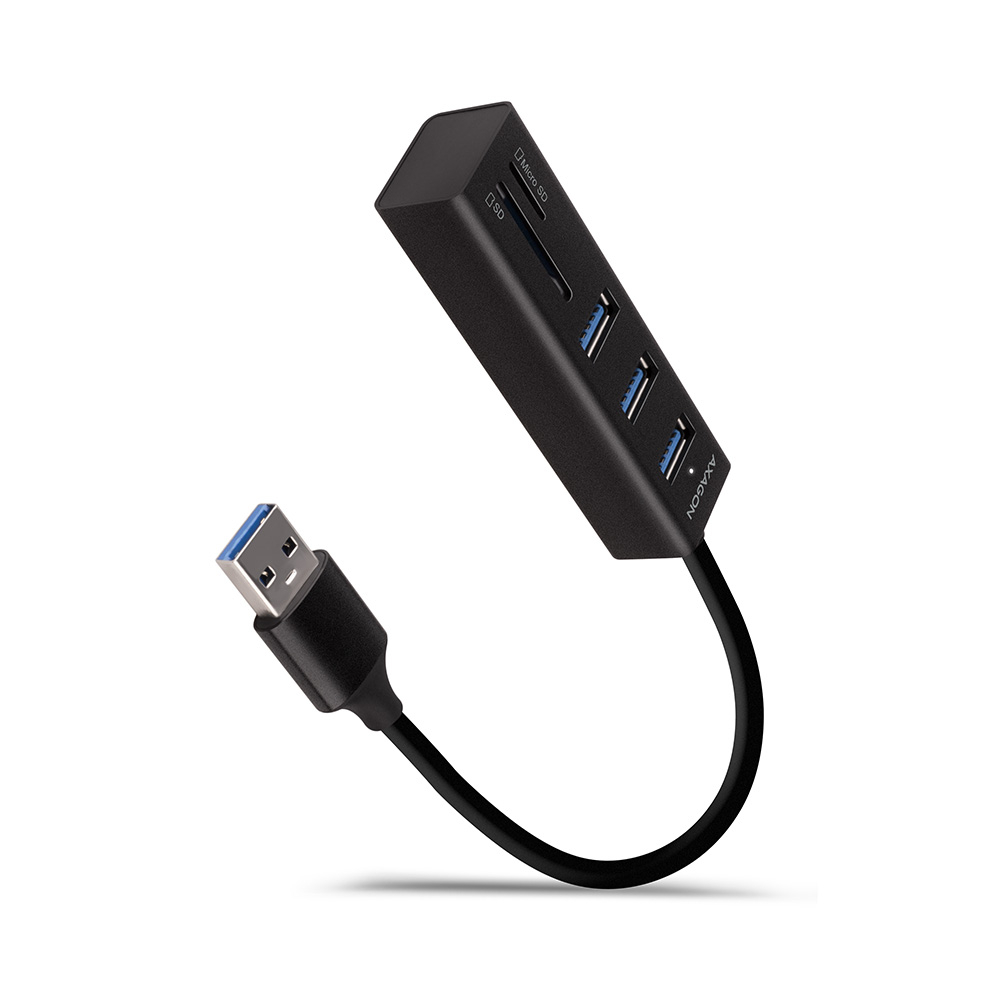
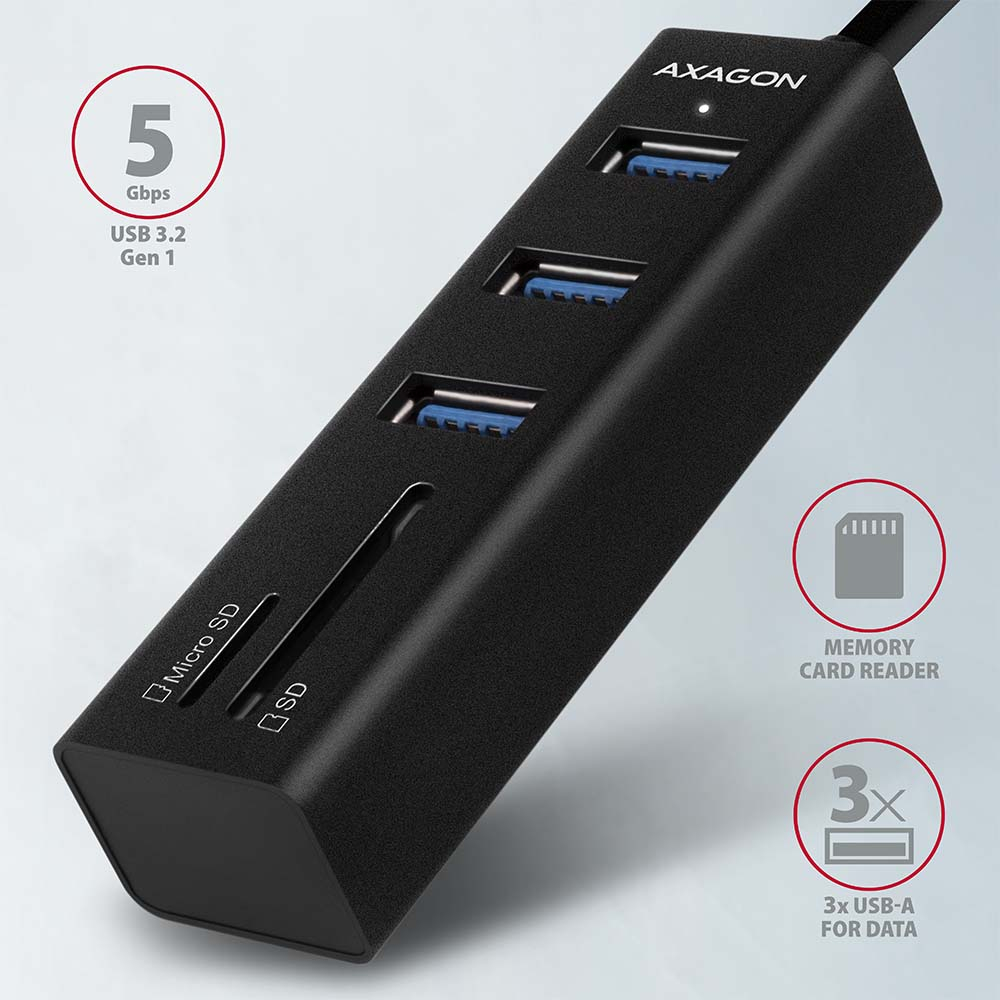
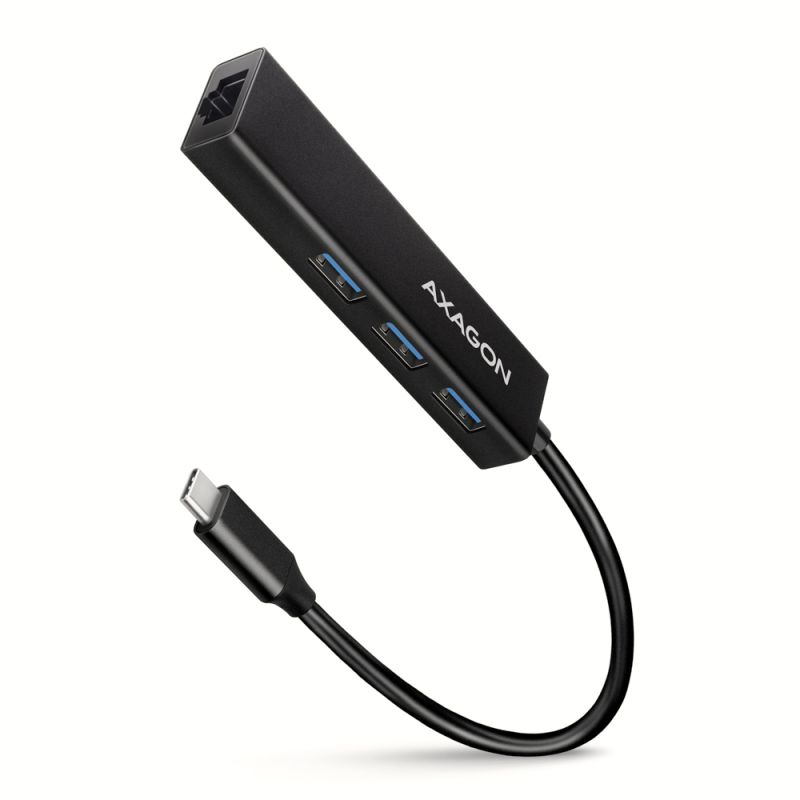
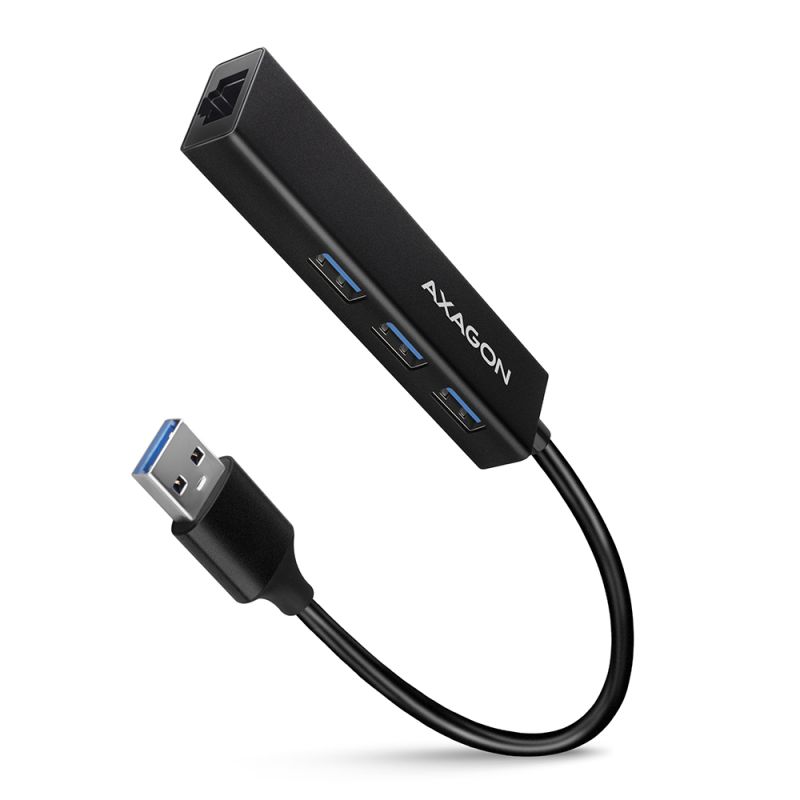
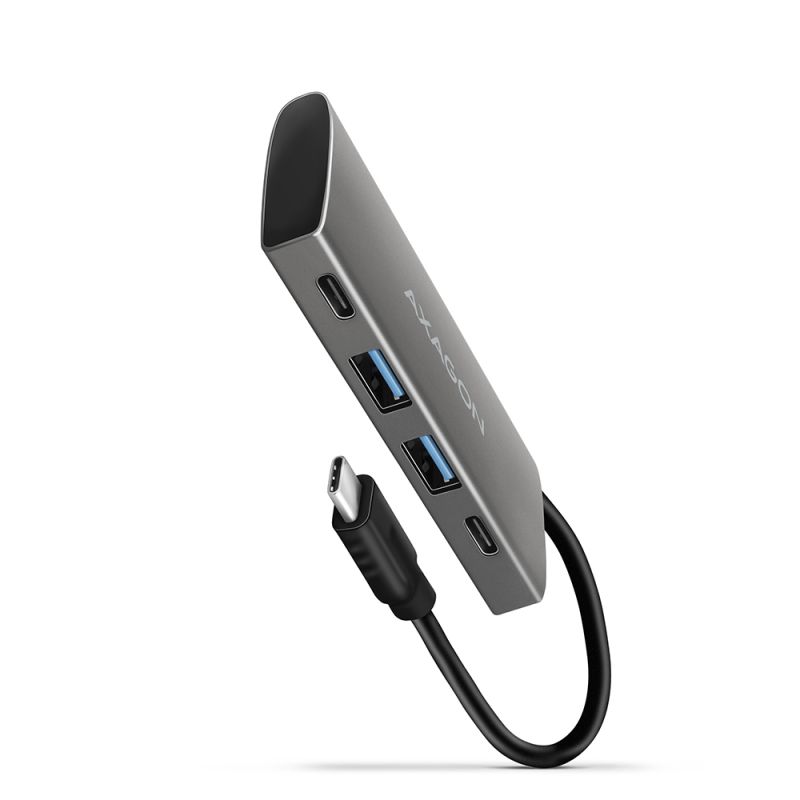
AXAGON HMA-CR3A Hub multi-port USB 3.2 Gen 1 (USB 3.0) en métal non seulement connecte jusqu'à trois périphériques USB simultanément à un ordinateur portable ou PC, mais ajoute également un lecteur de cartes mémoire SD / microSD.
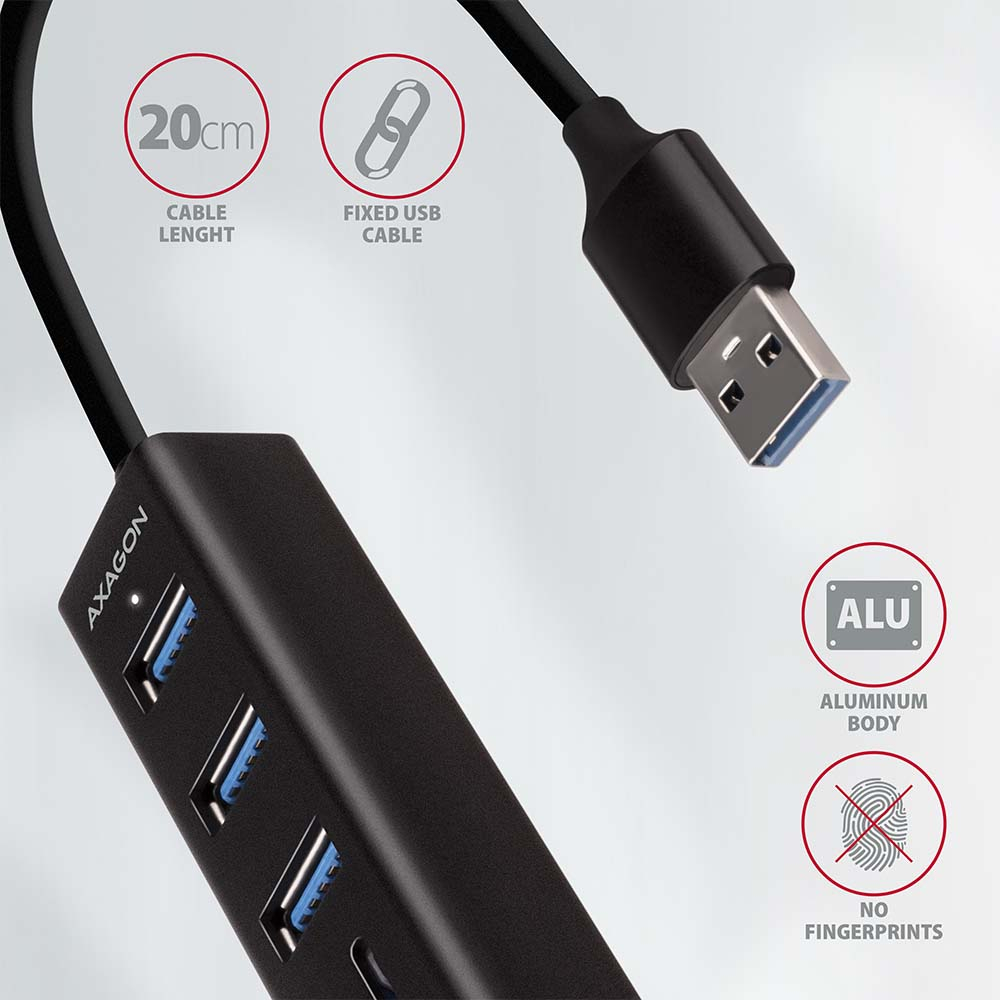
Le boîtier métallique du hub est fabriqué en aluminium, assurant une protection mécanique parfaite pour un transport fréquent. La surface élégante, finement texturée, empêche les traces de doigts indésirables. Les pieds en caoutchouc empêchent le hub de glisser sur la table. Le câble USB fixé solidement de 20 cm est idéal pour les utilisateurs de dispositifs mobiles.
Ce hub multi-port compact permet également une connexion permanente de plusieurs disques externes. Grâce à l'interface USB 3.2 Gen 1 rapide, la vitesse de transfert atteint jusqu'à 5 Gbit/s. Le hub permet en outre de charger des téléphones et tablettes avec un courant jusqu'à 1,5A/5V, vous permettant ainsi de charger facilement, par exemple, un smartphone Android, un Apple iPhone, un Apple iPad, etc.
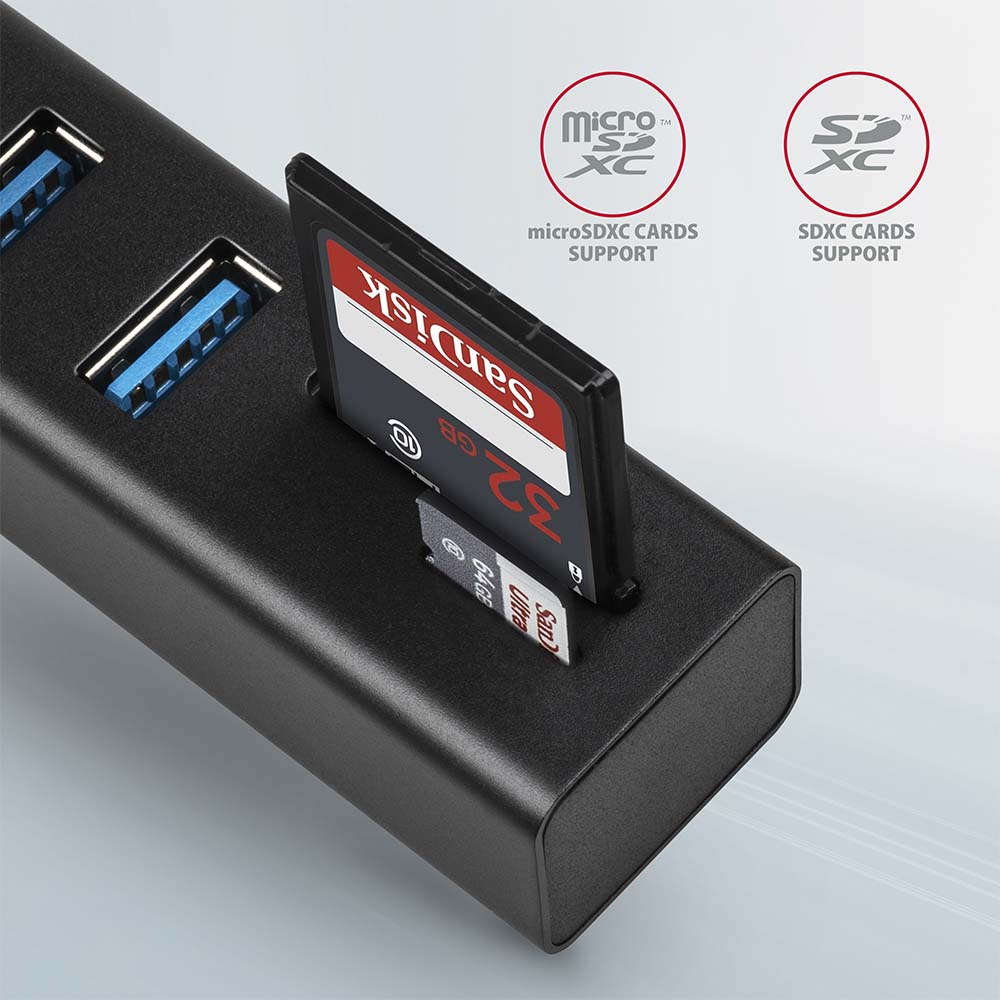
Le lecteur de cartes prend en charge toutes les versions des cartes SD et microSD, y compris SDXC et microSDXC avec une capacité allant jusqu'à 2 To. Les vitesses de transfert élevées sont assurées par l'interface USB 3.2 Gen 1. Le lecteur de cartes permet un travail simultané avec des cartes dans les deux emplacements et une copie directe entre elles.
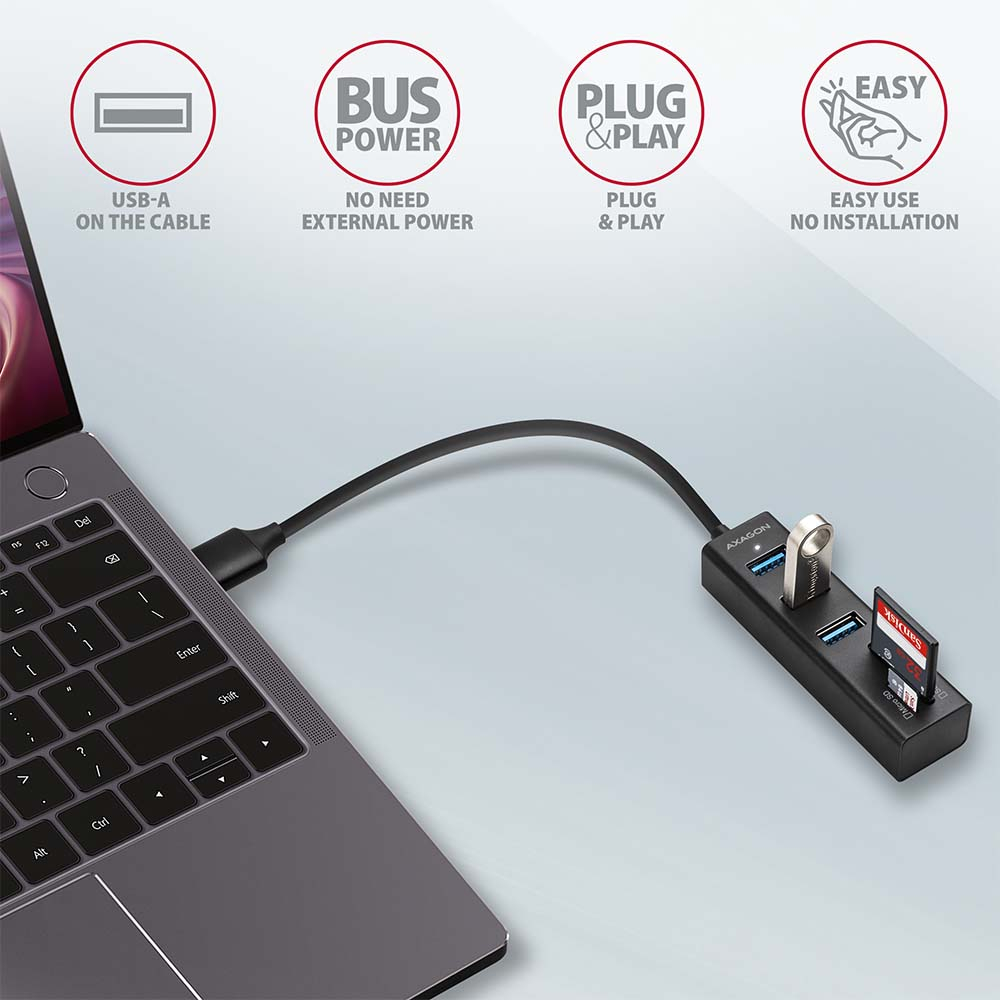
Le hub multiport USB est un complément idéal pour les ultrabooks avec un petit nombre de ports USB-A ou sans lecteur intégré. Le hub peut également gérer une connexion aux téléphones à l’aide d’un adaptateur OTG approprié ou USB-A > USB-C. Ainsi, vous pouvez connecter à un téléphone ou une tablette par exemple une clé USB, un clavier, une souris et ajouter un lecteur de cartes mémoire.
Entrée :
• 1x port USB 3.2 Gen 1 / SuperSpeed USB, connecteur USB-A male.
• Rétrocompatible avec USB 3.1 Gen 1 / USB 3.0 / USB 2.0 et USB 1.1.
• Connecteur USB de type A male fixé sur un câble de 20 cm.
Sorties USB :
• 3x port SuperSpeed USB, connecteurs USB-A female.
• Prise en charge des vitesses de transfert 5 000 / 480 / 12 / 1,5 Mbit/s (SuperSpeed / High / Full / Low speed).
• La bande passante totale / vitesse de transfert est déterminée par l'interface USB 3.2 Gen 1 utilisée (théoriquement 5 Gbit/s).
• Le hub USB peut gérer la connexion simultanée de plusieurs disques externes.
Lecteur de cartes - deux emplacements :
• emplacement Micro SD : microSD / microSDHC / microSDXC / TransFlash,
• emplacement SD : SecureDigital / SDHC / SDXC, MultiMedia Card, MMC 4.0, MMC Dual Voltage, MMC mobile, RS-MMC, avec adaptateur - miniSD, microSD / microSDHC / microSDXC, MMC Micro.
Le lecteur prend en charge ces spécifications de cartes flash :
• SD 1.0/1.1 (SD - Secure Digital, jusqu'à 2 Go).
• SD 2.0 (SDHC - Secure Digital High Capacity, jusqu'à 32 Go).
• SD 3.0 (SDXC - Secure Digital eXtended Capacity, jusqu'à 2 To).
• MMC et eMMC 3.x /4.0 / 4.1 / 4.2 / 4.3 / 4.4 / 4.5 / 5.0 (8-bit).
• Prise en charge de SD 3.01 et de l’application SD Jukebox (fonction CPRM).
• Prise en charge du bus Ultra High Speed UHS-I (SDR12/SDR25/SDR50/DDR50/SDR104) vitesse jusqu’à 104 Mo/s.
• Prise en charge matérielle de la fonction ECC (Error Correction Code) et CRC (Cyclic Redundancy Check).
• 2 LUN - dans les gestionnaires de fichiers le lecteur apparaît comme deux disques.
• Prise en charge des formats de fichiers FAT 12/16/32, NTFS, exFAT (FAT 64).
Autres caractéristiques :
• Possibilité de connecter des périphériques à chaud grâce à la prise en charge du Hot Plug.
• Prise en charge complète Plug and Play.
• Prise en charge du mode d'économie d'énergie.
• Câble blindé de haute qualité garantissant une vitesse de communication élevée et une interférence minimale.
• LED blanche indiquant la connexion à l’ordinateur.
• Prise en charge de l’alimentation via le bus USB (bus power).
• Dimensions 84 x 24 x 18 mm.
• Poids 42 g (câble inclus).
• Longueur du câble USB 20 cm.
Alimentation / Charge :
• L'alimentation via le bus USB est suffisante pour connecter des périphériques USB à faible consommation (souris, clavier, lecteur de cartes, clé USB, etc.) ou alimentés séparément (imprimante, scanner, disque externe 3,5") sur les trois ports.
• Le hub USB peut également gérer la connexion permanente de plusieurs disques externes simultanément.
• Charge des appareils mobiles (y compris iPad) avec un courant jusqu’à 1,5 A sur chaque port du hub. Le courant de charge total (divisé entre les ports) peut atteindre jusqu’à 2,8 A à 5 V (selon les capacités du port USB de l’ordinateur).
Systèmes d’exploitation pris en charge :
• MS Windows XP / Vista / 7 / 8 / 8.1 / 10 et versions plus récentes, Windows Server 2003 / 2008 / 2012 / 2016 et plus récentes (prenant en charge toutes les versions 32- et 64-bit de Windows), Mac OS X 10.4.x et supérieur, Linux avec noyau 2.6.x et au-delà, Android la plupart des versions.
• Remarque : Les pilotes sont intégrés aux systèmes d’exploitation pris en charge et s’installent automatiquement. Aucun autre pilote n’est nécessaire ni disponible.
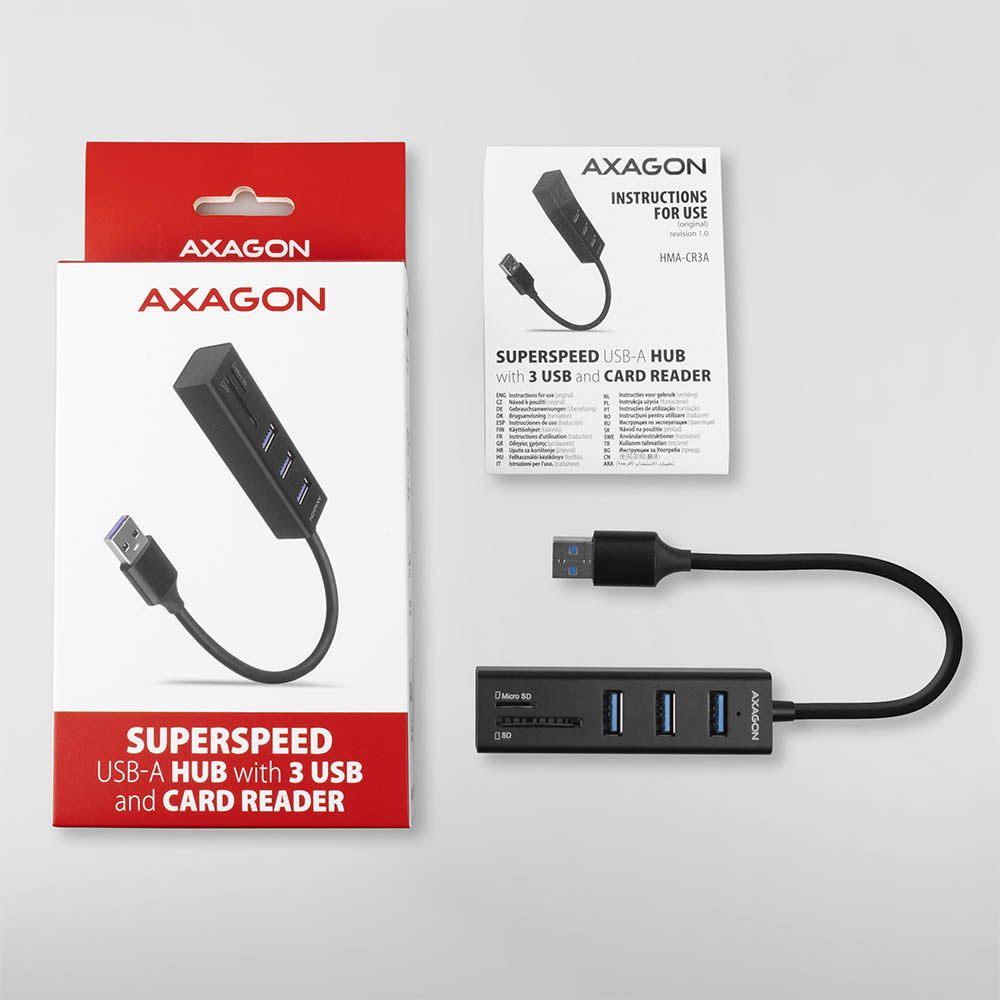
Le pack contient :
• Hub USB SuperSpeed multi-port avec câble fixé de 20 cm,
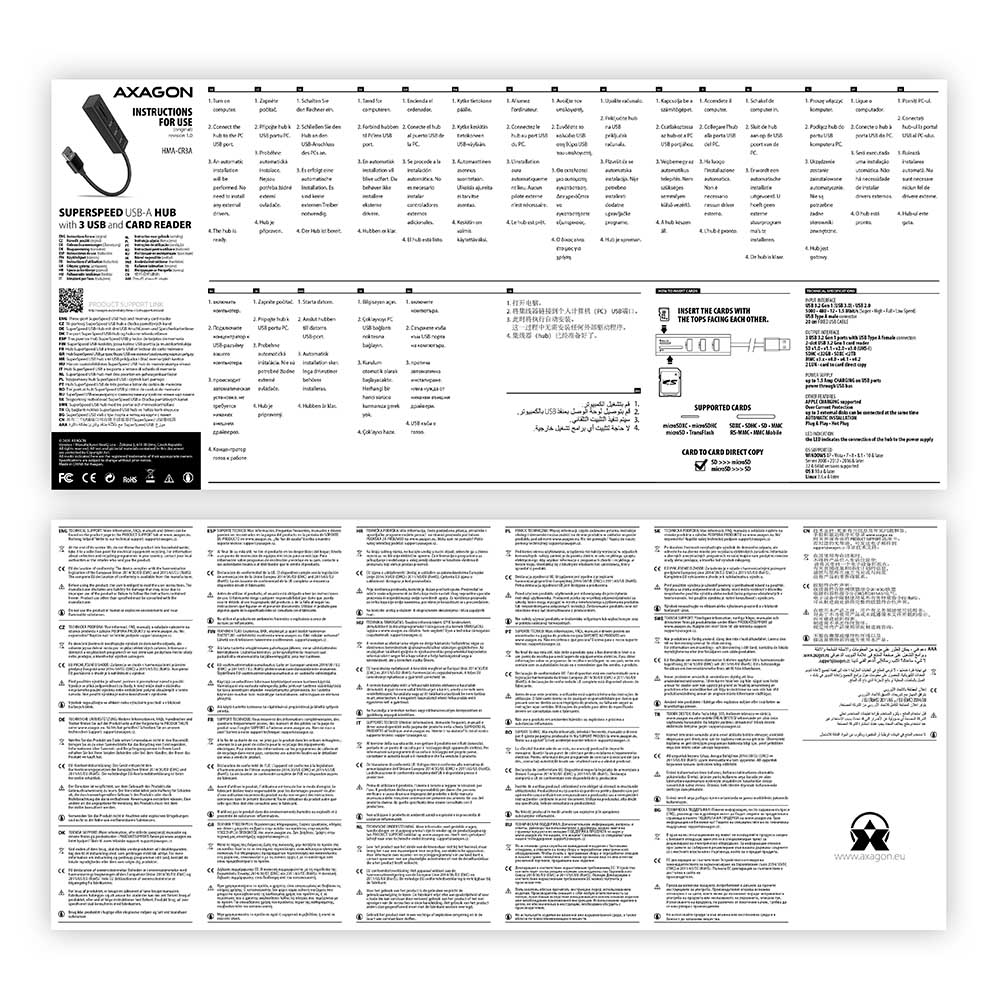
• manuel multilingue CZ / DE / DK / ENG / ESP / FIN / FR / GR / HR / HU / IT / NL / PL / PT / RO / RU / SK / SWE / TR / BG / CN / ARA,
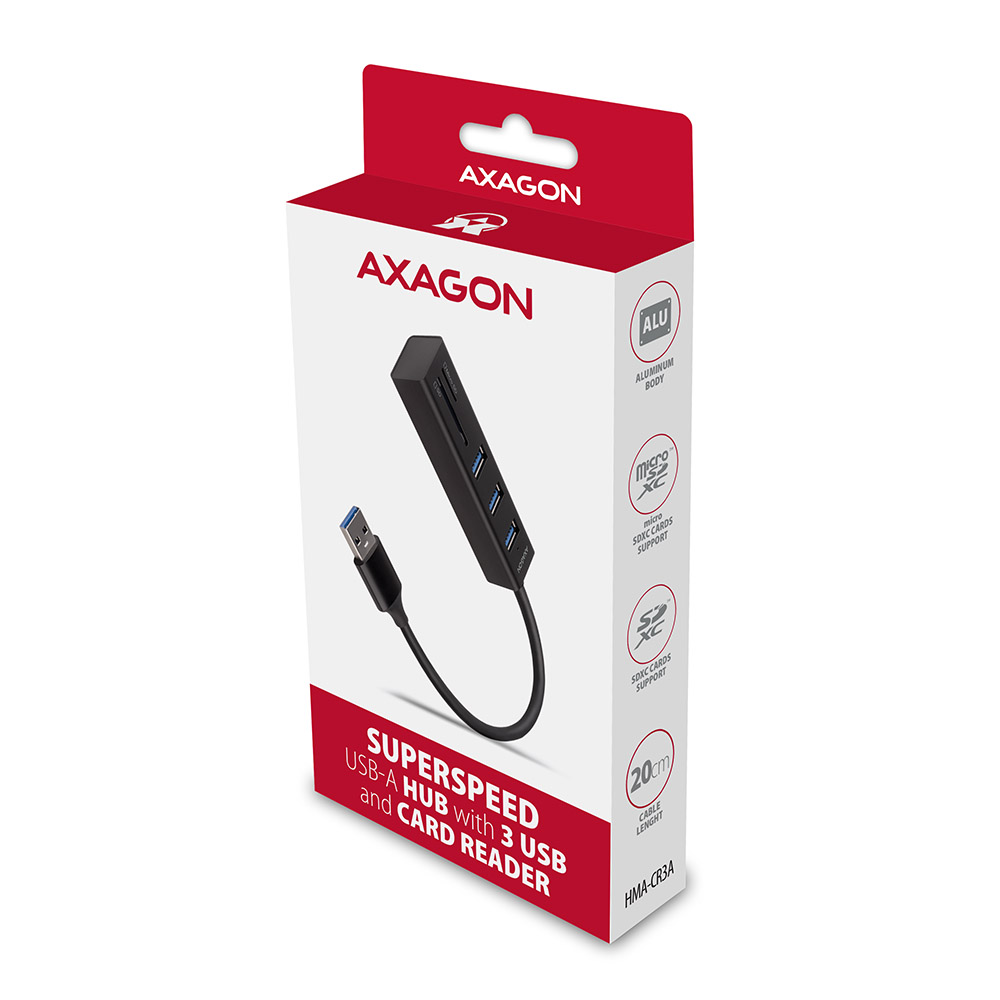
• emballé dans une boîte en carton avec une découpe pour suspension.



 français
 tchèque
 slovaque
 anglais
 allemand
 hongrois
 polonais