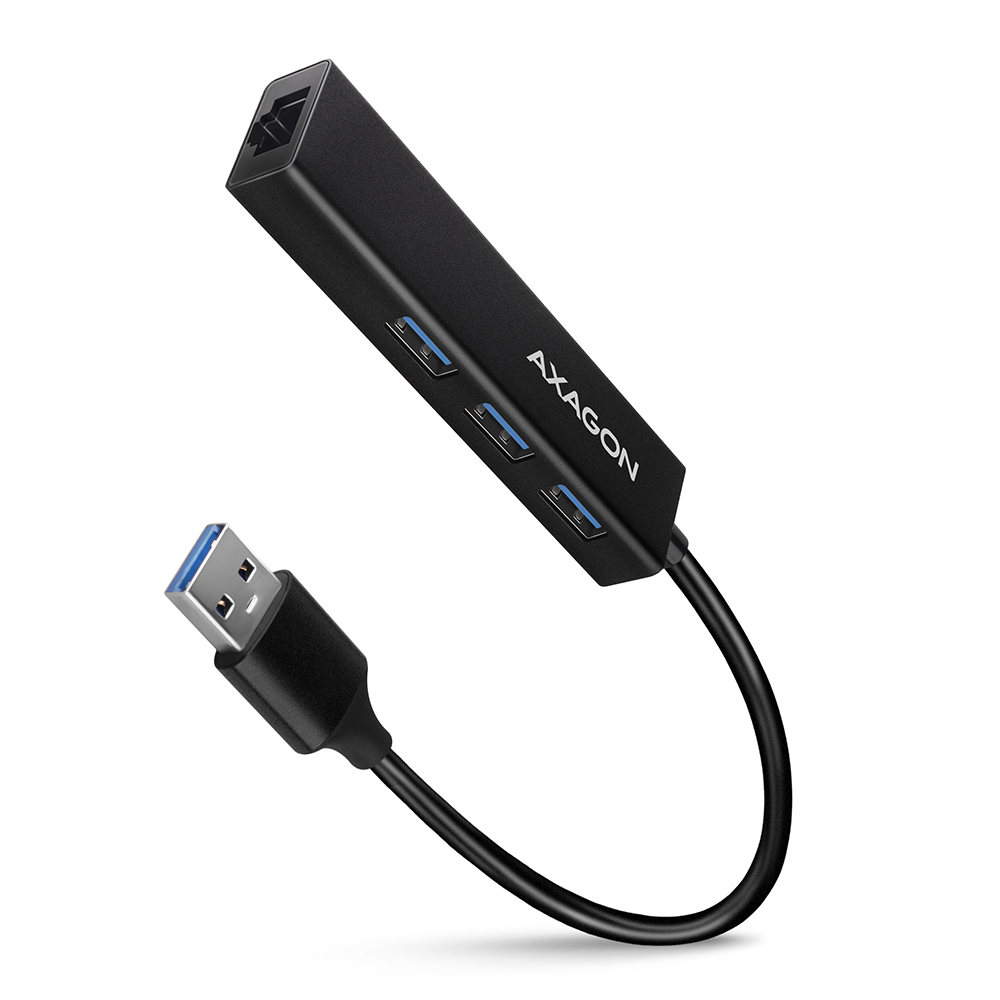
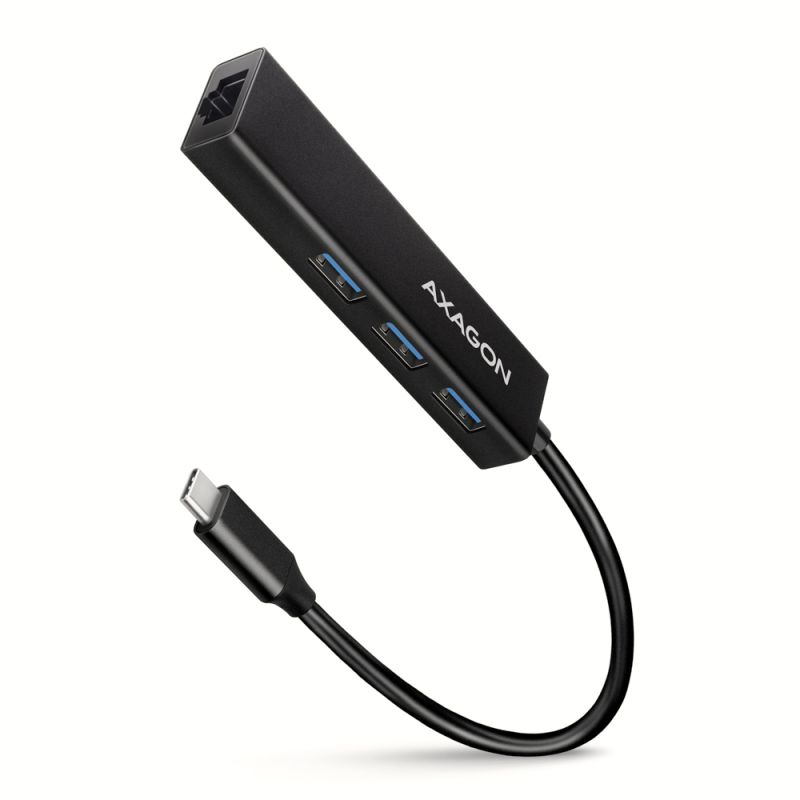
AXAGON HMA-GL3A USB 3.2 Gen 1 (USB 3.0) multi-port hub métallique mince ne connecte pas seulement jusqu'à trois périphériques USB simultanément à un ordinateur portable ou de bureau, mais ajoute également une carte réseau gigabit qui connecte votre ordinateur à un réseau à haute vitesse.
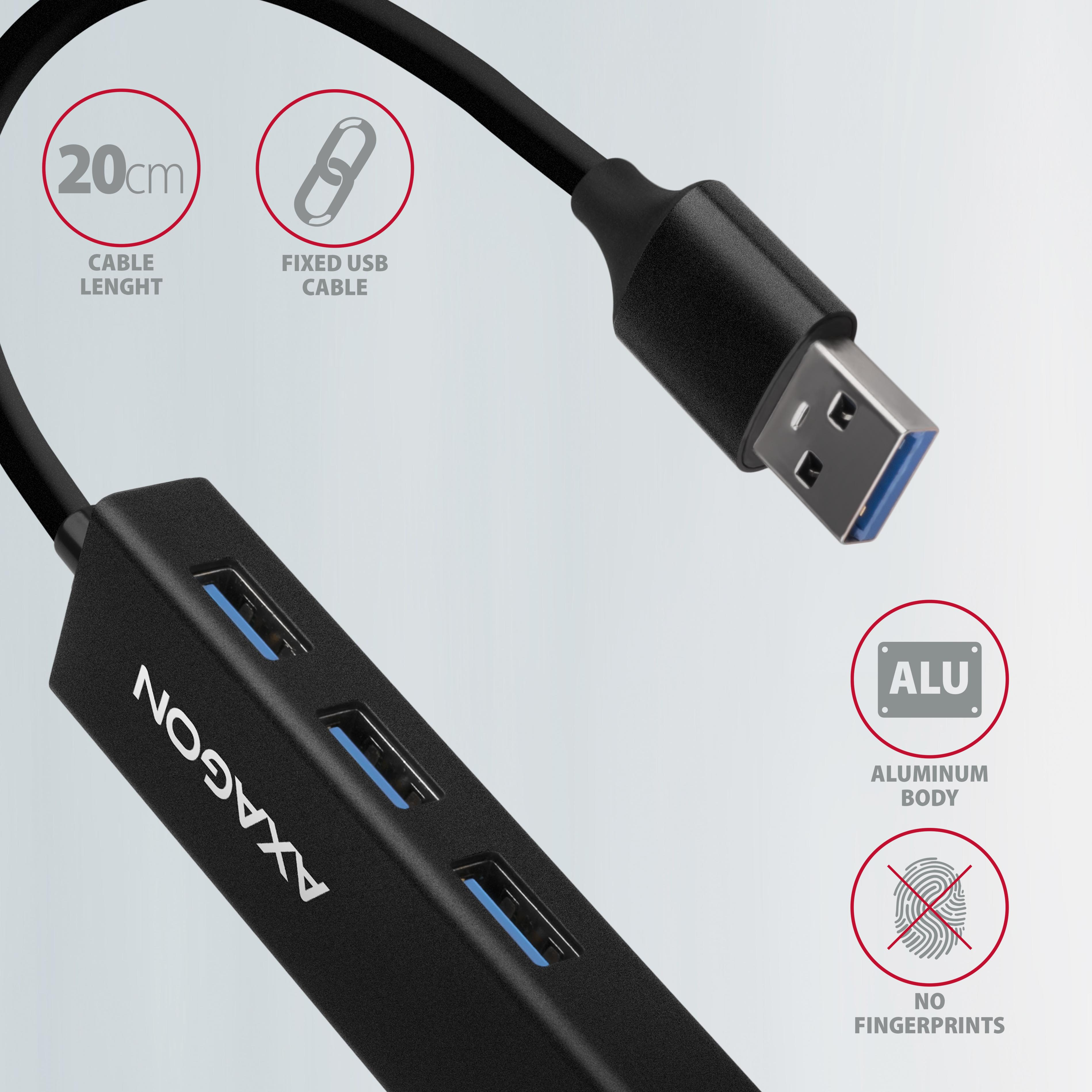
Le boîtier métallique du hub est en aluminium, offrant une excellente protection mécanique pour les déplacements fréquents. La surface élégante et légèrement texturée évite les empreintes indésirables. Le câble USB fixé de 20 cm est idéal pour les utilisateurs d'appareils mobiles.
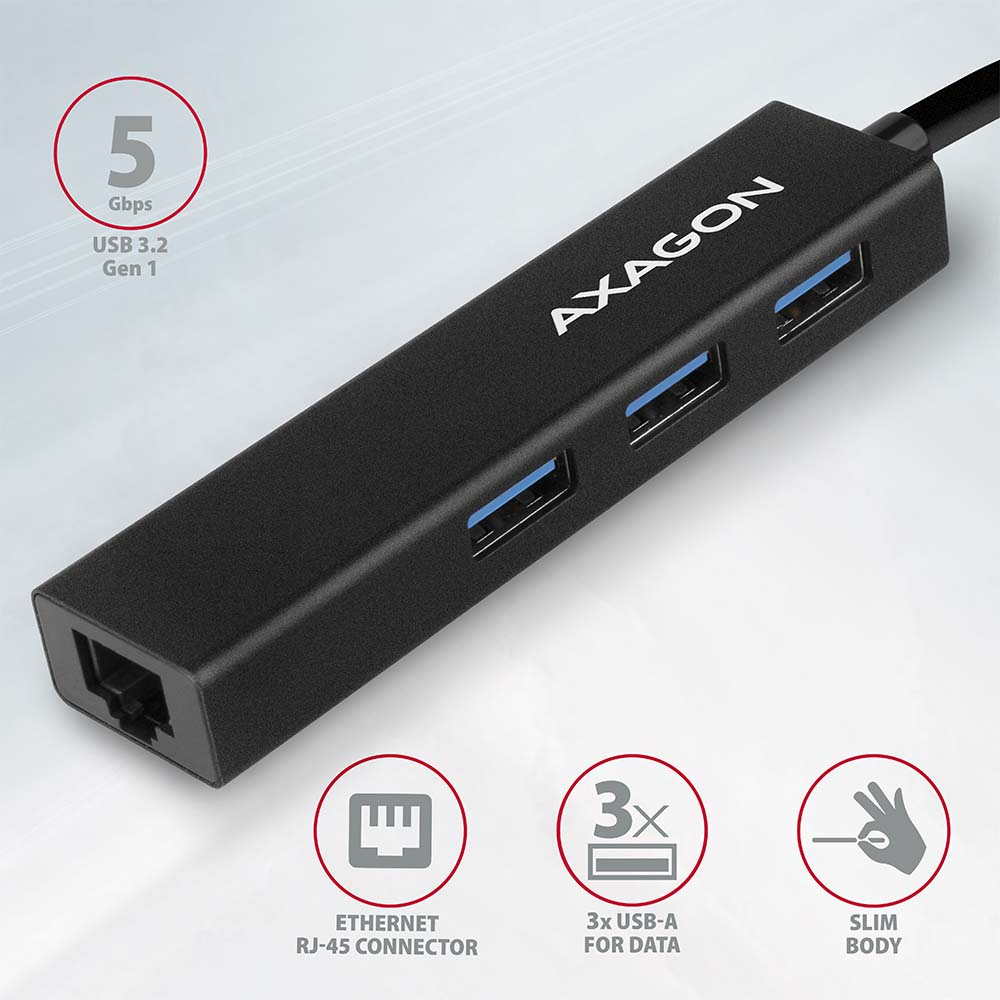
Ce hub multi-port compact prend également en charge la connexion permanente de plusieurs disques durs externes. Grâce à l'interface USB 3.2 Gen 1 rapide, la vitesse de transfert peut atteindre jusqu'à 5 Gbit/s.
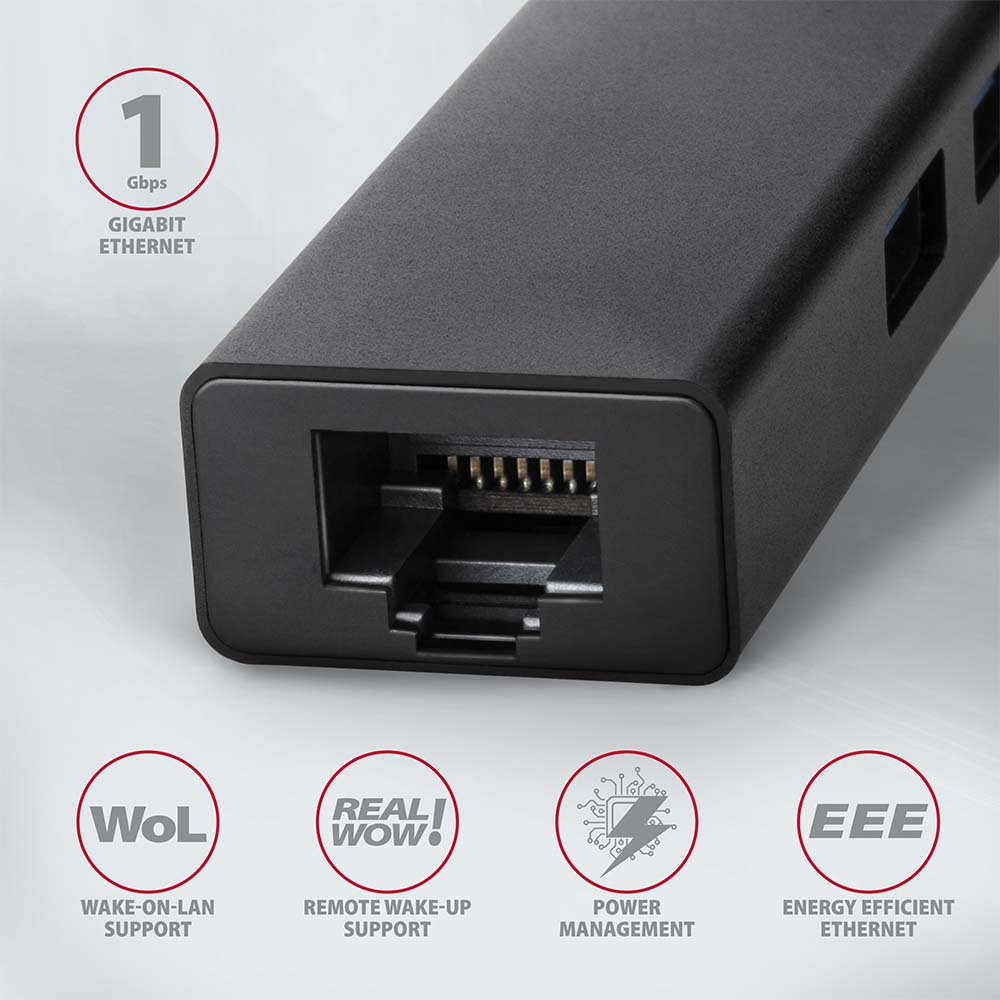
La carte réseau étend l'ordinateur avec une connexion réseau rapide et stable, complétant le port RJ-45 manquant ou ajoutant une carte réseau supplémentaire. L'adaptateur LAN est compatible avec les vitesses 10/100/1000 Mbit/s et offre une large gamme de fonctionnalités, telles que la somme de contrôle IPv4/IPv6 pour réduire la charge CPU, la détection et correction automatique crossover, la prise en charge de différents modes Wake-on-LAN, la gestion VLAN ou des fonctions avancées de gestion de l'énergie. Dans les systèmes d'exploitation modernes à partir de Windows 8.1, l'adaptateur permet une installation automatique facile sans nécessité de connexion Internet.
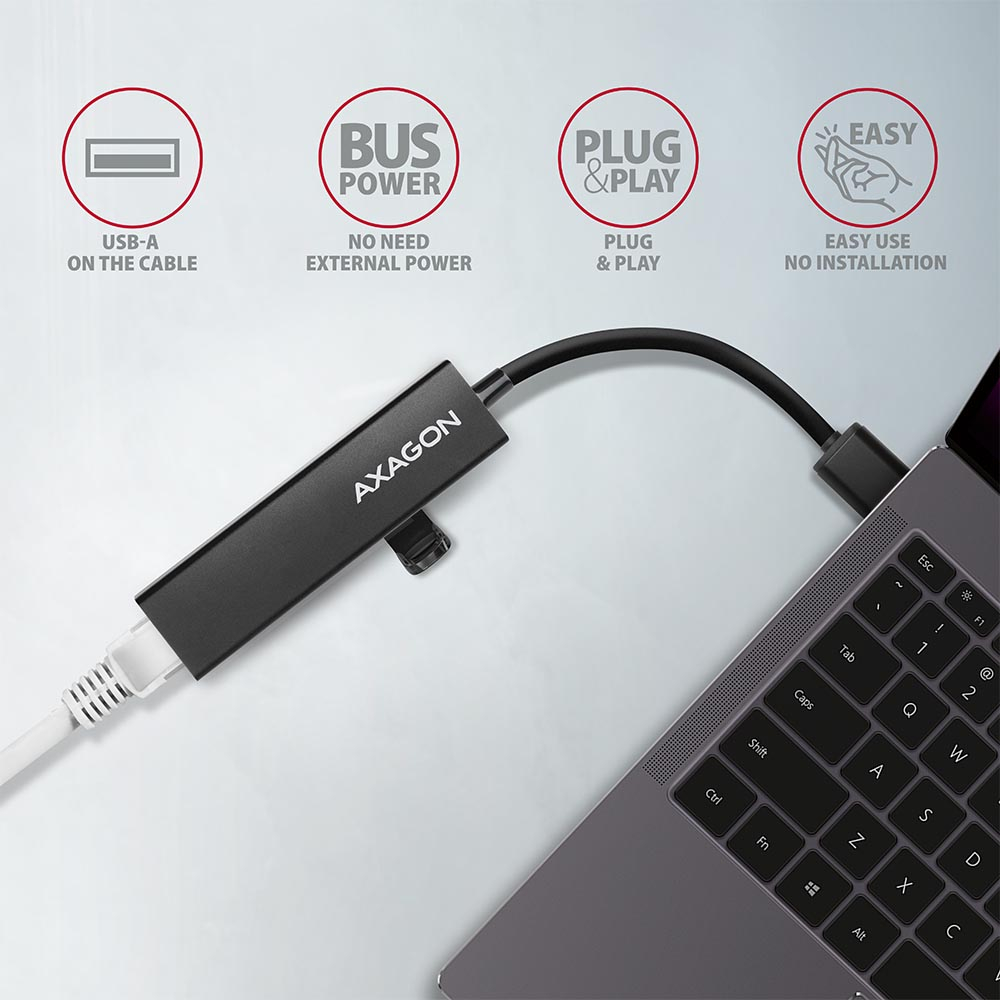
Le réplicateur de ports est le complément idéal pour les ultrabooks avec un faible nombre de ports USB-A et sans carte réseau. Le hub peut aussi se connecter aux téléphones via un adaptateur OTG ou USB-A > USB-C approprié. Vous pouvez ainsi connecter par exemple une clé USB, un clavier et une souris à un téléphone ou une tablette. Certains téléphones et tablettes Android, comme le Samsung S9+, peuvent grâce à ce hub et un adaptateur adapté* se connecter à Internet via un câble réseau.
Entrée :
• 1× port USB 3.2 Gen 1 / SuperSpeed USB, connecteur USB-A male.
• Rétrocompatible avec USB 3.1 Gen 1 / USB 3.0 / USB 2.0 et USB 1.1.
• Connecteur USB de type A male fixé sur un câble de 20 cm.
Sorties USB :
• 3× port SuperSpeed USB, connecteurs USB-A female.
• Prend en charge les vitesses de transfert 5 000 / 480 / 12 / 1,5 Mbit/s (SuperSpeed / High / Full / Low speed).
• Le débit total / vitesse de transfert est déterminé par l'interface USB 3.2 Gen 1 utilisée (théoriquement 5 Gbit/s).
• Le hub USB gère la connexion simultanée de plusieurs disques externes.
Sortie RJ-45 :
• Interface Gigabit Ethernet avec connecteur RJ-45 pour câble UTP ou STP.
• Vitesses prises en charge 10/100/1000 Mbit/s.
• Normes prises en charge IEEE 802.3 10Base-T, IEEE 802.3u 100Base-TX, IEEE 802.3ab 1000Base-T.
• Détection automatique 10/100/1000 Mbit/s.
• Prise en charge de la fonction IPv4/IPv6 packet Checksum Offload Engine (COE) pour réduire la charge CPU incluant vérification IPv4 IP/TCP/UDP/ICMP/IGMP & IPv6 TCP/UDP/ICMPv6 ainsi que génération des checksums.
• Prise en charge TCP Large Send Offload V1 et V2.
• Prise en charge du codage et du décodage des priorités IEEE 802.1P couche 2.
• Prise en charge du marquage VLAN IEEE 802.1Q.
• Prise en charge IEEE 802.3az EEE (Energy Efficient Ethernet) - réduction de la consommation en veille.
• Prise en charge Jumbo frame.
• Prise en charge des transmissions full-duplex avec contrôle de flux IEEE 802.3x et half-duplex avec contrôle back-pressure.
• Prise en charge Auto MDI/MDIX - détection et correction crossover automatique, éliminant le besoin de câbles crossover.
• Prise en charge du contrôle d'erreur matériel Cyclic Redundancy Check (CRC).
• Prise en charge de la correction pair swap/polarity/skew.
Fonctions Wake-on-LAN en modes variés :
• Prise en charge des modes veille et réveil à distance via Magic Packet, Microsoft Wakeup Frame, Microsoft Wake Packet Detection et Link Change wake-up.
• Prise en charge du standard ECMA-393 proxZzzy® pour la gestion réseau des hôtes en veille via proxy.
• Prise en charge de la technologie RealWoW! pour réveil à distance via Internet.
Fonctions avancées de gestion de l'alimentation :
L'adaptateur prend en charge la gestion avancée de l'énergie, réduisant les pertes en veille et en faibles charges réseau. Il prend aussi en charge l'économie d'énergie avancée lors du débranchement du câble Ethernet.
• Prise en charge Advanced Configuration Power Management Interface (ACPI).
• Prise en charge Power Management offload (ARP & NS).
• Prise en charge Microsoft Always On Always Connected (AOAC).
• Prise en charge Intel Converged Platform Power Management (CPPM).
• Prise en charge Link Power Management (LPM).
• Prise en charge Operating System-directed Power Management (OSPM).
• Prise en charge IEEE 802.3az EEE (Energy Efficient Ethernet).
Autres caractéristiques :
• Connexion à chaud grâce à la prise en charge du Hot Plug.
• Pleine compatibilité Plug and Play.
• Prise en charge du mode économie d’énergie.
• Câble blindé de haute qualité garantissant un transfert rapide avec interférences minimales.
• Prise en charge de l'alimentation par bus USB (bus power).
• Dimensions : 90 × 23 × 13 mm
• Poids : 38 g (câble inclus)
• Longueur du câble USB : 20 cm
Systèmes d'exploitation pris en charge :
• MS Windows XP / Vista / 7 / 8 / 8.1 / 10 et versions ultérieures, Windows Server 2003 / 2008 / 2012 / 2016 et versions ultérieures (prise en charge de toutes les versions 32 et 64 bits de Windows), Mac OS X 10.4.x et supérieure, Linux noyau 2.6.x et supérieur, Android la majorité des versions (ATTENTION - vérifier auprès du fabricant Android si la connexion Ethernet est prise en charge).
Le paquet comprend :
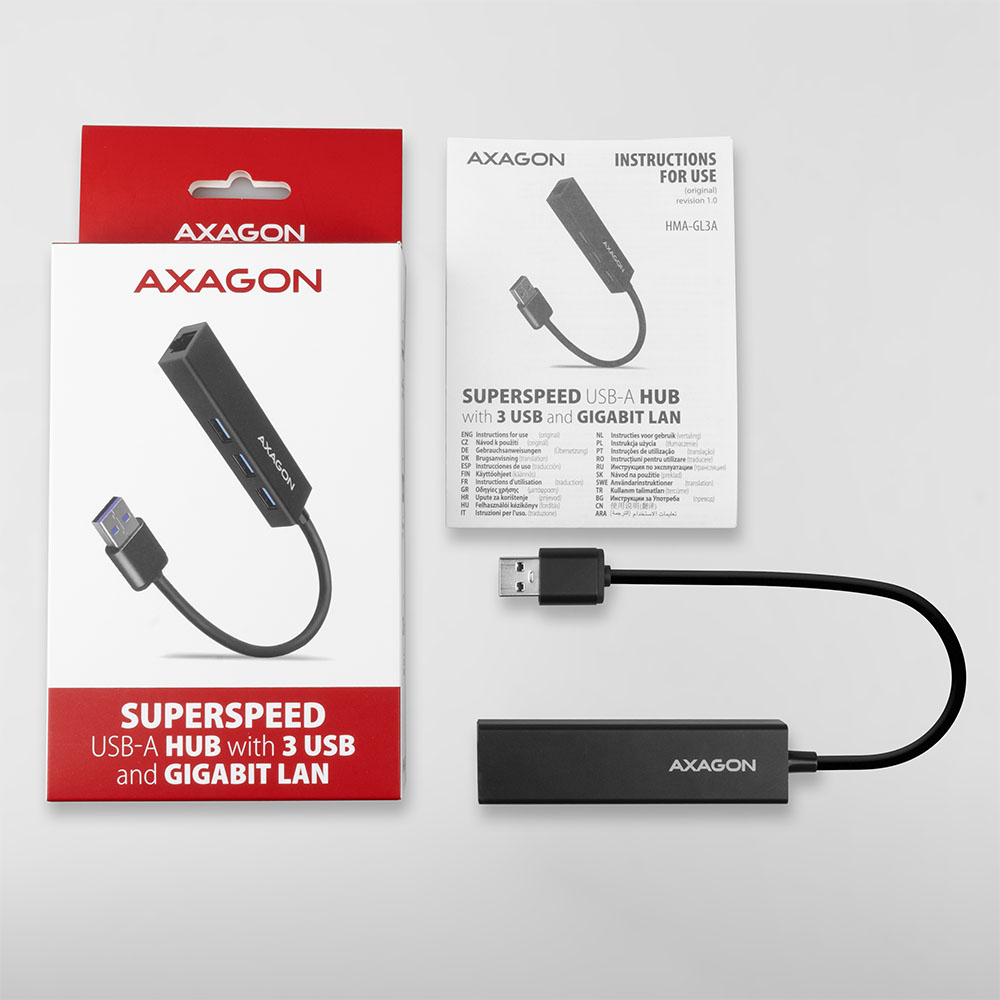
• Hub multi-ports SuperSpeed USB avec câble fixe de 20 cm,
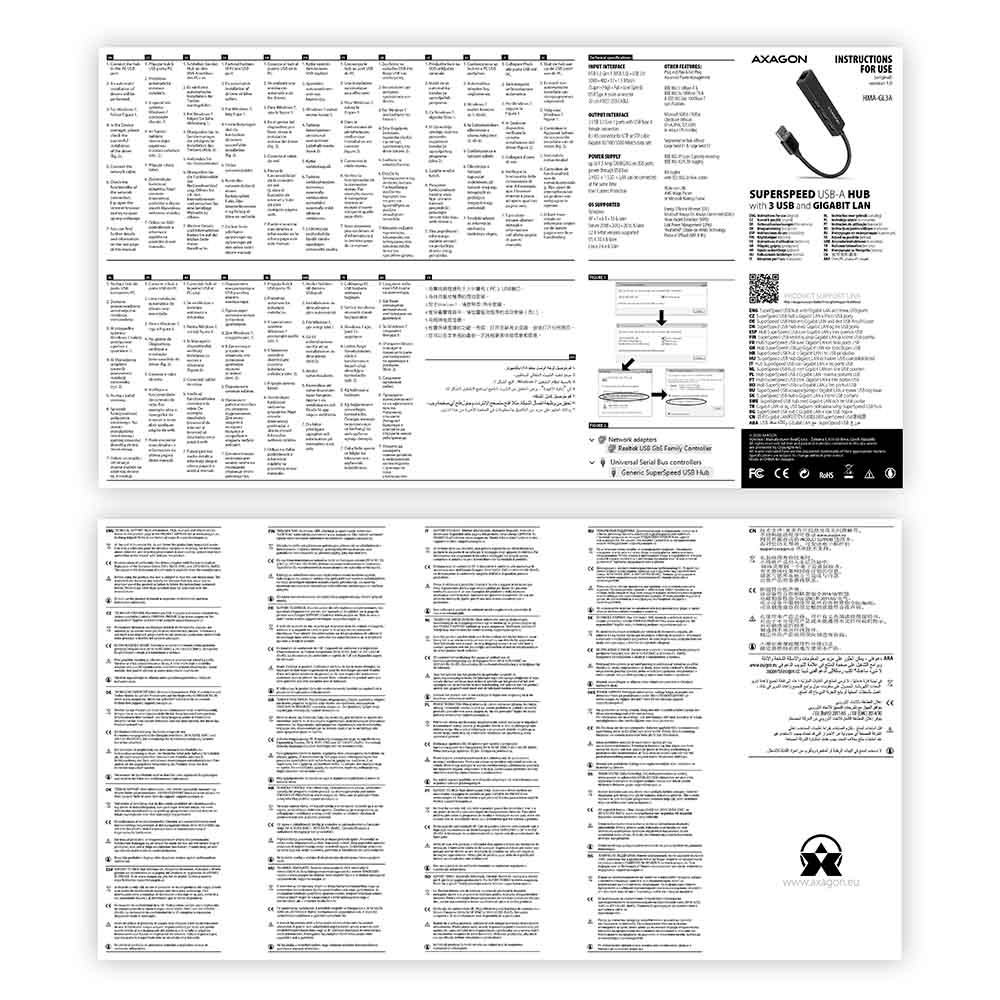
• manuel multilingue CZ / DE / DK / ENG / ESP / FIN / FR / GR / HR / HU / IT / NL / PL / PT / RO / RU / SK / SWE / TR / BG / CN / ARA,
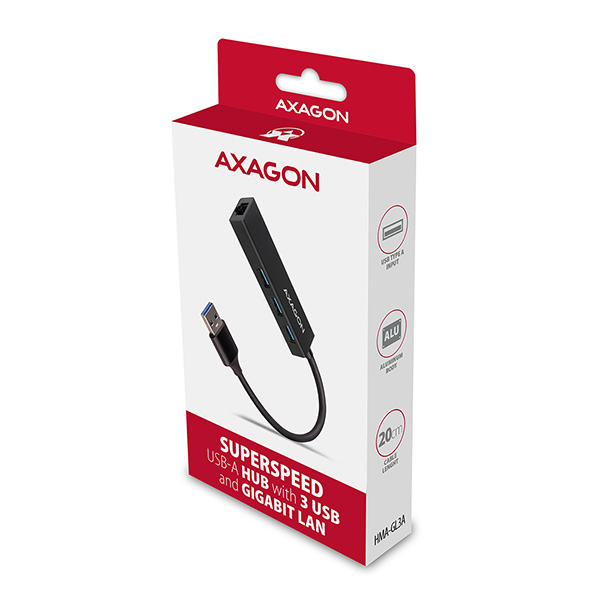
• emballé dans une boîte carton avec trou pour suspension.
* Pour les appareils avec connecteur micro USB, nous recommandons un adaptateur OTG, pour les appareils avec connecteur USB-C, un adaptateur USB-C>USB-A tel que AXAGON RUCM-AFA.



 français
 tchèque
 slovaque
 anglais
 allemand
 hongrois
 polonais