


 English
 Čeština
 Slovenčina
 Deutsch
 Magyar
 Polski
 Français
Netflix, HBO Max or Disney+ showing a black screen? HDCP could be the cause
A new season of your favourite series has just come out and you want to watch it on a proper monitor. You connect your laptop to a monitor or TV via a USB-C hub and the desktop displays correctly. But when you start Netflix or another protected video, you get a black screen, a playback error, or the video only plays in low resolution. Why won't Netflix work over HDMI when the picture otherwise works fine? One of the most common causes is HDCP – digital content copy protection.
What is HDCP?
HDCP (High-bandwidth Digital Content Protection) is a technology that protects films and other paid digital content during transmission over HDMI, DisplayPort or video output via USB-C (DisplayPort Alt Mode).
Before protected video starts playing, the devices in the chain verify with each other that they support HDCP. So the communication doesn't only take place between the laptop and the monitor. If you use a USB-C hub or docking station, it is also part of the verification. You can connect a monitor or TV to your laptop in two ways – via a USB-C hub, or directly with an HDMI cable.
If any part of the chain doesn't support the required HDCP version or the verification fails, the normal picture may keep working, but protected video won't play, or the service will only play it in lower quality.
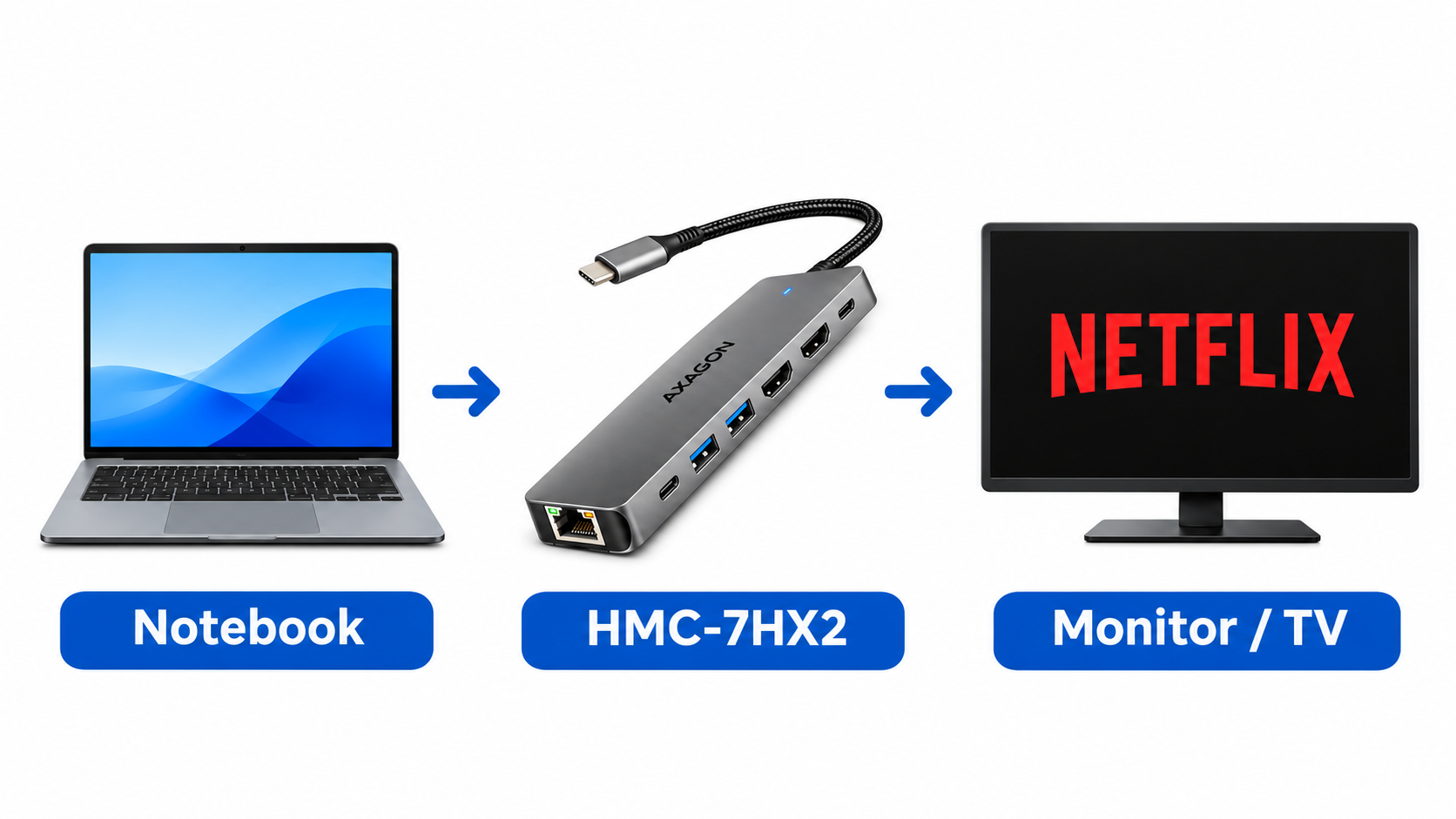
Laptop → USB-C hub → monitor or TV
Why does the desktop work, but I get a black screen instead of the film?
Normal display of the desktop, a web browser or documents doesn't need HDCP. The protection is only activated for content that requires it.
That's why the same setup can display Windows on an external monitor without any problems, and the issue only shows up once you start a protected film or series.
For example, for 4K playback on a Windows computer with an external display, Netflix requires a 4K 60 Hz monitor connected via an interface compatible with HDCP 2.2. If more than one display is active, all of them must meet the requirements. HDCP is just one of the conditions – Netflix also requires Windows 11, the Netflix app or the Edge or Chrome browser, a sufficiently powerful processor and graphics card, and the HEVC extension if needed.
HDMI support alone is not enough
HDCP must work across the entire transmission chain. This means the source device, the hub or adapter used, and the monitor or TV itself must all be compatible.
If you connect the monitor directly with an HDMI cable, the cable itself neither supports nor blocks HDCP – it simply carries the signal. However, it must be able to handle the required bandwidth. For 4K at 60 Hz, use a cable of at least the High Speed category, e.g. BUCM32-CM20AB. A poor-quality or overly long cable can cause HDCP verification to fail.
What to check when a streaming service doesn't work through a USB-C hub
- Monitor or TV: check whether it supports HDCP 2.2 or newer on the HDMI input you are using. On TVs, not all HDMI ports necessarily have the same capabilities.
- TV settings: with some brands, the enhanced HDMI mode needs to be switched on manually for the given input – for example Input Signal Plus on Samsung or HDMI Ultra HD Deep Colour on LG.
- Hub or adapter: check the supported HDCP version in its specifications.
- Cable: when connecting directly via HDMI, use a certified High Speed or Premium High Speed cable, ideally as short as possible.
- Drivers and system: update your graphics drivers and Windows.
- Other monitors: disconnect any other displays – Netflix requires all active screens to meet the conditions.
- Direct connection: if your laptop allows it, connect the monitor directly with an HDMI cable without the hub. This will show you which part of the chain is causing the problem.
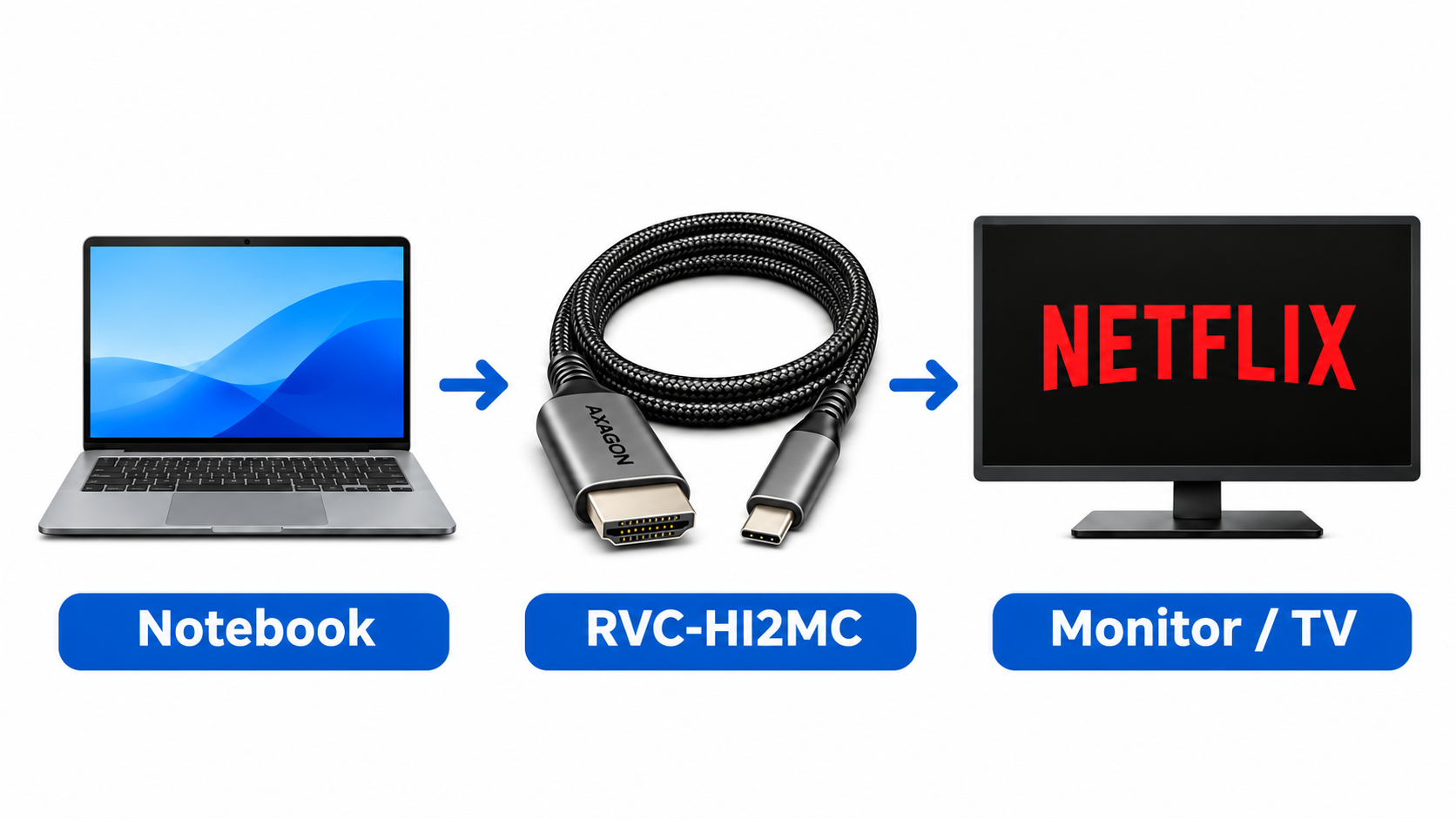
Laptop → HDMI cable → monitor or TV
HDCP is not the same as HDMI
HDMI defines how picture and sound are transmitted. HDCP is a protection layer used for protected content. That's why an HDMI connection can work technically even though a particular film or stream cannot be played.
So if your monitor works through a USB-C hub but protected video doesn't, the hub or cable isn't necessarily faulty. It's worth checking HDCP support across the entire chain, from the computer all the way to the screen.
Streaming services and HDCP – overview of requirements
The information is based on the official help pages of the individual services, verified on 13 November 2026. "Not officially specified" means that the service does not publicly specify the requirement – it does not mean that it doesn't require HDCP.
| Service | Max. quality on a computer | HDCP requirement | 4K on an external monitor from a PC | Notes |
|---|---|---|---|---|
| Netflix | 4K (Windows 11, Netflix app, Edge or Chrome) | HDCP 2.2 for 4K on an external display | Yes, 4K 60 Hz monitor with HDCP 2.2 | All active displays must meet the requirements. Also required: Intel 7th gen. / AMD Ryzen CPU, GeForce 1050 / Radeon RX 400 GPU or newer, and the HEVC extension if needed. Firefox and Opera max. 1080p. |
| HBO Max | 4K on a computer not specified | HDCP 2.1+ for any playback HDCP 2.2 + HDMI 2.0 for 4K HDR | No (4K only on TVs, media players, consoles) | If an HDCP error appears on a PC: stream on the main monitor, try a different browser, check adapters, graphics, cables and the monitor (HDCP 2.1+). |
| Prime Video | Up to HD (browser, Windows and Mac apps) SD on Linux and Chrome OS | Version not officially specified | No | The Windows app requires Windows 10/11, the Mac app requires macOS 11.4+. |
| Apple TV / iTunes (Mac) | Not officially specified | HDCP-compatible display (version not specified) | Not verified | An HDCP error may appear after waking the Mac from sleep – closing and reopening the app helps. |
| Disney+ | Not officially specified | Not officially specified | No (4K only on TVs, media players, consoles – according to independent reviews) |
FAQ
Why does Netflix show a black screen on an external monitor?
The most common cause is that a device in the chain (laptop, hub, adapter or monitor) doesn't support the required HDCP version, or the HDCP verification fails.
What does HDCP mean for HDMI?
HDCP is digital content protection against unauthorised copying. It is used for films, series and streaming services and works over HDMI, DisplayPort and USB-C.
Do I need HDCP 2.2 for Netflix and other streaming services?
For 4K Netflix playback on an external display from a Windows computer, yes. Netflix requires an HDCP 2.2-compatible connection on all active displays.
Does HDCP 2.3 support streaming services in 4K?
Yes. HDCP 2.3 is backward compatible with version 2.2, so it meets Netflix's requirement.
Why does Netflix only play in low resolution through a hub?
If the chain doesn't support HDCP 2.2, Netflix often plays the video in lower resolution instead of showing an error. Other 4K requirements can also be the cause – the browser, the graphics card, a missing HEVC extension or a plan without Ultra HD.
How can I find out whether my monitor supports HDCP 2.2?
Check the technical specifications of the monitor or TV, or the user manual. On TVs, check which HDMI input supports HDCP 2.2 and whether it needs to be enabled in the settings.
Can a monitor work even when there is an HDCP problem?
Yes. The normal desktop doesn't need HDCP, so the problem only appears when you start protected content.
Is it enough if the USB-C hub supports HDCP?
No. The required HDCP version must be supported by the entire chain – the source device, the hub or adapter, and the monitor or TV.
Sources
Netflix – 4K requirements on Windows
HBO Max – watching in 4K UHD
Apple – connecting a Mac via HDMI (HDCP)
Windows Central – devices with Disney+ in 4K
Follow!


