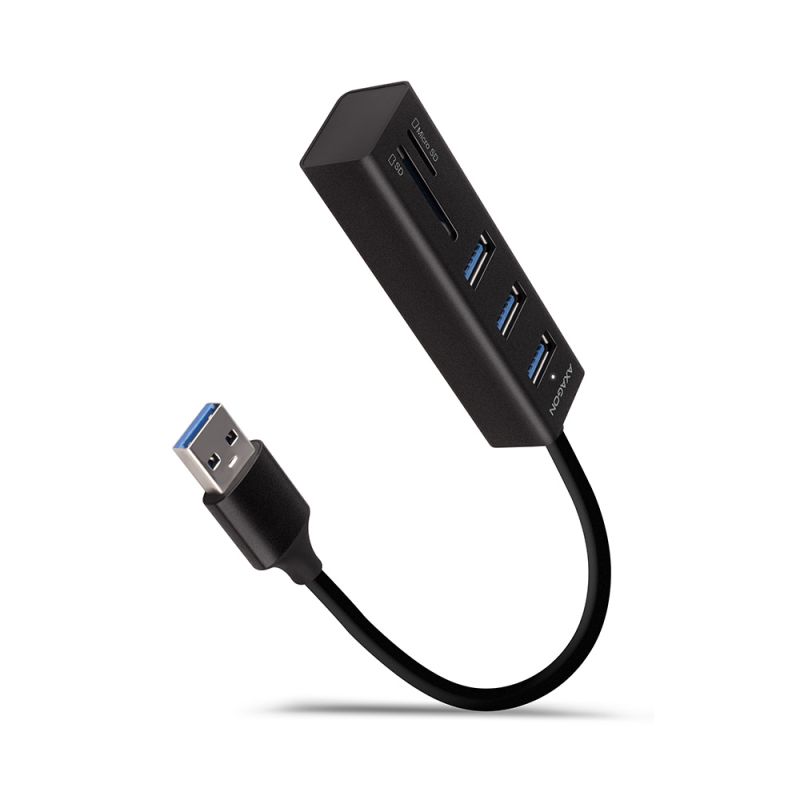
Product code: HMC-4G2
Category: Hubs , Multi-functional hubs , Four-port USB hubs , All Products

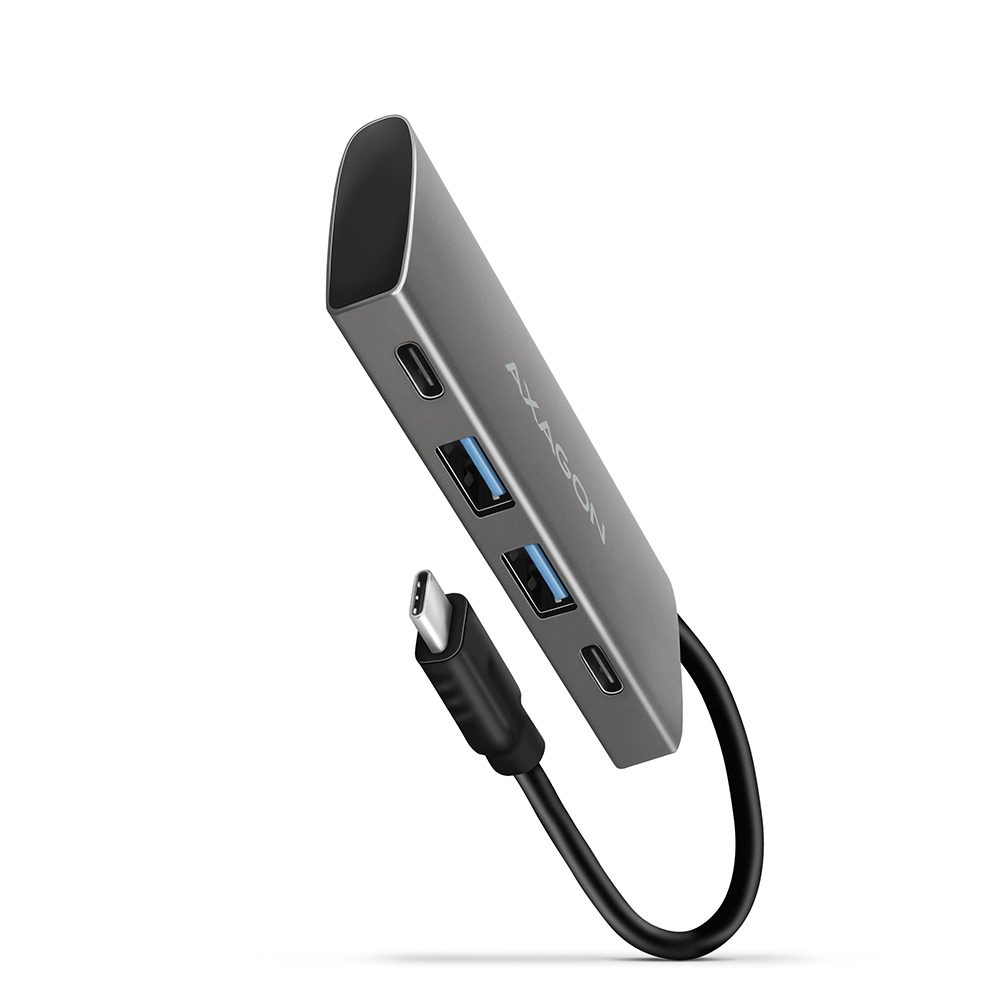
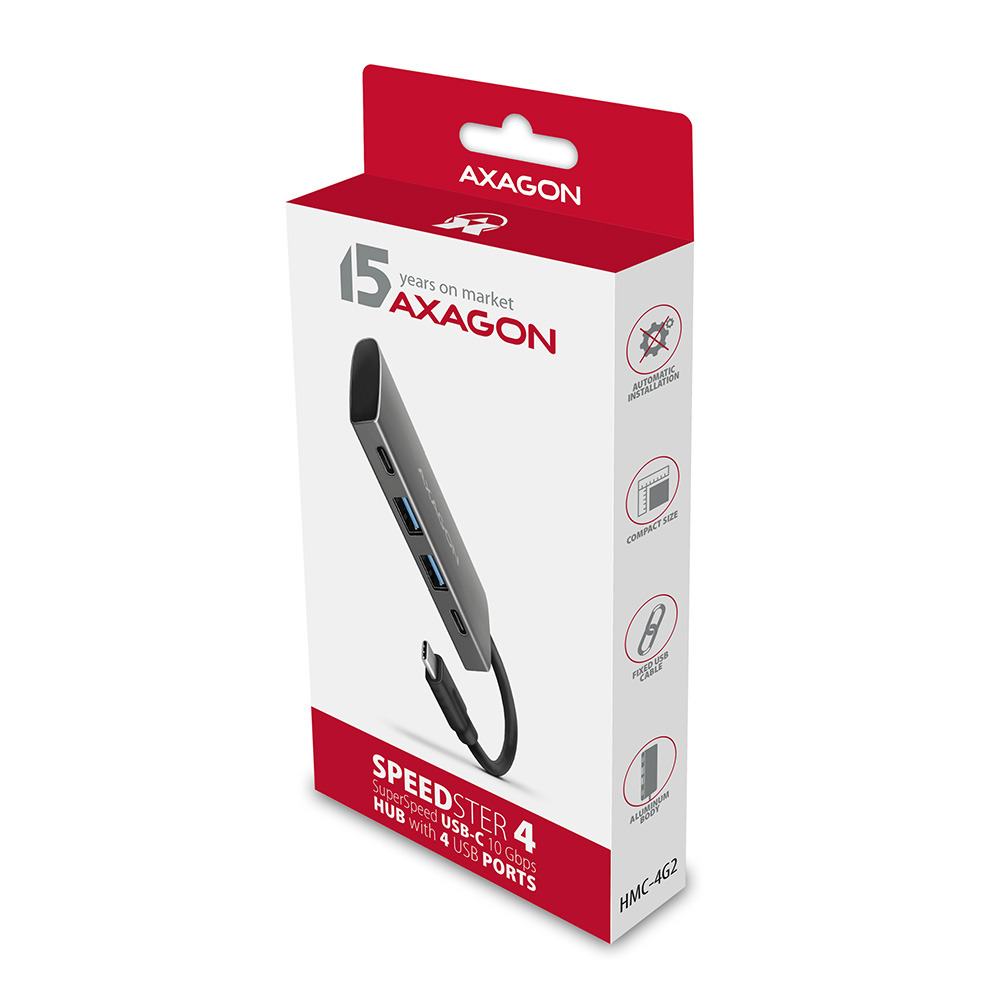
Superspeed USB-C 3.2 Gen 2 hub AXAGON HMC-4G2 SPEEDSTER 4 expands your laptop, computer or phone with four ports. You can easily and quickly connect up to four USB devices to your computer at the same time via the dual-sided USB-C connector.
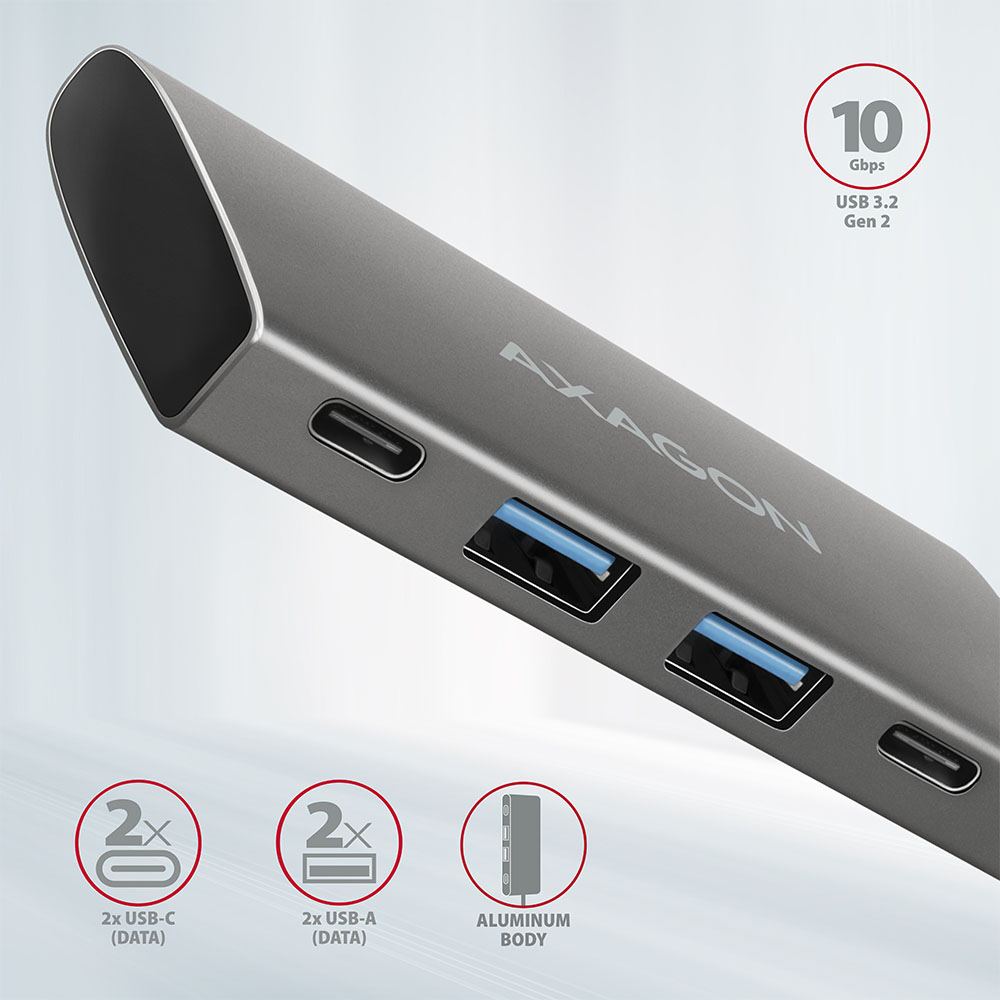
The USB hub offers a total of four USB outputs - two with standard USB-A connectors and two with modern USB-C connectors.
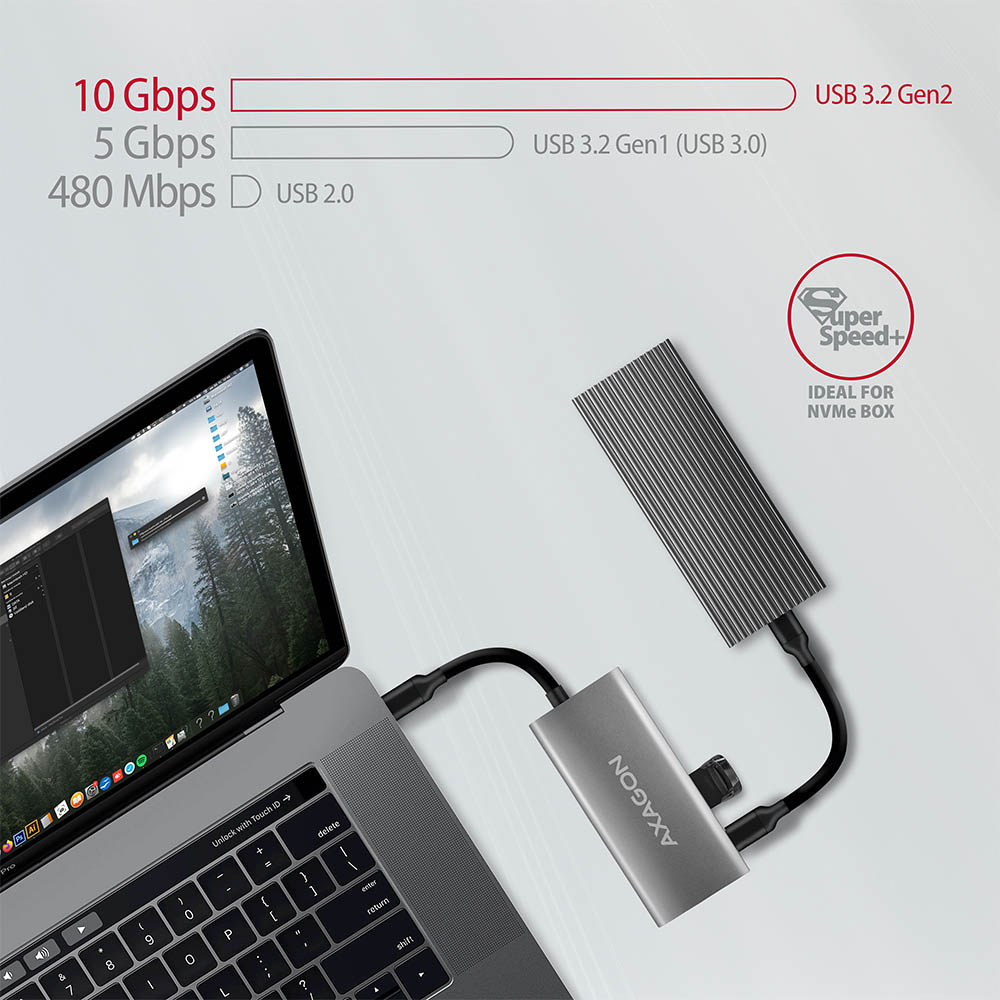
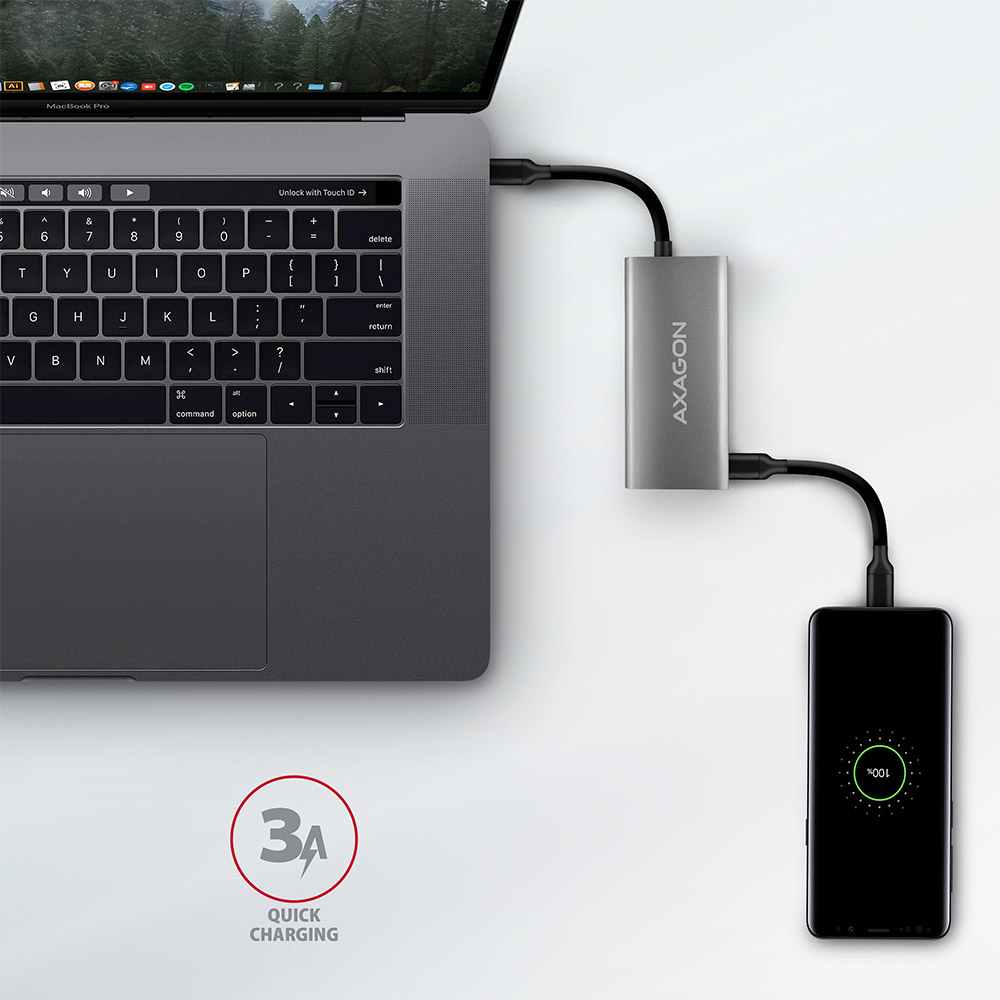
Thanks to the advanced USB 3.2 Gen 2 interface, you can connect high-speed devices such as NVMe M.2 external drives to all outputs at up to 2x higher speed 10 Gb/s compared to standard Generation 1 hubs with a speed of only 5 Gb/s. The hub can handle permanent connection of several external drives simultaneously and USB-C ports allow charging of phones and tablets with a current of up to 3A.
The compact and slim aluminum body looks great and also ensures mechanical resistance and quality cooling. The finely structured surface with no fingerprint remains will also please you.
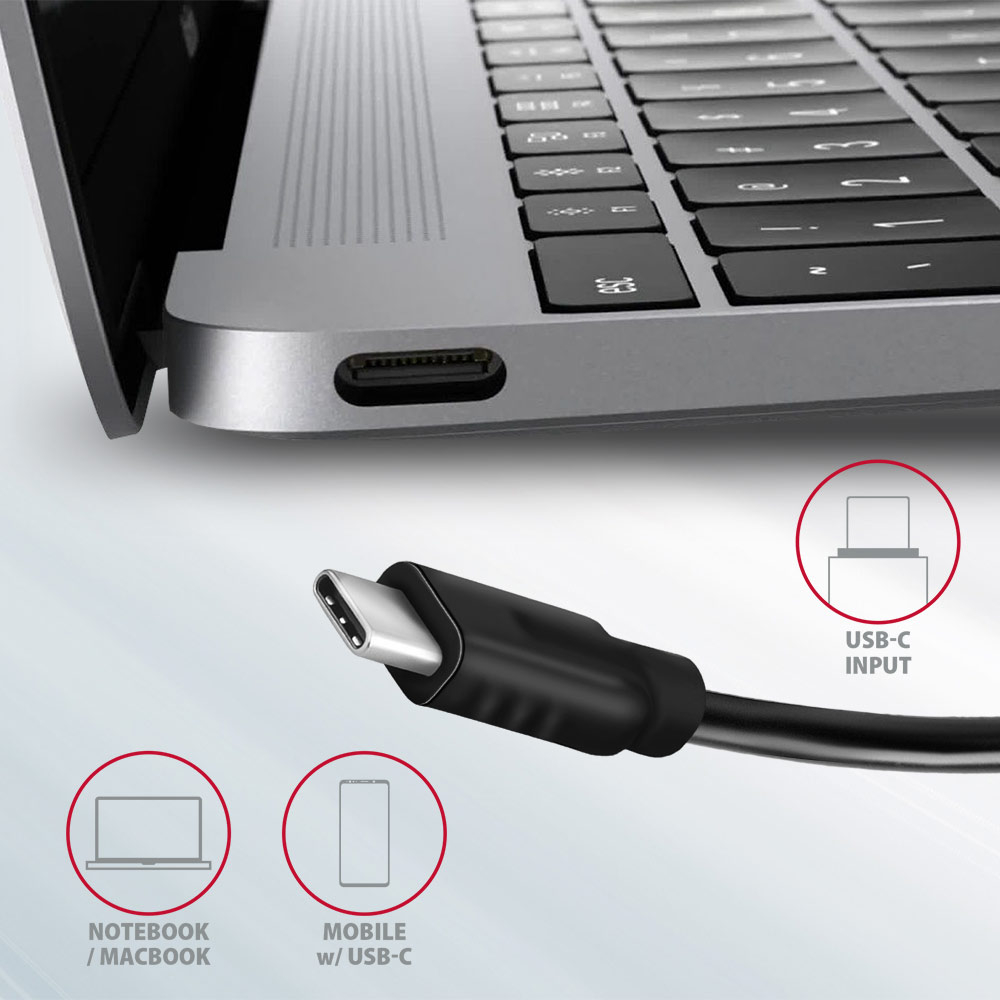
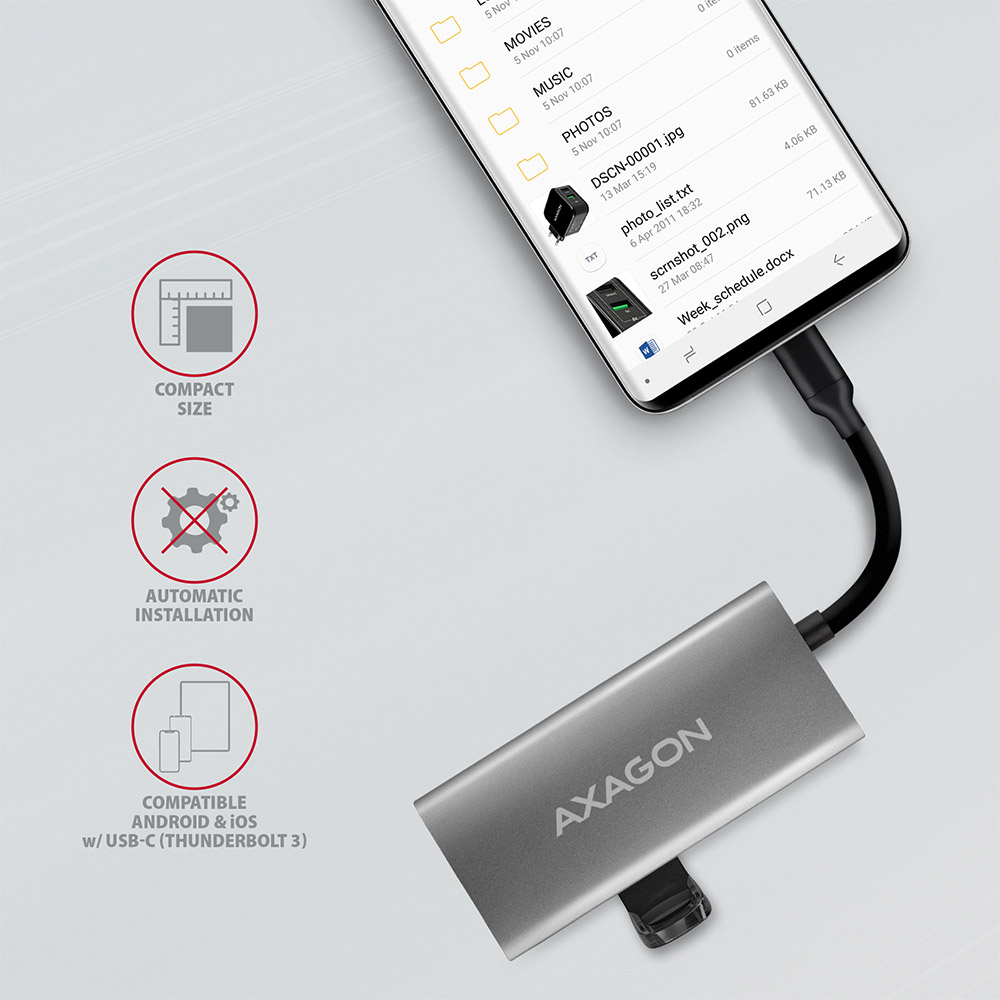
The USB-C hub is an ideal accessory for laptops without USB-A connectors such as the MacBook Pro. You can use your existing USB peripherals without having to buy new ones. Thanks to the Plug and Play and Hot Plug functions, the connection of the hub itself is very simple without complicated installation. It is also possible to easily connect and disconnect peripherals while the computer is running. The hub does not afraid of connection to phones with a USB-C connector - for example, you can connect a flash drive, keyboard or mouse to the phone.
Input:
• 1× USB 3.2 Gen 2 / SuperSpeed USB 10 Gbps port, USB-C male connector.
• Backward compatible with USB 3.2 Gen 1 / USB 3.1 Gen 1 / USB 3.0 and USB 2.0.
• Compatible with Thunderbolt 3.
• Input USB type C male connector on fixed 13 cm cable.
USB outputs:
• 2× SuperSpeed USB 10 Gbps port, USB-A female connector.
• 2× SuperSpeed USB 10 Gbps port, USB-C female connector.
• Supports transmission rates 10.000 / 5.000 / 480 / 12 / 1.5 Mb/s (SuperSpeed+ / SuperSpeed / High / Full / Low speed).
• The total bandwidth / transmission rate of the box is determined by the USB 3.2 Gen 2 interface used (theoretically up to 10 Gbit/s).
• USB-C hub can handle connection of several external drives simultaneously.
• Powerful mobile device charging in the USB-C ports by current up to 3A at 5V.
Other features:
• Possibility to connect your device while running thanks to the Hot Plug support.
• Full Plug and Play support.
• Standby mode support.
• Power via USB bus - USB bus power.
• Heavy-duty aluminium body for better hub cooling.
• High quality shielded cable ensures fast communication speed and minimal unwanted interference.
• Dimensions 87 × 40 × 12 mm.
• Weight 48 g (incl. cable).
• USB cable length 13 cm.
Supported operating systems:
• Microsoft Windows 7 / 8 / 8.1 / 10, Mac OS, Linux, Android and Chrome OS.
• Note: Drivers are included with supported operating systems and are installed automatically. No other drivers need to be installed and are not even available.
Package contains:
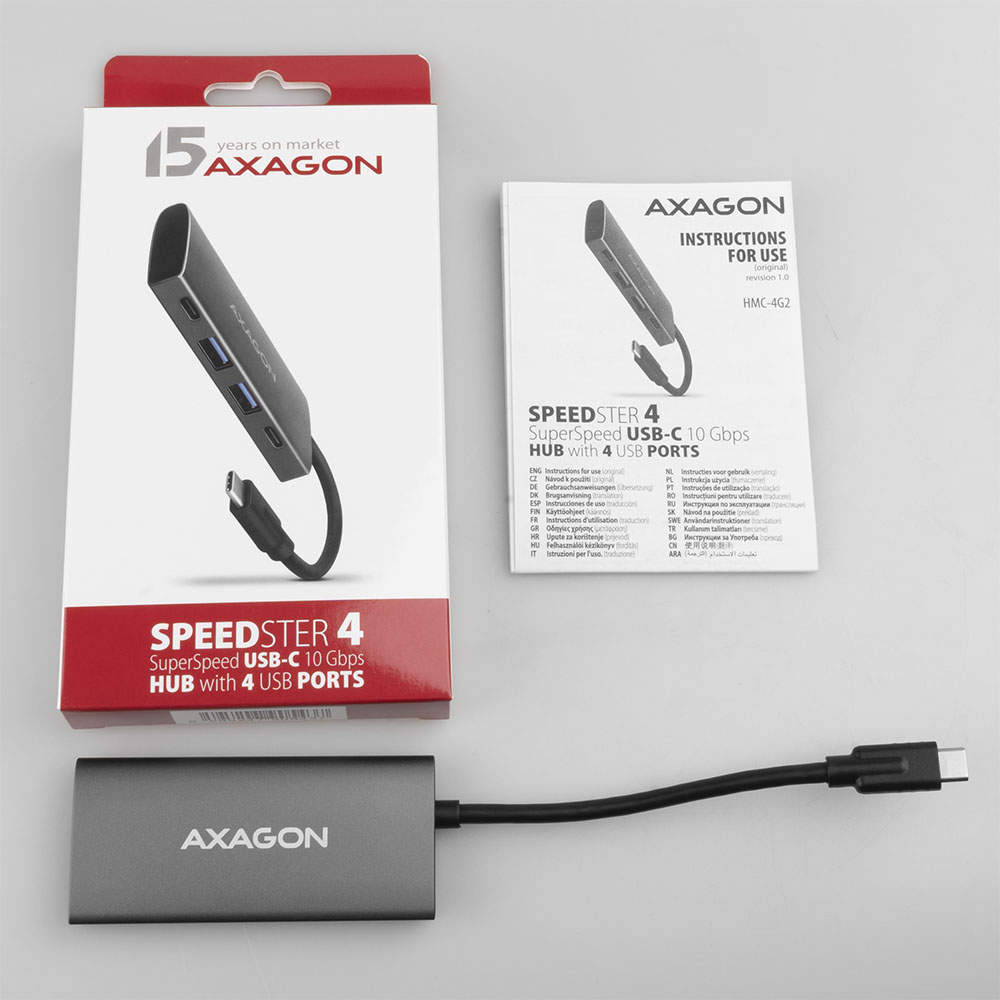
• USB hub with fixed 13cm long cable,
• printed multilingual guide in CZ / DE / DK / ENG / ESP / FIN / FR / GR / HR / HU / IT / NL / PL / PT / RO / RU / SK / SWE / BG / CN / TR / ARA,
• packed in a cardboard box.

- USB-C hub with a permanently connected 13 cm cable
- installation guide
- printed multilingual manual CZ / DE / DK / ENG / ESP / FIN / FR / GR / HR / HU / IT / NL / PL / PT / RO / RU / SK / SWE / TR / BG / CN / ARA
- a cardboard box with an option to be hanged on the retail display stands
- package dimensions 19 x 9.5 x 2 cm
- weight of 1 pc package 84 g
- EAN 8595247905437
- number of pieces in the box: 60
- total weight of the box: 5.6 kg G.W.
- box dimensions: 38 x 34 x 21 cm
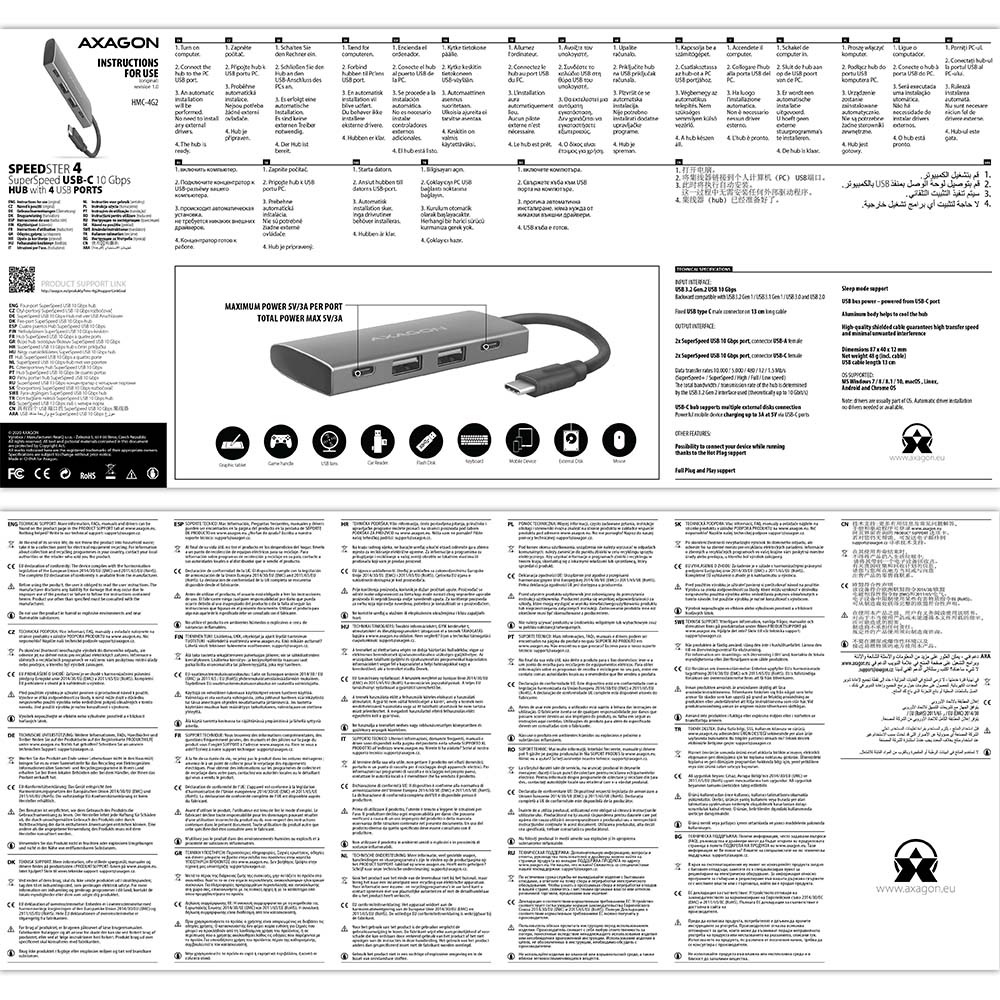
HMC-4G2 - Installation Guide - CZ / DE / DK / ENG / ESP / FIN / FR / GR / HR / HU / IT / NL / PL / PT / RO / RU / SK / SWE / BG / CN / TR / ARA
A): The necessary drivers are already included in all operating systems and install completely automatically, and no additional drivers are needed.
B): Plug the USB hub into another USB port (on the back of the computer where the USB ports are integrated directly into the motherboard). It should re-detect the USB hub and reinstall the drivers. Alternatively, try replacing the USB cable. The obsolete driver of the USB controller could also cause problems. Manufacturers of USB 3.0 chipsets often issue new versions of drivers to improve compatibility with different devices. If the problem with the USB bub persists, plug it into the USB port of another computer to verify its functionality.
A): Drivers are included with operating systems and are installed completely automatically. The card reader is detected as a standard storage device, such as a USB flash disk, no other drivers are available.
B): No other drivers need to be installed and are not even available. If you continue to have problems with your reader, check out more tips that can help you troubleshoot problems.
A): If the network card is not displayed in "Device Manager", a USB port (or a PCIe slot in the event of an internal network card) may be malfunctioning.
B): Try plugging the network card into another USB port (or another PCIe slot on the PC motherboard in the event of an internal network card, or temporarily disconnect all other PCIe cards). The network card should be detected and you should be prompted to install the drivers. If the problem persists, plug the network card into the USB port (PCIe slot) of another computer to verify its functionality.
A): If this happens, it means that the operating system failed to get the necessary information to install the drivers.
B): The cause may be a defective USB cable or damaged device. Another option is to remove the record of the connected USB device using "USBDeview". After connecting the reader, the drivers should be reloaded. If the problem is caused by a driver error, the problem should be eliminated. If the problem persists, plug the card reader into the USB port of another computer to verify its functionality.
A): The phone / tablet cannot be powered by an OTG cable, this is given by the OTG principles. The tablet can be connected to a charger by a normal cable and charged itself or devices can be connected to it with an OTG cable
B): Phones / tablets that have a power connector located outside the microUSB have an advantage - here the tablet can be powered through a round connector and connect other peripherals (mouse, keyboard, flash disk, etc.) to the microUSB using an OTG cable (via the USB hub).
A): If this happens, it means that the operating system failed to get the necessary information to install the drivers.
B): The cause may be a defective USB extension cable or damaged device. If the problem persists, plug the network card into the USB port of another computer to verify its functionality.
A): If this happens, it means that the Windows operating system did not assign a drive letter to the new storage device.
B): If the drive letter is not assigned, open "Disk Management", right-click on the desired drive and manually assign the drive letter. Another option is that the correct formatting of the memory card is not performed. Format the card in "Disk Management" or in the device on which you are using the card (for example, the camera).
A): In the vast majority of cases, the USB hub can handle connection of one 2.5" external box. If more external boxes are connected, a higher current is needed that ordinary USB cannot deliver.
B): In this case, an auxiliary power supply is required. Use a USB hub with auxiliary power supply.
A): Before connecting the USB network card to an Android device (tablet), you first need to verify with the device manufacturer whether the device supports the Ethernet network feature and also whether the USB network card drivers are included in your specific ANDROID ROM installation.
B): Use a USB connector with OTG support to connect the USB network card to your tablet. If the device (tablet) is equipped with a Mini USB or Micro USB connector, use an OTG reduction or cable to connect it.
A): You can use a passive USB cable to connect a USB hub to your computer. However, with longer cables the USB hub may not work reliably.
B): In this case, we recommend using an active extension USB repeater cable, such as AXAGON ADR-205 or ADR-210.