Product code: BUCM4X-CM10AB
Category: Cables and adapters , USB4 cables , All Products
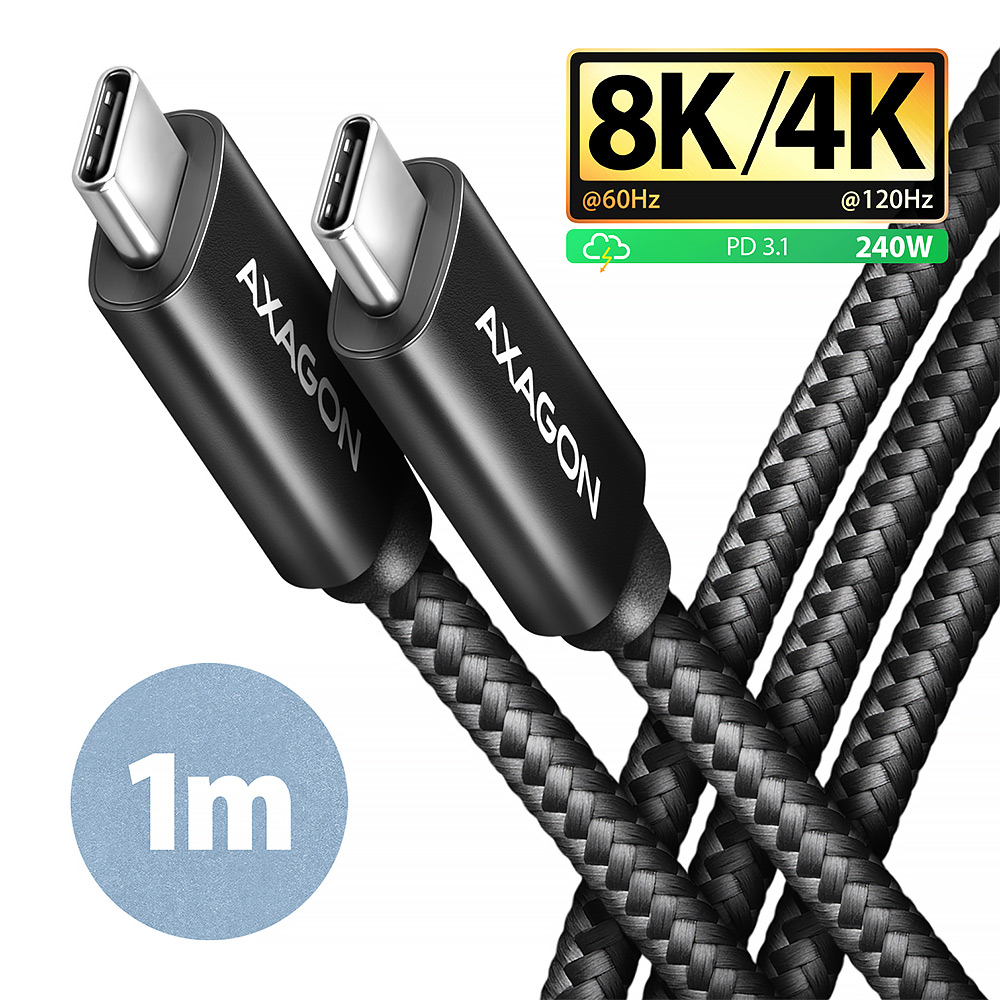
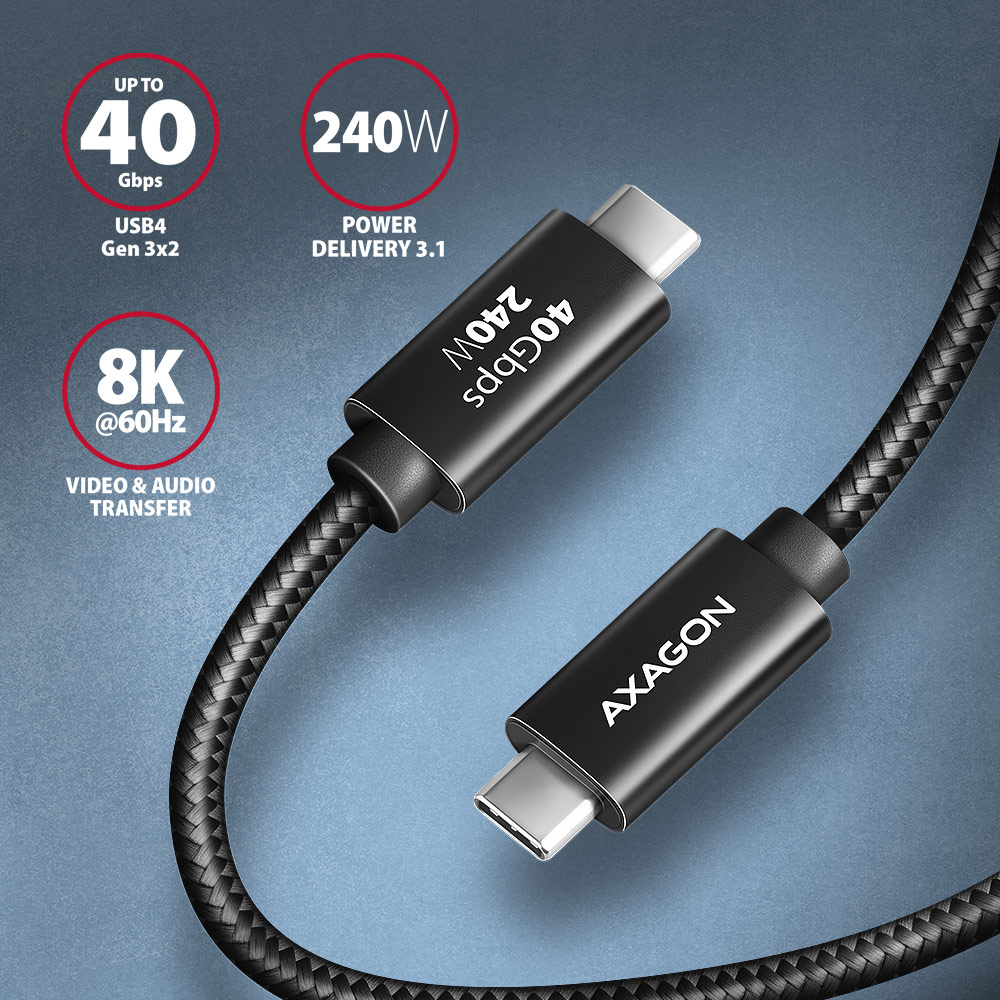
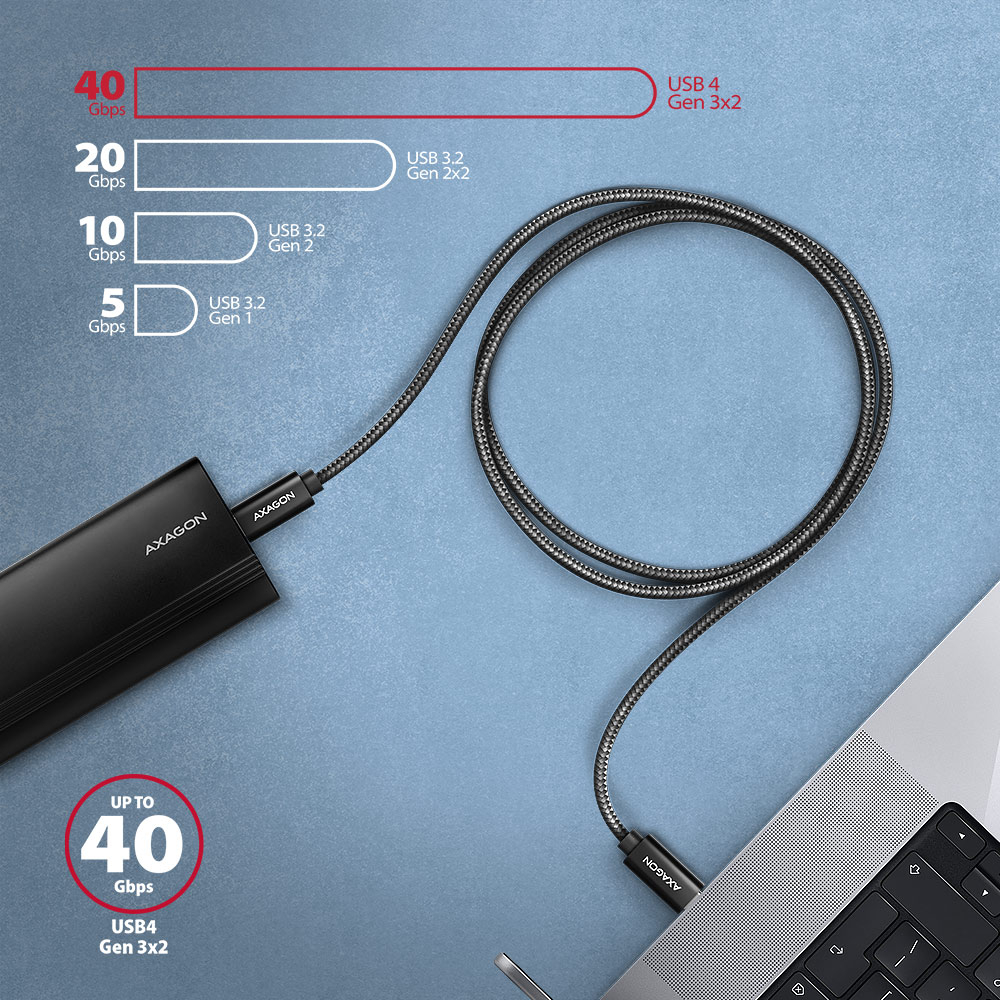
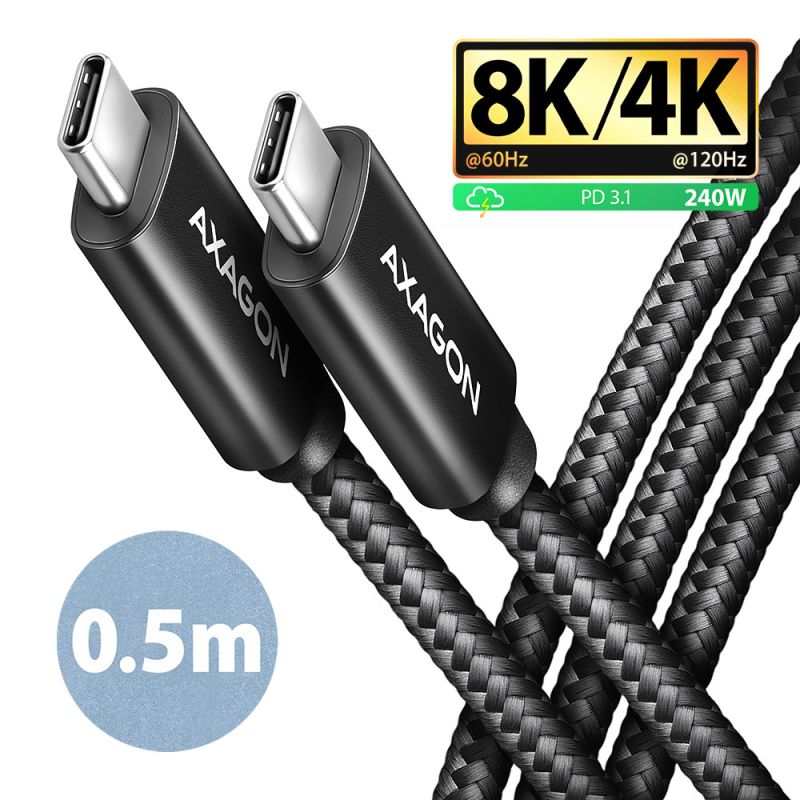
Premium connection USB-C <-> USB-C Data and Charging AXAGON BUCM4X-CM10AB NewGen+ cable with USB-C male connectors at both ends. The cable has a full-featured USB 40Gbps specification (USB4 Gen 3x2) connection and is fully compatible with Thunderbolt 3 and Thunderbolt 4 specifications. It is designed for the fastest data transfer, video transfer and charging of laptops, phones, tablets. Allows connection of monitors, docking stations and external SSDs.
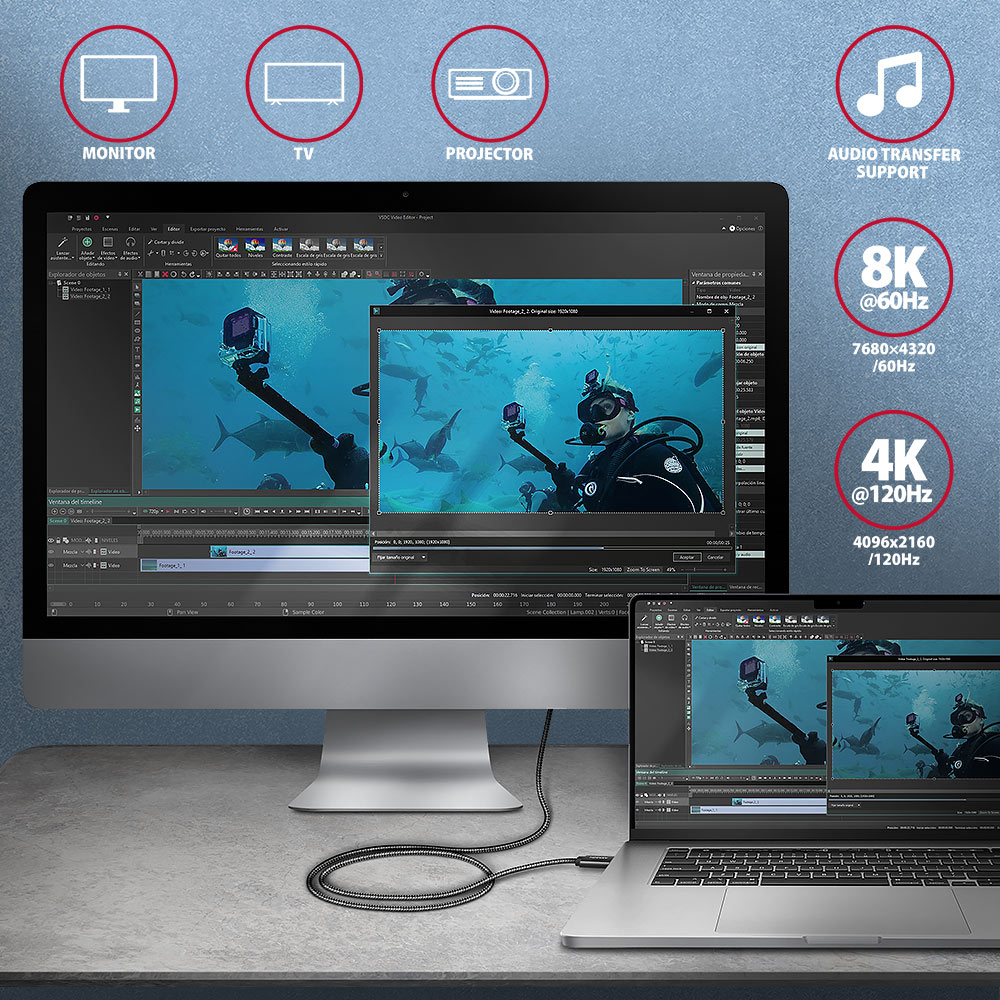
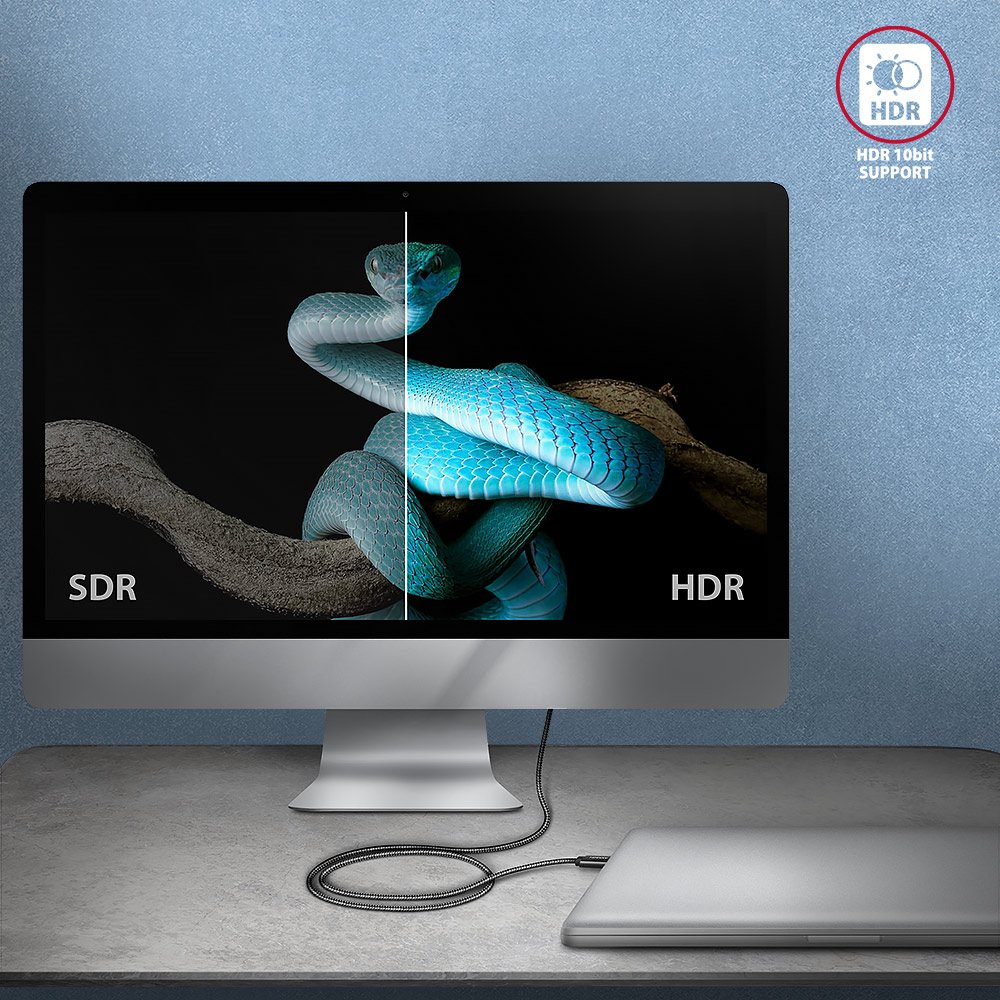
The cable supports up to 40 Gb/s data transfer and also allows image transfer up to 8K/60Hz Full Ultra HD resolution and audio.
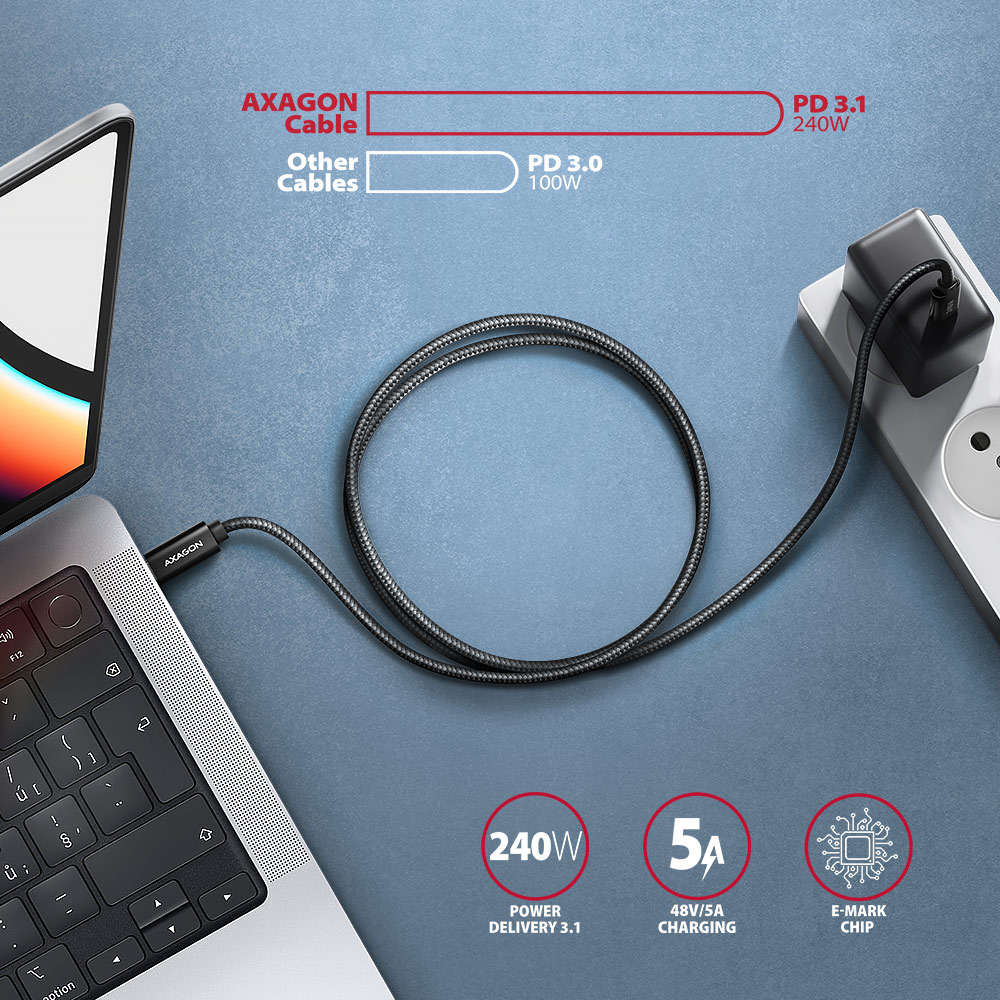
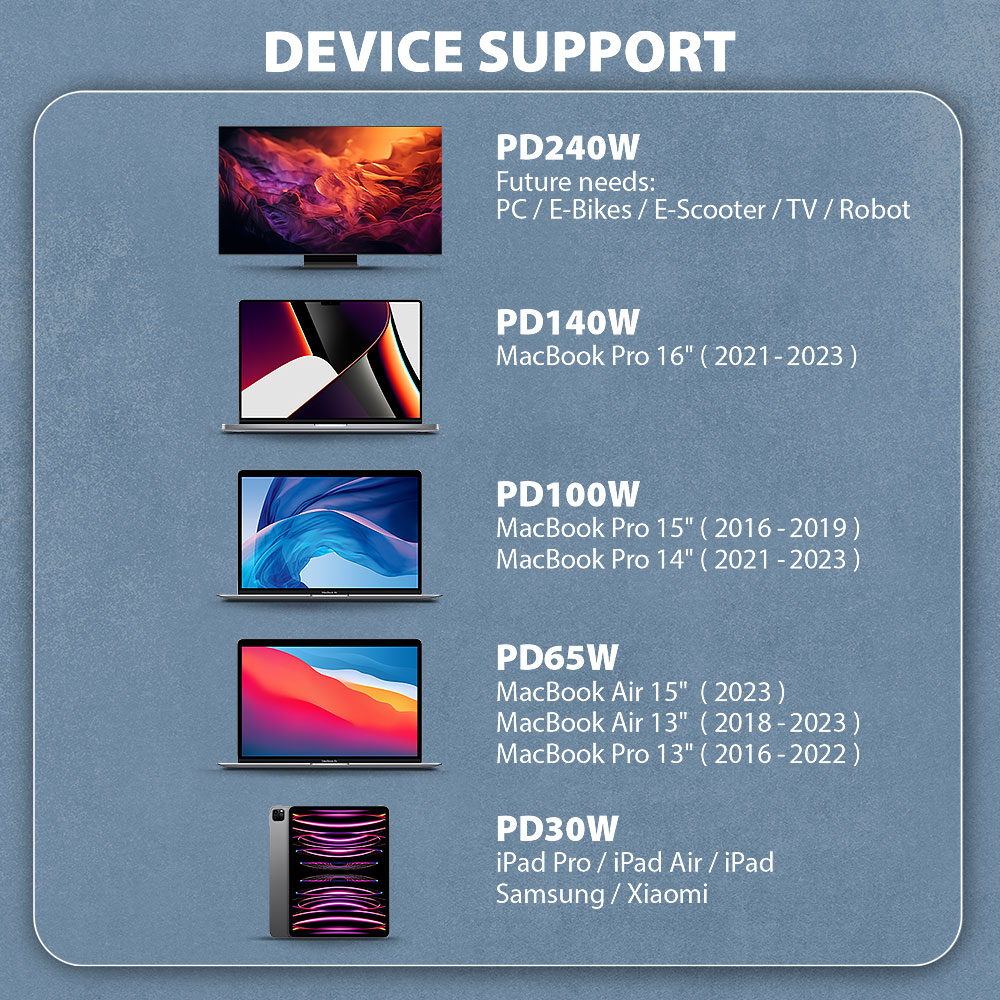
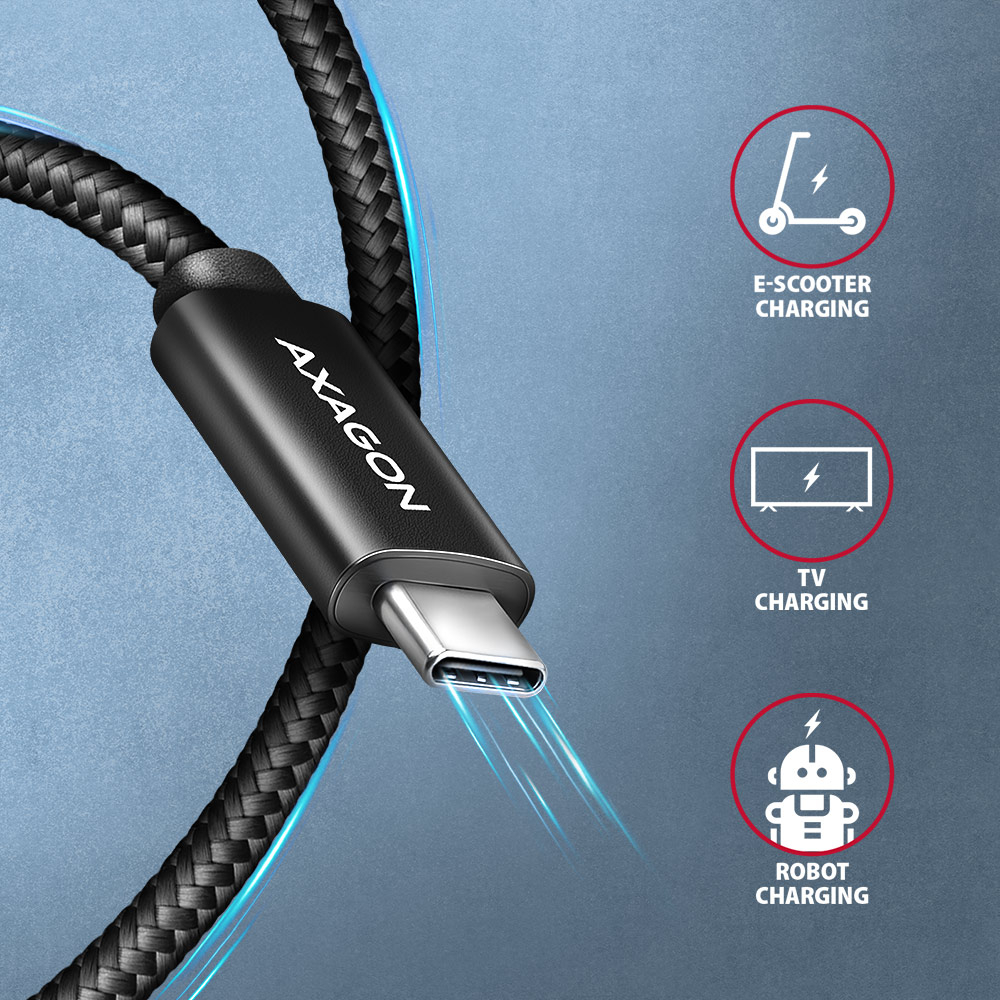
The cable has implemented the latest specification of Power Delivery 3.1 charging technology. This technology delivers, among other things, a power output of 240W which is more than double that of Power delivery 3.0, which delivers 100W. You can use not only the Standard Power Range (SPR) for voltages of 5, 9, 15 and 20V with a current of 5A, but also sufficient power in fixed voltages of 28, 36 and 48V with a maximum current of 5A (Extended Power Range - EPR). Thanks to the new PD 3.1 technology, you can also use the cable to power devices with much more power, such as gaming laptops, 8K monitors, docking stations. To identify the cable and its current capabilities, the cable has an integrated E-Mark chip.
The cable is also compatible with Quick Charge, PPS, Samsung AFC and SFC, Apple, SMART and other charging technologies.
Cable conductors are made of Tin-plated oxygen free copper. Power cables 22AWG (lower number = larger cross-section and lower wire resistance) and 32AWG data wires guarantee fast charging and reliable data transfer of connected devices. High-quality cable insulation, made of flexible TPE, guarantees maximum durability and also maintains sufficient flexibility. Triple shielding protects transmitted signals from adverse interference.
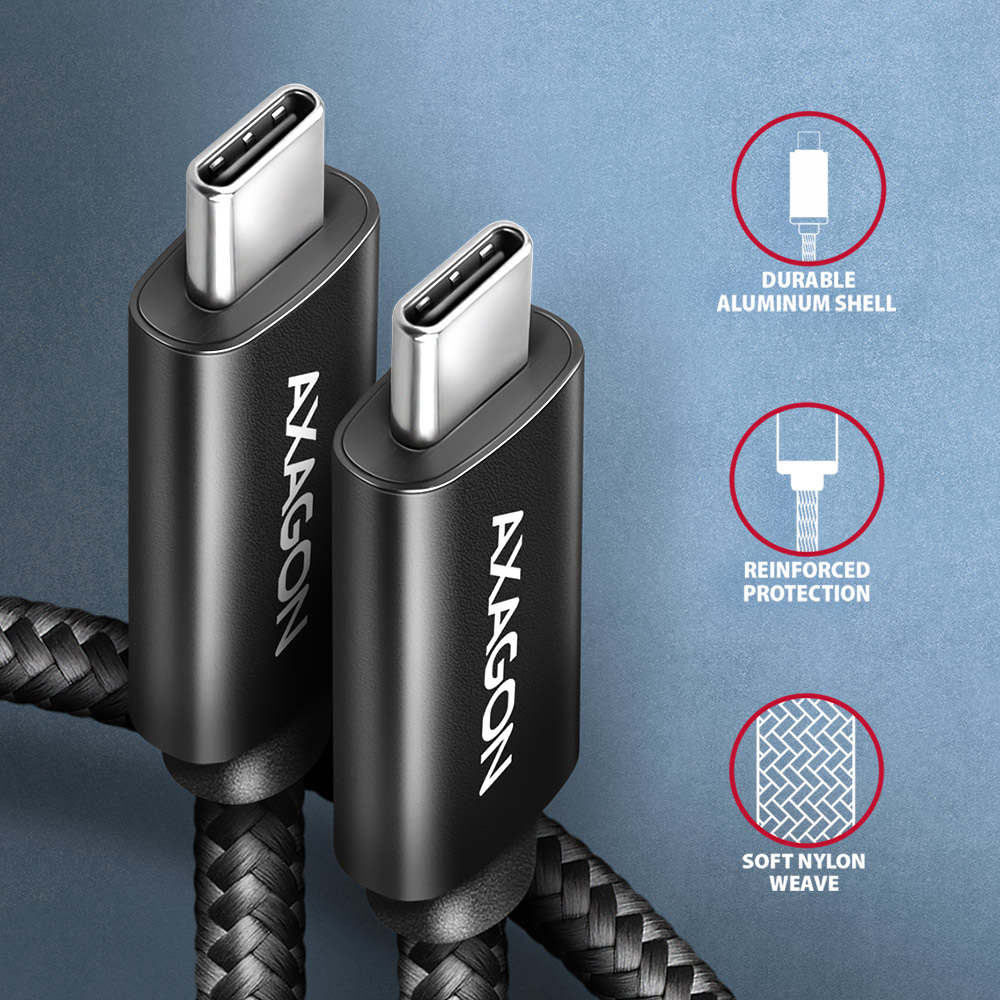
The cable is equipped with aluminum end caps, connectors with nickel-plated surface and gold-plated contacts. The final strength of the cable is provided by the nylon braid. The braid in combination with a cable gland significantly reduces dangerous cable bending. The cable life is extended to more than 8000 standard bends.
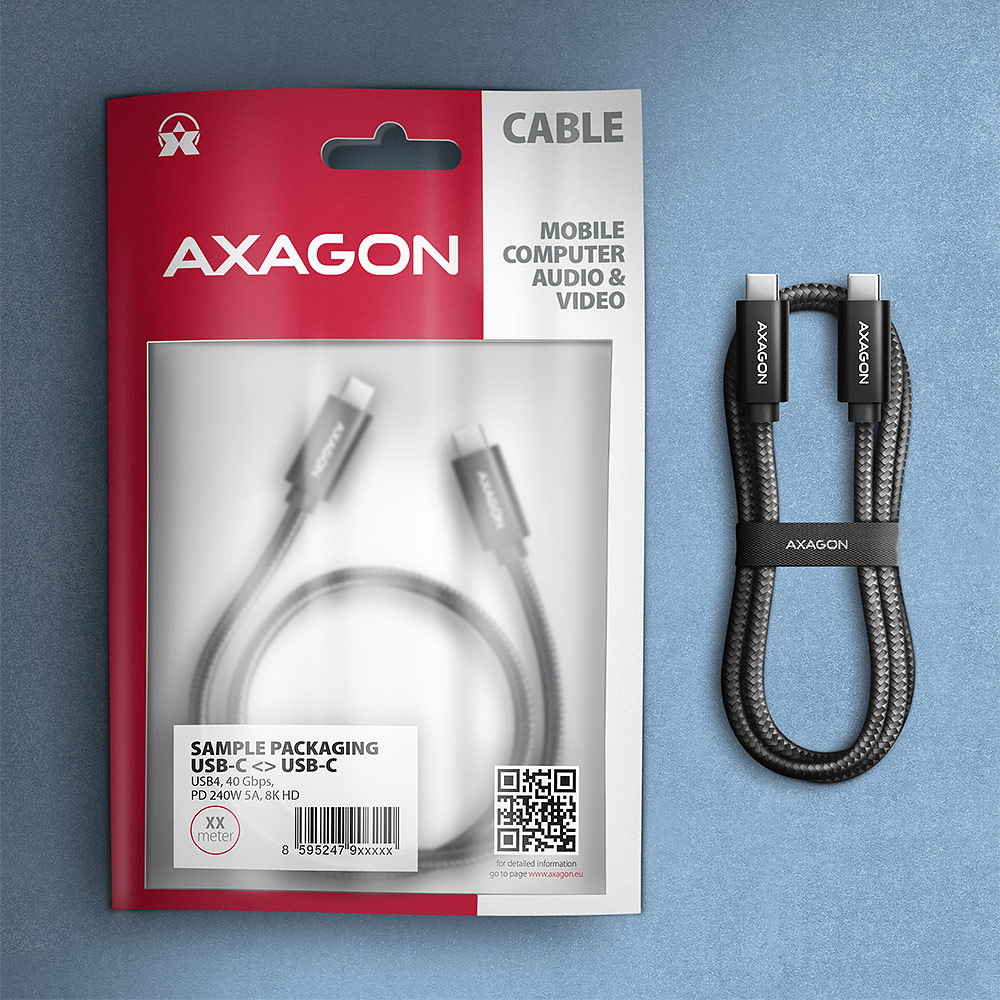
The bonus is the included practical strip for easy packing of the cable.
Connectors:
• 2x USB-C (M) male.
Data and video transfer, charging:
• 40 Gb/s, 8K/60Hz HDR10
• Power Delivery 3.1 - 240W (48V/5A)
Other features:
• DATA SYNC & FAST CHARGING - simultaneous data and video transfer and mobile device charging.
• Support for third generation transfer rates of 40 Gb/s.
• USB4 Gen 3x2 Full-featured.
• Compatible with Thunderbolt 4, Thunderbolt 3 (including Apple support).
• Support for second generation transmission rates 20 / 10 Gb/s.
• Compatible with USB4 Gen 2x2, USB 3.2 Gen 2x2 / USB 3.2 Gen 2.
• Supports transfer rates of 5.000 / 480 Mb/s.
• Compatible with USB 3.2 Gen 1 (before USB 3.1 Gen 1 / USB 3.0) / USB 2.0.
• DisplayPort 1.4a, 2.0 protocol support for audio and video transmission up to Full Ultra HD 8K@60Hz, HDR10 resolution - a USB-C port with DisplayPort Alternate Mode (DP Alt Mode) support or a Thunderbolt 3/4 port is required.
• Supported charging technologies: Power Delivery 2.0 / 3.0 / 3.1 240W (48V/5A), Qualcomm Quick Charge 2.0 / 3.0 / 4+, Samsung Adaptive Fast Charging, Huawei Fast Charge Protocol, SMART Charging and others.
• Support for fast charging with a current of up to 5A.
• Integrated E-MARK chip.
• Cable includes power wires 22AWG, data wires 32AWG.
• Tin-plated oxygen free copper conductors to reduce oxidation, increase conductivity, and clear signal without distortion.
• Double shielding via galvanized foil and tinned copper braiding minimizes interference and prevents signal loss.
• Nickel-plated connectors and gold-plated contacts prevent oxidation and provide a reliable connection.
• Suitable for MacBooks, iPhone 15 Pro / Pro Max, notebooks, mobile phones and smartphones, tablets, power banks, chargers, monitors, docking stations, external SSD drives and other mobile devices with a USB-C connector.
Other data:
• cable length 1 m,
• outer diameter of the cable 5 mm.
Package contains:
• USB-C M <-> USB-C M black cable,
• tightening strip,
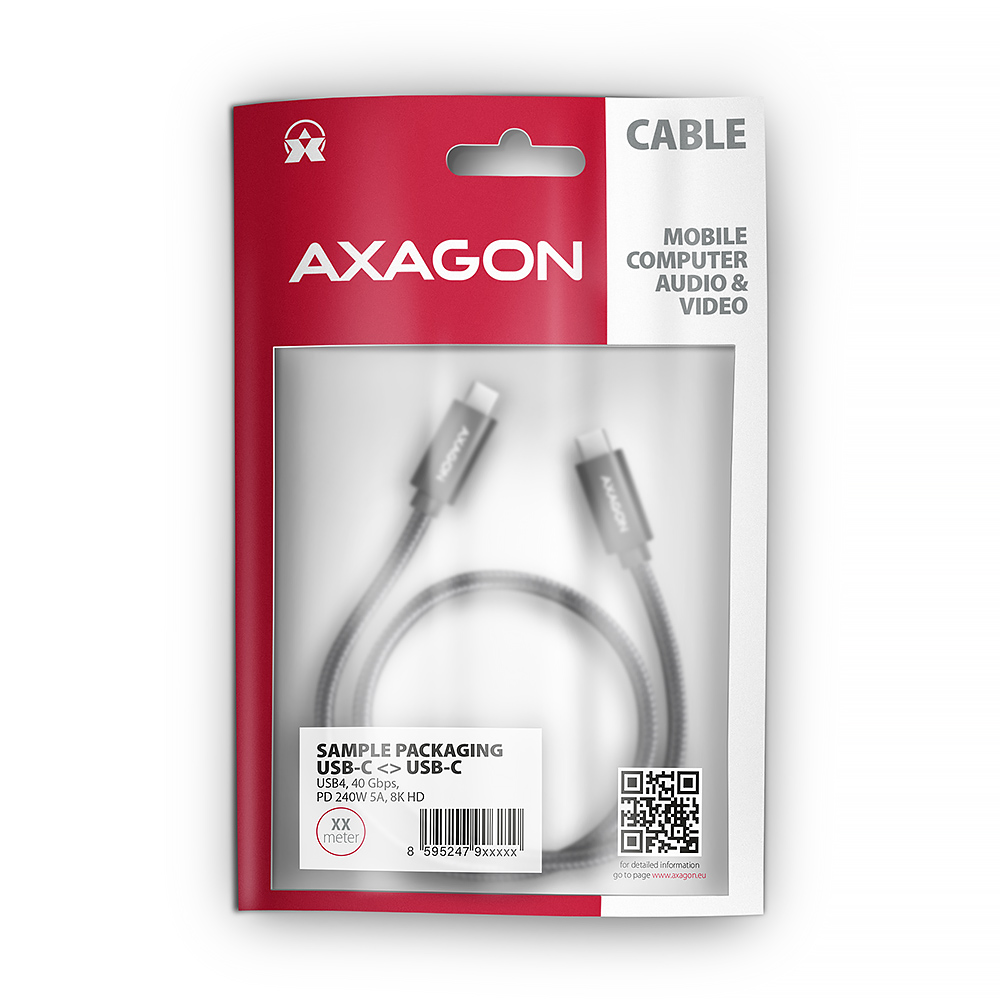
• packed in sealed foil package with hanging hole.

- USB-C M <-> USB-C M 4 Gen 3x2 black cable
- tightening strip
- sealed foil package with hanging hole
- package dimensions 20.5 x 13 x 1 cm
- weight of 1 pc package 60 g
- EAN 8595247907967
- number of pieces in the box: 200
- total weight of the box: 12.5 kg
- box dimensions: 30 x 35 x 46 cm
A): Check that all connectors on the adapter, source device, and display device are properly connected and seated.
B): Check the connecting cables and replace them if necessary.
C): When using long cables (over 10 m), we recommend using high-quality or active cables, or signal amplifiers.
D): Connect a microUSB charger to the external power input.
A): Verify that the given resolution or refresh rate is supported by the display device (monitor, TV, projector), graphics card, drivers, or operating system.
A): Check the settings according to the chapter “SETTING UP AUDIO OUTPUT TO MONITOR, TV, OR PROJECTOR.”
A): Check all connections.
B): Verify in Device Manager that you are not using the “Microsoft Basic Display Adapter.” If you are, install the latest graphics card driver.
A): The use of other cables with ADR cables is not recommended because there is a greater voltage drop on them and there may be communication failures.
B): Only when it is absolutely necessary (such as when connecting a printer), where there is another type of USB-B connector and in the shortest possible length - the use of a transient reduction is ideal.
A) The VGA connector does not transmit the sound, so the RVH-VGA audio stereo output is to a 3.5 jack to which headphones or active speakers can be connected.
B) To use the audio output, set the HDMI output as the default sound playback device (or install audio drivers for the graphics card of your computer).
A) Some devices may need auxiliary power via the microUSB connector on the adapter body. When connecting to a desktop PC or laptop, additional power is not needed.
B) The power supply is not included, but any mobile phone charger with a microUSB output can be used.
A): Check that all connectors on the adapter, source device, and display device are properly connected and seated.
B): The adapter is one-way; check that it is not connected in the wrong direction.
C): Check that the correct input source is selected on the display device.
D): Check that the display output settings on the source device (PC, notebook) are correct. See the chapter “DISPLAY MODE SETTINGS.”
E): Check all connecting cables.
F): Restart the PC (notebook) with the adapter and display device connected.
G): If none of the above works, test the adapter with another device.
A): If a device without own power supply and higher current consumption is connected to an active power cord , the device may not work or works unreliably. If you want to use a self-powered device such as a printer at the end of the cable, no auxiliary power is needed.
B): The auxiliary power supply should be used at a higher demand than 100 mA, or when several cables are connected in series (behind each other). For details, refer to the User Manual (downloadable on the product page).
A): If the adapter is not displayed in "Device Manager" (in USB Bus Controllers - USB Print Support), there may be a USB port malfunction.
B): Try plugging the adapter into another USB port. The adapter should be detected and the drivers loaded automatically. If the problem persists, plug the adapter into the USB port of another computer to verify its functionality.
A): If this happens, it means that the operating system failed to get the necessary information to install the drivers.
B): The cause may be a defective USB cable or damaged device. If the problem persists, plug the adapter into the USB port of another computer to verify its functionality.
A): After installing the drivers the adapter will log in Device Manager in the section Ports (COM and LPT) as USB to serial Comm Port, so it can.
B): However, it still depends on the SW device, some very old programs need a specific interrupt (IRQ) that does not work correctly with the USB / COM converter.
A): You will need a female-female reduction because the ADS-xx has a male end.
B): Be careful that this reduction is not cross-linked (so called Null Modem), so you need a standard non-cross-linked reduction to connect.
A): Yes, using multiple ADS-xx units on one PC (NTB) is possible.
B): Each adapter gets its own COM port number assigned by the system, which can be changed in the settings as needed by the user.