


 English
 Czech
Czech
 Slovak
 German
 Hungarian
 Polish
 French
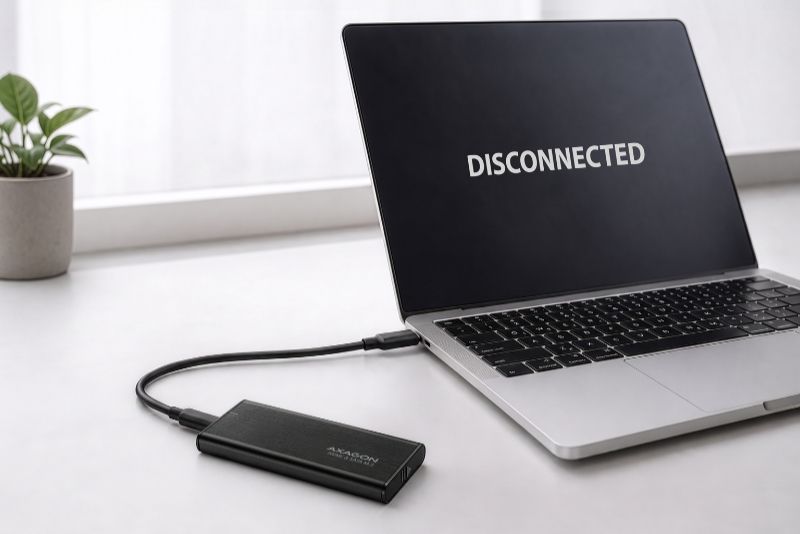
Why does an external SSD keep disconnecting and reconnecting?
An external SSD most commonly disconnects because of an unsuitable or damaged USB cable, insufficient power, a faulty port, overheating, or Windows power-saving features. First, replace the cable and connect the SSD to another USB port. If the problem persists, check the power supply, temperature, and system settings.
What should you try first?
• Replace the USB cable.
• Connect the SSD to another USB port on the computer.
• Check the SSD temperature.
• Adjust the power-saving settings in Windows.
1. Faulty or unsuitable USB cable
First, try another cable that supports the USB standard and maximum data transfer rate of the external enclosure.
An unsuitable USB cable is one of the most common causes of disconnections. Not every cable can provide both stable high-speed data transfer and the required power. A cable that is too long, damaged, or of poor quality can also cause connection dropouts. As a general rule, a shorter, high-quality cable provides a more stable connection.
2. Insufficient power
Connect the SSD directly to a USB port on the computer. If you are using a USB hub or docking station, try a self-powered device that can supply enough power to the connected SSD.
High-performance M.2 NVMe SSDs can draw a significant amount of power, especially during intensive read or write operations. If the USB port cannot supply enough power, the drive may disconnect and then reconnect. Problems are more likely when the SSD is connected through a USB hub without auxiliary power or with a cable that is too long or unsuitable.
3. Problem with the USB port
Try another USB port, ideally directly on the computer. On a desktop PC, the ports on the rear I/O panel of the motherboard are usually the most reliable.
Also check the USB-A or USB-C connectors at both ends of the cable. If they are loose or dirty, movement may cause brief connection dropouts.
4. Overheating of the SSD or external enclosure controller
Check the SSD temperature, the enclosure cooling, and the correct placement of the thermal pad.
High-speed M.2 NVMe SSDs and the external enclosure controller can become very hot under sustained load. At high temperatures, the SSD first activates thermal throttling and reduces its speed. In extreme cases, overheating of the SSD or enclosure controller can cause unstable data transfers.
5. Power-saving features in Windows
If the SSD disconnects mainly after a period of inactivity, check the USB power-saving settings. Windows may automatically suspend USB devices to save power, which can cause the external SSD to disconnect.
Windows path: Device Manager → Universal Serial Bus controllers → USB Root Hub → Properties → Power Management
Clear the "Allow the computer to turn off this device to save power" checkbox. If the Power Management tab is not available, the device does not support this option. If the change does not help, restore the original setting.
6. Problem with the external enclosure or SSD
Test the SSD in another external enclosure or directly in the computer. This makes it easier to determine whether the problem is caused by the drive, the external enclosure, or a specific computer. Also check for system updates and driver updates for the chipset and USB controller.
Important: If the SSD also disconnects in another enclosure or computer, back up important data as soon as possible. The drive itself may be faulty.
Follow!


