


 English
 Czech
Czech
 Slovak
 German
 Hungarian
 Polish
How to Back Up Your Data?
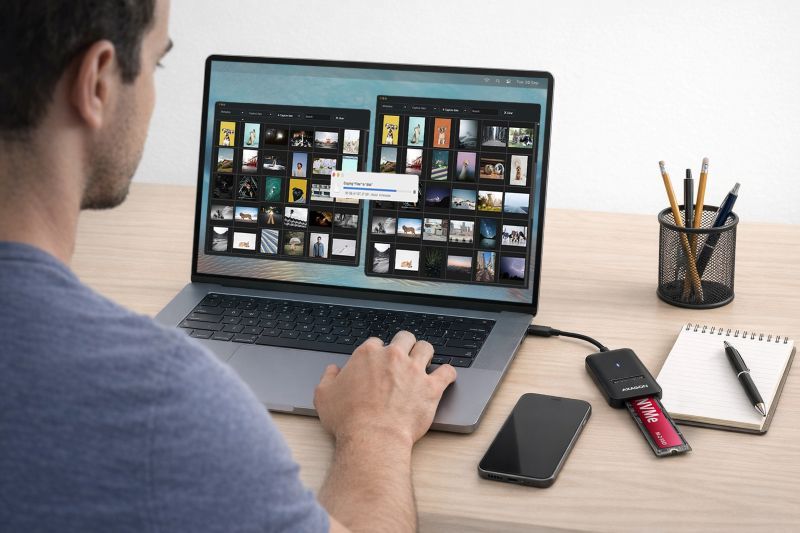
In today’s digital age, data is one of the most valuable assets. Photos, work documents, videos of a child’s first steps, or important contracts – all of this is stored on computers, phones, or external drives. But what happens if the hardware fails, a computer gets infected by a virus, or you accidentally delete important files? For this very reason, regular data backup should be an absolute necessity.
What Is Most Important When Backing Up Data?
• Back up your data regularly, ideally automatically.
• How often? It depends on how important the data is – daily or weekly backups are perfectly fine.
• If you lose a drive, the last backup should be as up to date as possible.
The 3-2-1 Rule
• 3 copies of data – the original and two backup copies
• 2 different storage types – e.g. an external drive and the cloud
• 1 copy stored off-site – protection against theft, fire, or disasters
Use Reliable Hardware
• External drives, HDDs, SSDs, or docking stations and enclosures from proven brands.
Regularly check the condition of backup media – drives also have a limited lifespan.
Do Not Back Up to Just One Location
• Never rely solely on an external drive or only on the cloud. Combine multiple methods.
Back Up Everything Important
• Not only work data, but also photos, videos, emails, contacts, or system settings.
Backup Is Not Archiving
• A backup is used to restore current data in case of failure, not to store old or unnecessary files.
Let’s Take a Look at Different Types of External Storage That Make Backups Easier:
1. Docking stations allow quick drive connection without installation
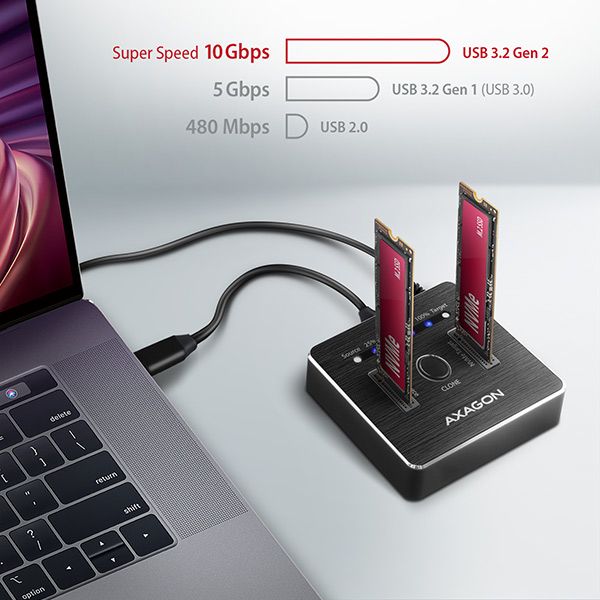
Docking stations offer the easiest way to back up large amounts of data. Simply insert a 2.5" or 3.5" SATA drive into the station and connect it to your computer via USB. No screws, no complicated installation.
For example, the AXAGON ADSA-DC model enables fast file transfers between the computer and drives. It is ideal not only for regular backups but also for drive testing. The AXAGON ADSA-M2C model easily connects up to two NVMe drives to a computer. Both docking stations support disk cloning even without using a computer.
2. External enclosures provide safe backups at home and on the go
If you want to keep your backup with you at all times or are looking for a compact travel solution, external enclosures are the ideal choice. They turn a standard drive into an elegant and practical external drive. They are often tool-free, so swapping a drive takes just a few seconds.
Enclosures by drive type:
• Enclosures for 2.5" SATA drives are ideal for backing up photos, work files, or documents, e.g. AXAGON EE25-XA6.
• Enclosures for 3.5" SATA drives are suitable for backing up large volumes of data, e.g. AXAGON EE35-XA3.
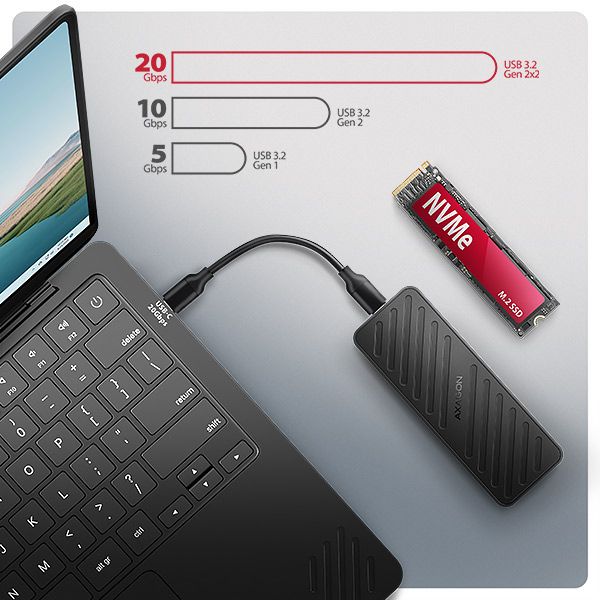
• Enclosures for M.2 SATA drives can achieve transfer speeds of up to 6 Gb/s with an installed SSD, significantly speeding up data storage, e.g. AXAGON EEM2-SBC.
• M.2 NVMe SSDs can handle up to 25× higher data transfer speeds than standard SATA drives. External enclosure manufacturers therefore constantly seek ways to get as close to these speeds as possible. NVMe enclosure technology is steadily advancing, with AXAGON EEM2-20G being a good example.
• Universal M.2 enclosures support both M.2 NVMe and M.2 SATA SSDs. They are an ideal choice for users who frequently swap different drive types, e.g. AXAGON EEM2-SB2.
3. Converters and adapters enable fast backups without complicated installation
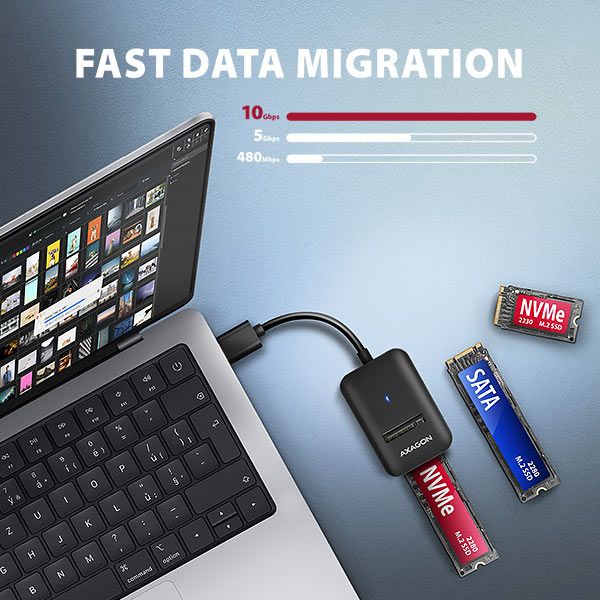
If you need to quickly copy data from various types of drives (2.5", 3.5", M.2 NVMe, M.2 SATA, HDD, SSD) without installing them into an enclosure, use converters and adapters that connect to your computer via USB within seconds. These are ideal for one-time backups, drive testing, or data transfers without lengthy installation. For example: ADM2-CM, ADM2-AM, or ADSA-FPX.
Follow!


