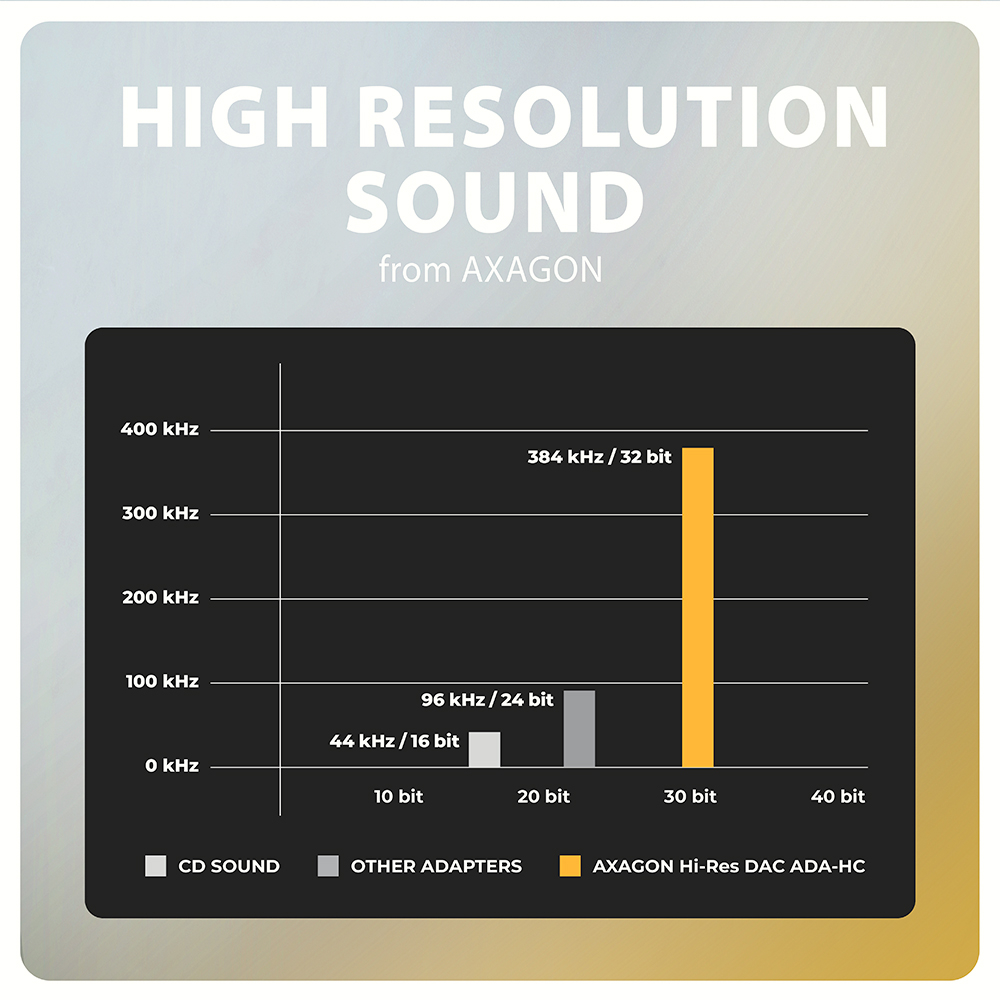
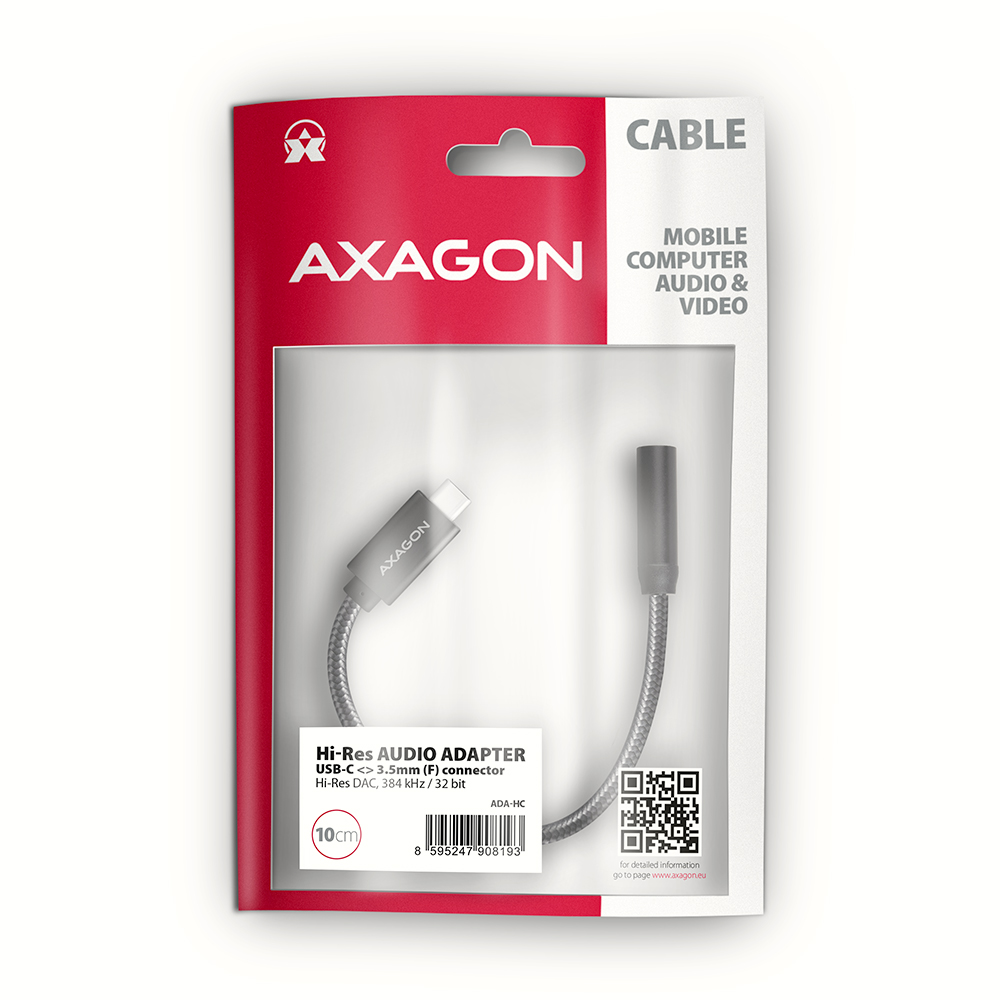
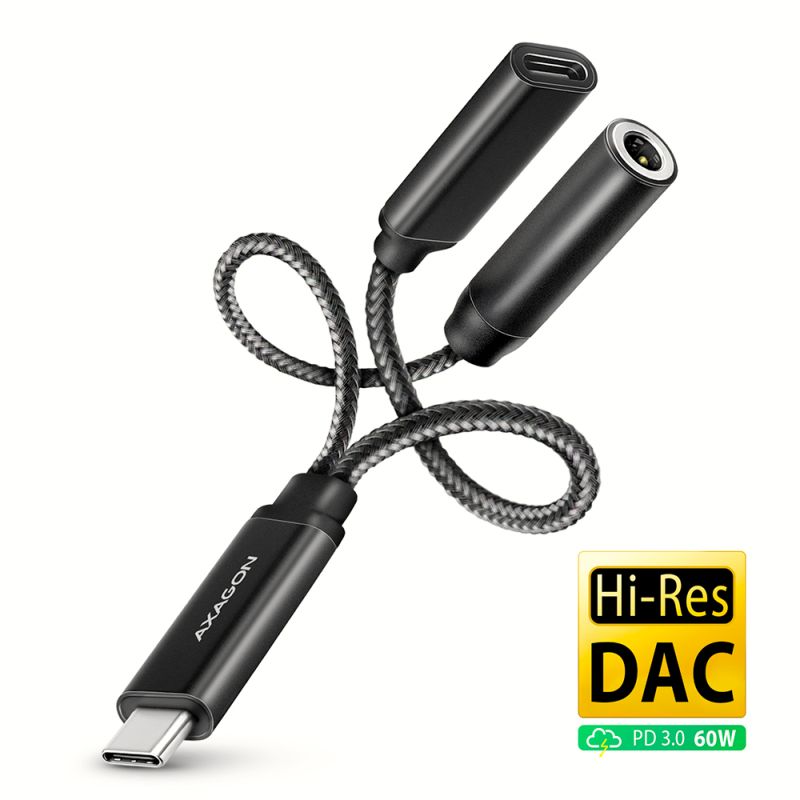
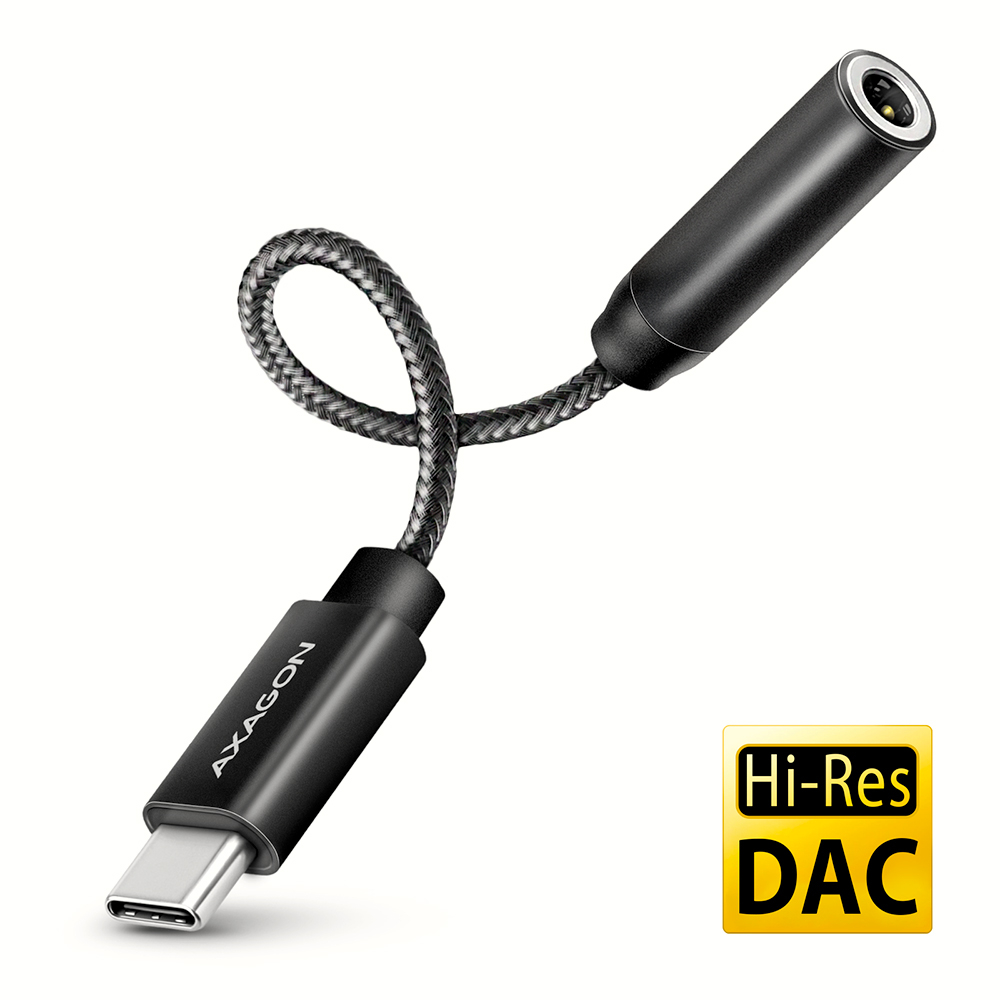
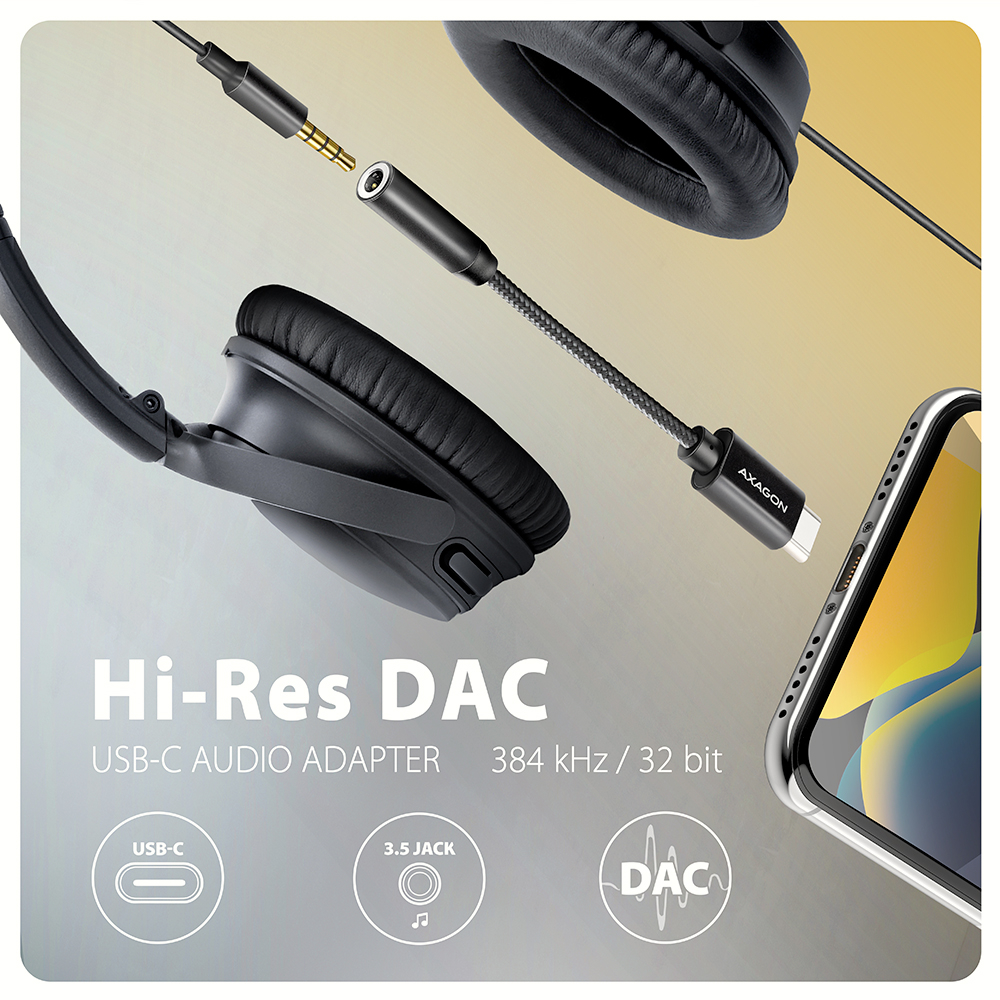
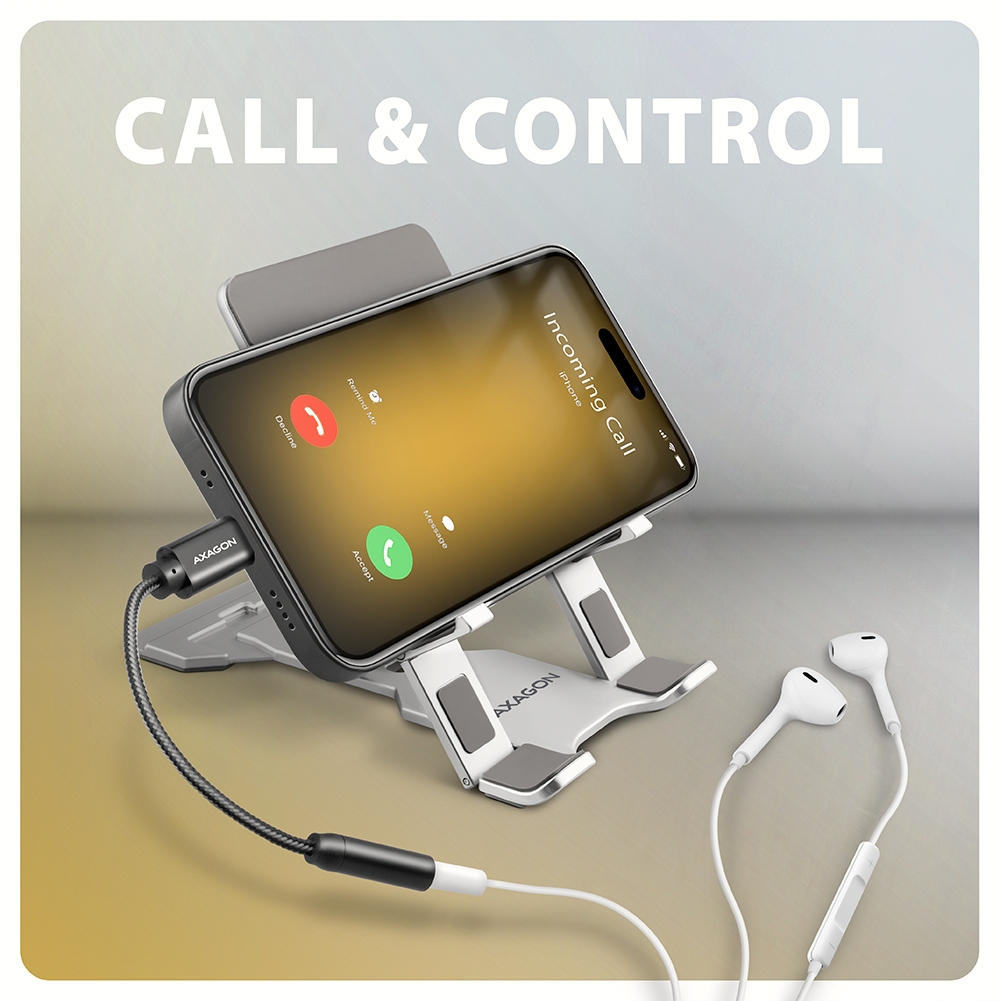
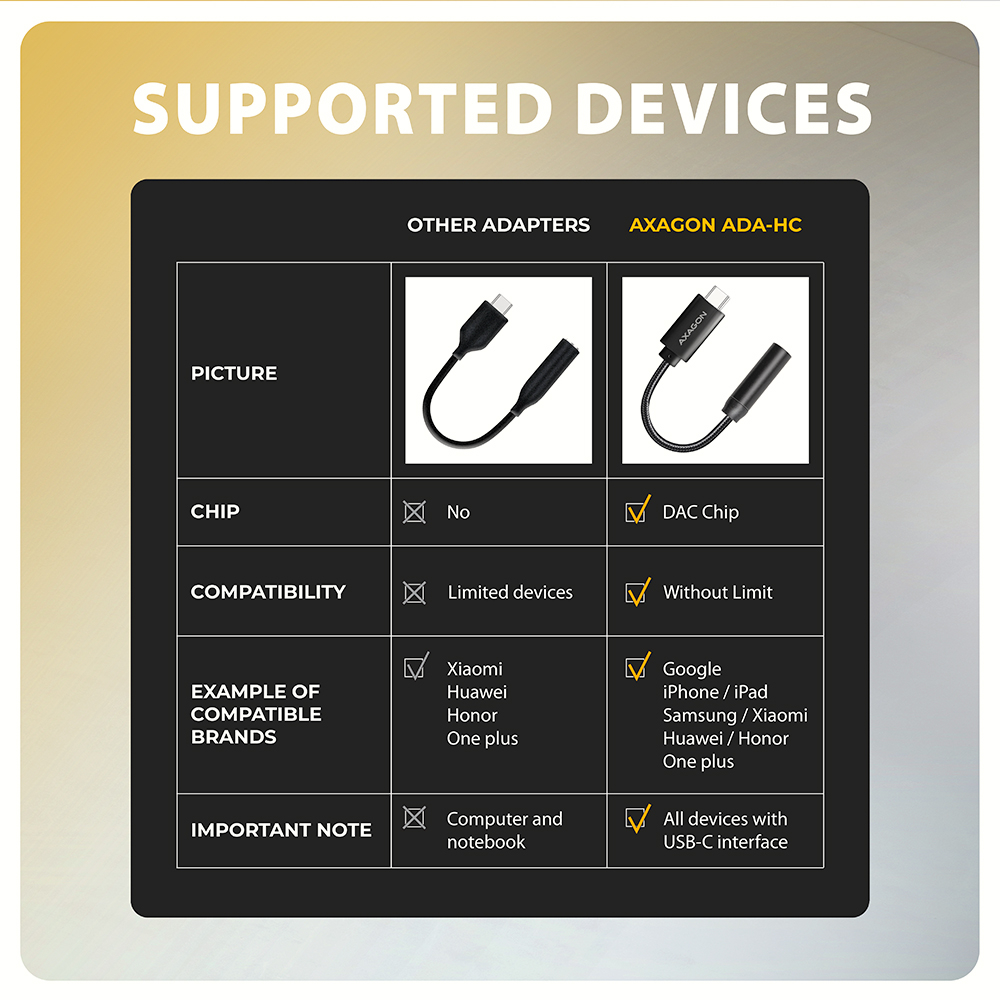
The AXAGON ADA-HC Hi-Res DAC AUDIO ADAPTER is the ideal accessory for your phone, tablet, laptop or desktop computer with a USB-C connector, providing you with the missing 3.5 mm audio jack. The adapter contains a high-quality DAC converter that offers up to 384 kHz / 32-bit sampling during playback, which ensures excellent sound quality. This adapter is the optimal choice for mobile phones and tablets that are no longer equipped with a headphone jack and only have a USB-C port. Such devices include products from Samsung, Apple (iPhone 15 and later / iPad), Xiaomi, Honor and Huawei.
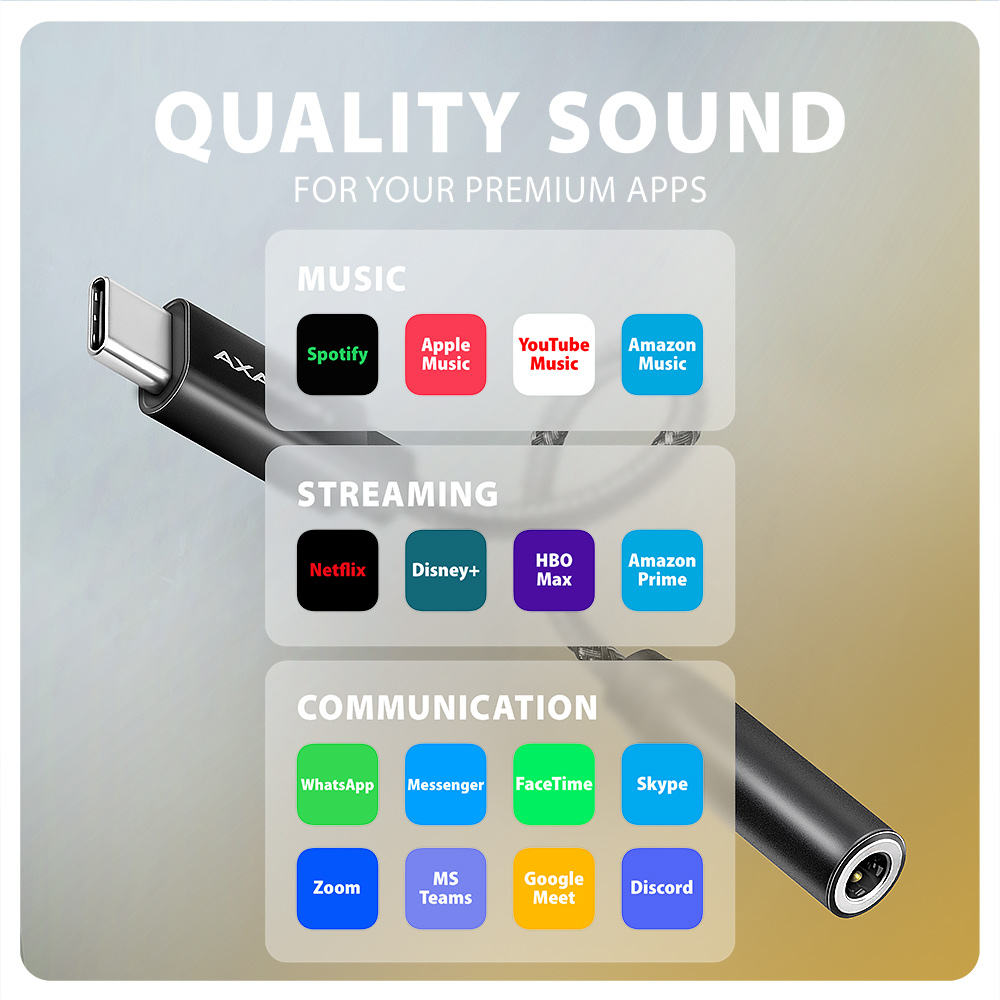
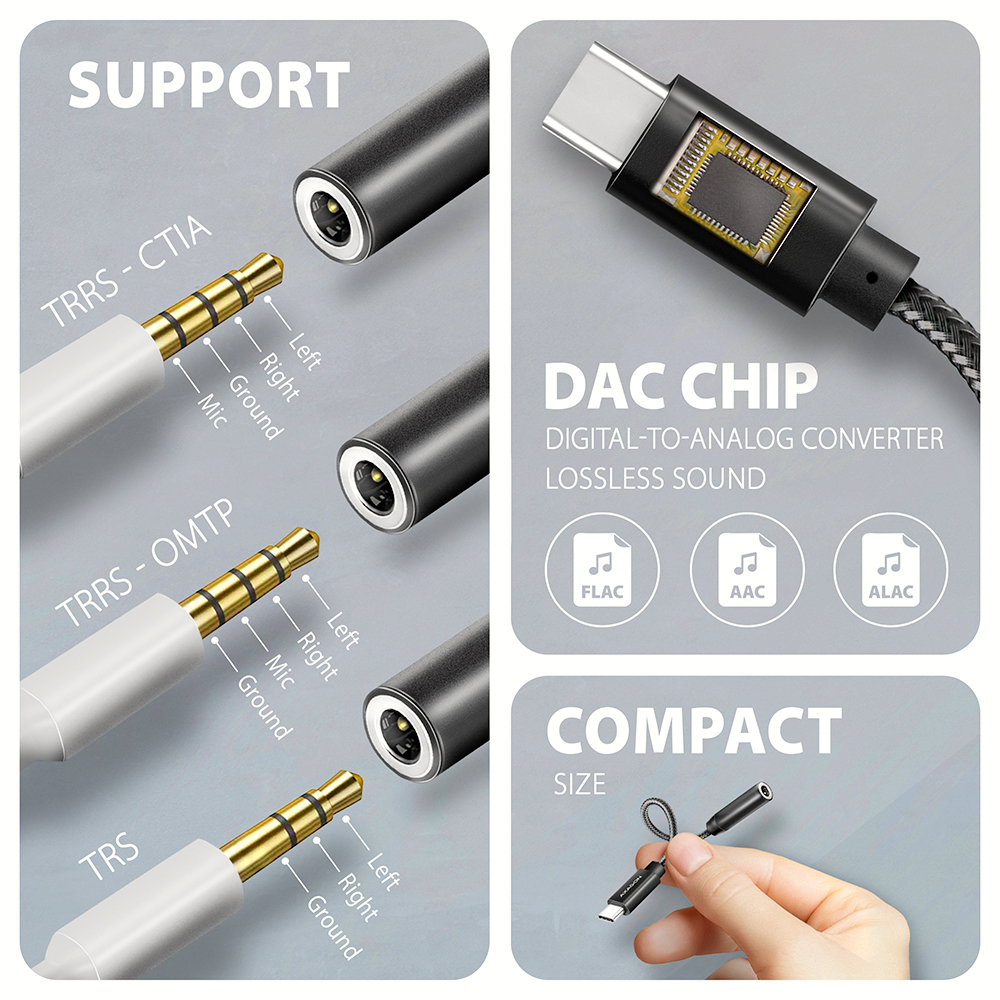
This audio adapter is optimal for lossless formats like FLAC, WMA, WAV, APE, AAC or ALAC in Apple Music, etc. Listening to music in the highest possible quality is available through premium accounts of platforms such as Spotify, Apple Music, YouTube Music and Amazon Music Unlimited. In addition, you can use this audio adapter for undisturbed viewing of other popular streaming services such as Netflix, Disney+, HBO Max, Amazon Prime or Apple TV+.
Thanks to the DAC converter, with the ADA-HC you can enjoy music in higher quality than using the standard headphone output of your laptop. It will also serve well as a replacement for the non-functioning original sound card in the laptop, thus replacing the headphone output or microphone input. An advantage is also the ability to connect a microphone or headset for communication services WhatsApp, Messenger, FaceTime, Skype, Zoom, MS Teams, Google Meet, Discord, and the like. You can also use it to connect your mobile device to the AUX output in your car.
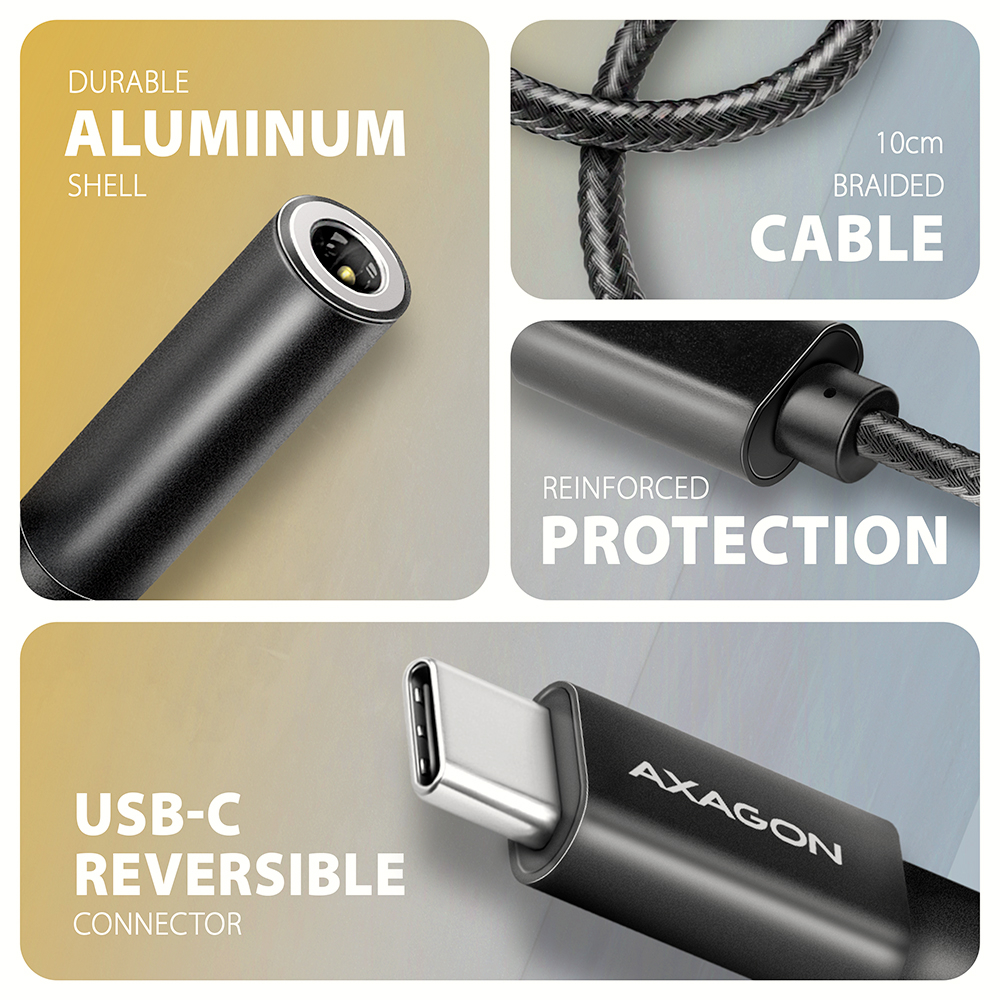
A stereo 4-pole TRRS connector with automatic CTIA or OMTP standard detection is used to connect headphones. The strength of the 10 cm long cable is ensured by high-quality nylon braiding.
Input:
• 1x USB 480Mbps male connector (USB 2.0)
• connecting USB connector type C male
Audio output:
• 2-channel analog 32-bit output (3.5 mm TRRS stereo jack)
• stereo output for headphones or active speakers
Audio input:
• analog 16-bit input (3.5 mm stereo jack)
• microphone input and input for recording analog signal
Sampling rate, resolution and output converter (DAC) noise:
• analog - 44.1 - 384 kHz @ 16 / 24 / 32bit (PCM) for playback
• Signal-to-Noise ratio (Output SNR) ≥ 124 dBA 32 ohm, 30 mW reference signal, 20 Hz - 20 kHz)
• Harmonic distortion (Output THD + N) ≤ -95dB (32 ohm, 20 mW, 20 Hz - 20 kHz)
Sampling rate, resolution and input converter (ADC) noise:
• analog - 48 kHz @ 16 bit (PCM) for recording
• signal-to-Noise ratio (Input SNR) ≥ 99dB (0 dB gain, Vref = 0.5 Vrms, 20 Hz - 20 kHz)
• Harmonic distortion (Input THD + N) ≤ -90 dB (0 dB gain, Vref = 0.5 Vrms, 20 Hz - 20 kHz)
Other features:
• Built-in 30mW @ R=32 ohm headphones amplifier.
• Impedance range of connected headphones 16 - 200 ohm.
• Frequency range 20 Hz - 20 kHz.
• USB 480Mbps interface (USB 2.0, backward compatible with USB 1.1).
• Easy to install thanks to full Plug and Play support.
• Possibility to connect your device while running thanks to the Hot Plug support.
• 3.5 mm jack, TRS, TRRS (CTIA & OMTP autodetection) compatible.
• Compliant with the USB Audio Device Class specification v1.0.
• Adapter power supply via USB (bus power) - no auxiliary power supply required.
• Miniature dimensions 25 x 7 mm, cable length 10 cm.
• Weight only 4 g.
Setting up a sound card in Windows allows:
• adjusting volume and balance of speakers
• settings for listening to the microphone
• extended speaker features: virtual surround sound, Dolby Atmos support
• Setting the sampling rate and bit depth for reproduction
Audio adapter settings in Android allow:
• adjusting volume and balance of speakers
• extended speaker features: virtual surround sound, Dolby Atmos support
• immersive sound
Audio adapter settings in iOS / iPadOS allow:
• volume setting
• hearing protection
• optimization for balanced sound
Supported operating systems:
• Windows 10 / 11 and later, macOS, iPadOS, iOS, Linux, Chrome OS and Android
Package contains:
• USB-C audio adapter
• packed in a sealed foil package with a hole for hanging



 English
 Czech
Czech
 Slovak
 German
 Hungarian
 Polish

 + 3 more photos